








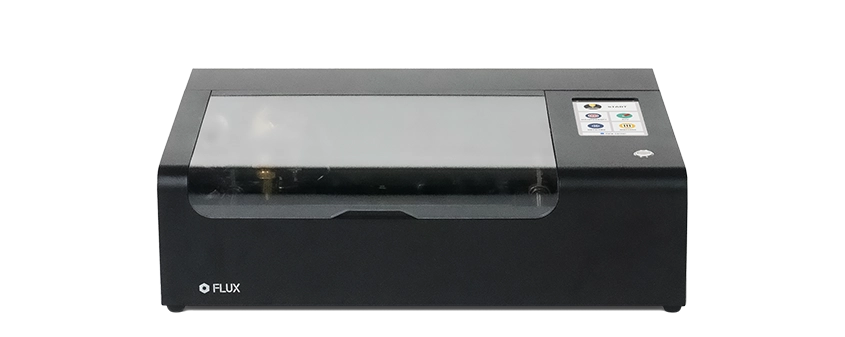
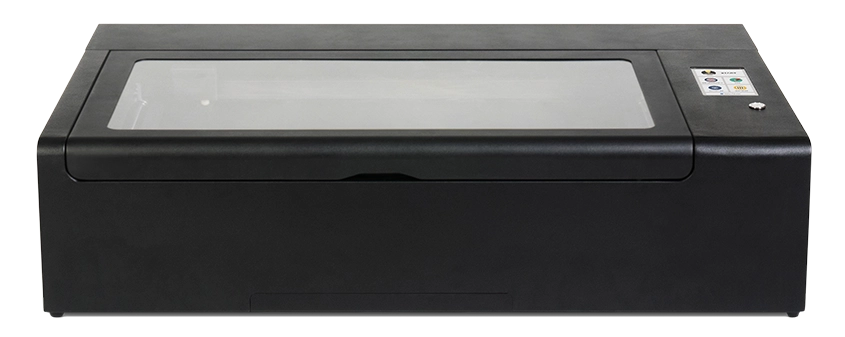
Beambox

The Smart Desktop Laser Cutter & Engraver.

Free Your Inner Artist and Bring Your Ideas to Life.

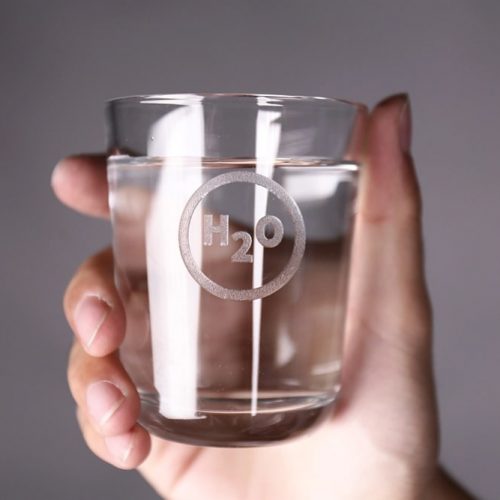
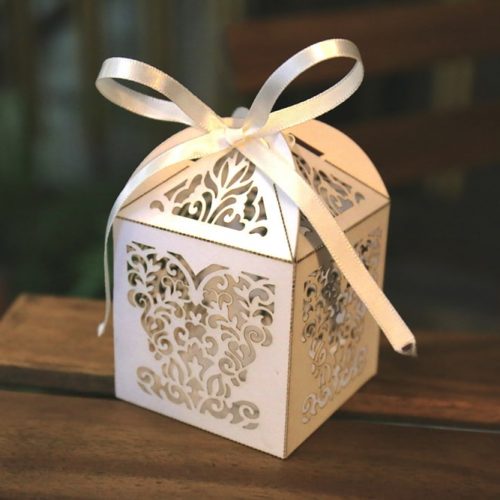
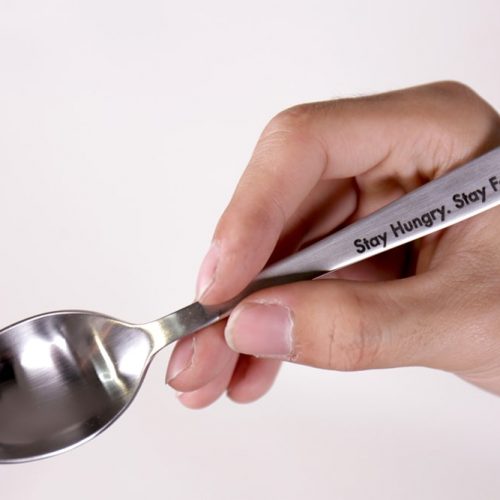
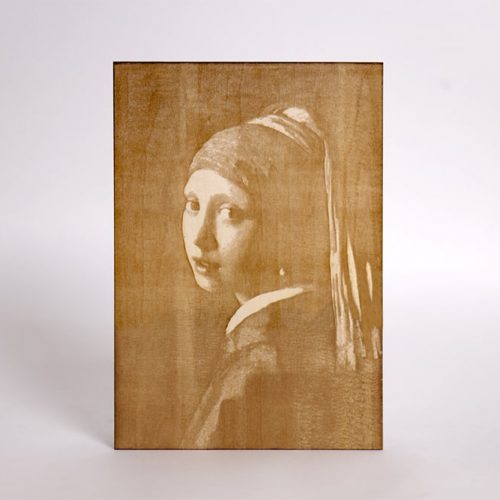
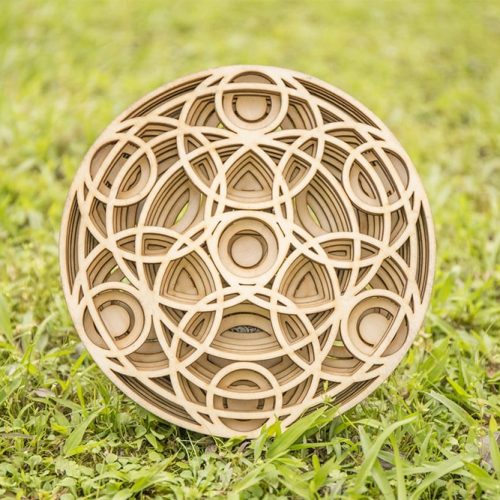
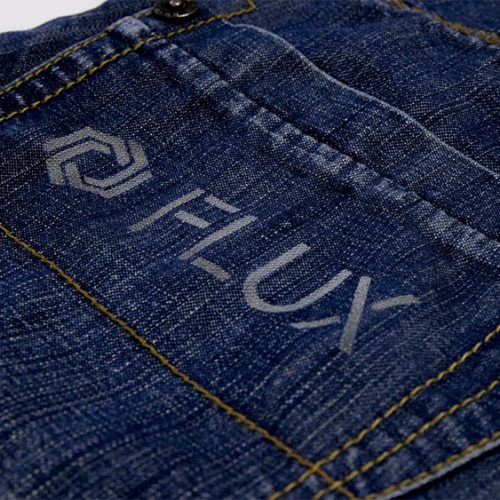
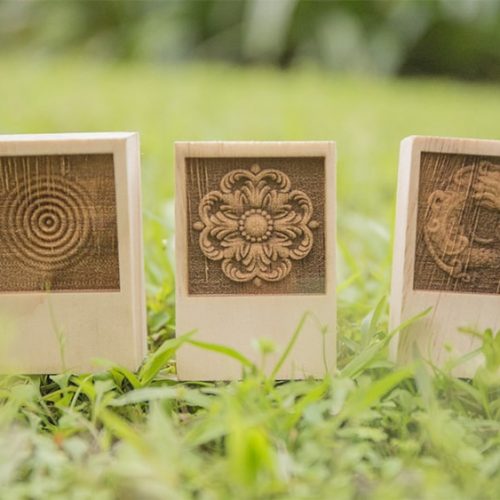
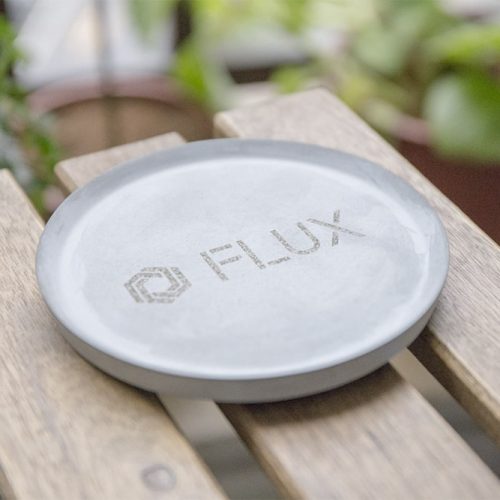
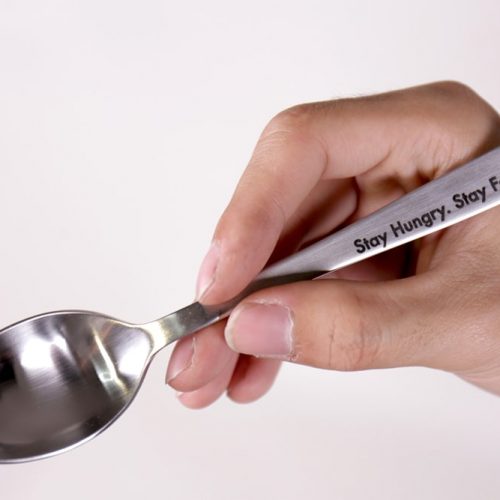
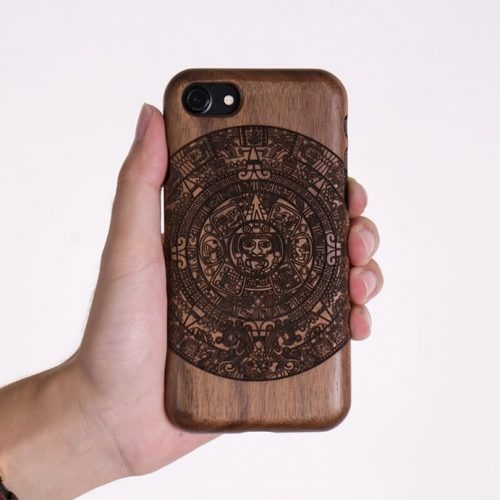
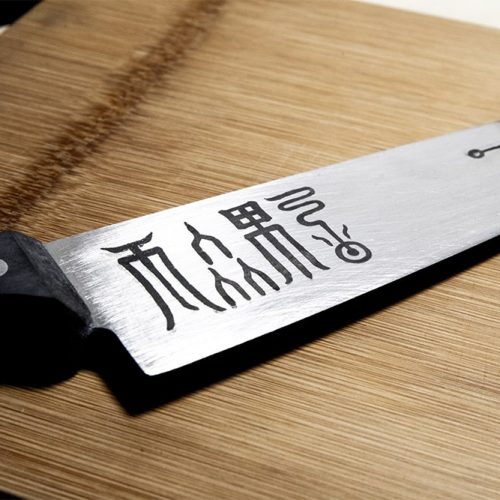
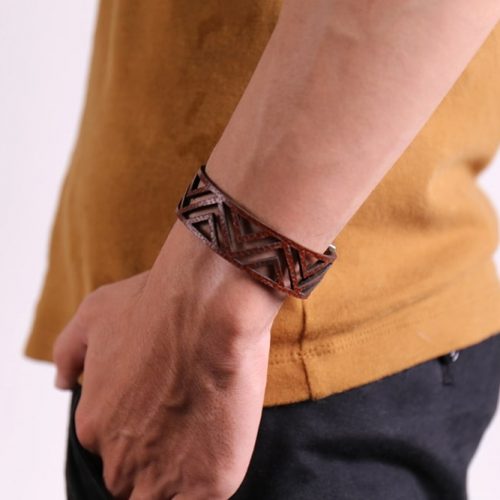
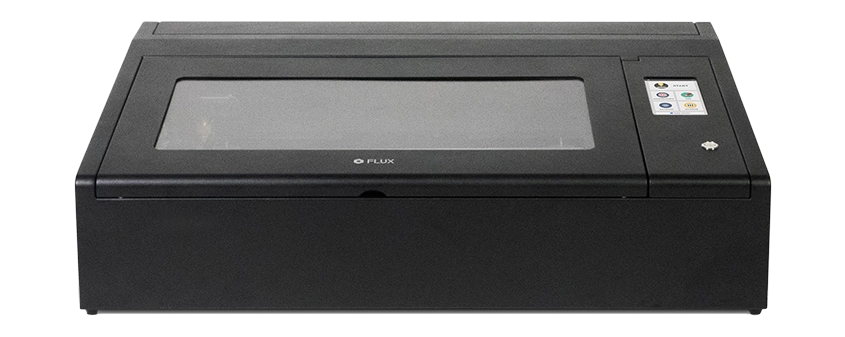
Beambox is a powerful laser cutter and engraver that lets you shape, cut, and engrave on materials like wood, leather, acrylic, and cardboard. Beambox meets all your expectations, and goes way beyond.

From Your Biggest Ideas To Your Greatest Work

Beambox offers a maximum work area of 40 x 37.5 cm² (15.7” x 14.7”) and cuts up to 12mm thick (varies by material).
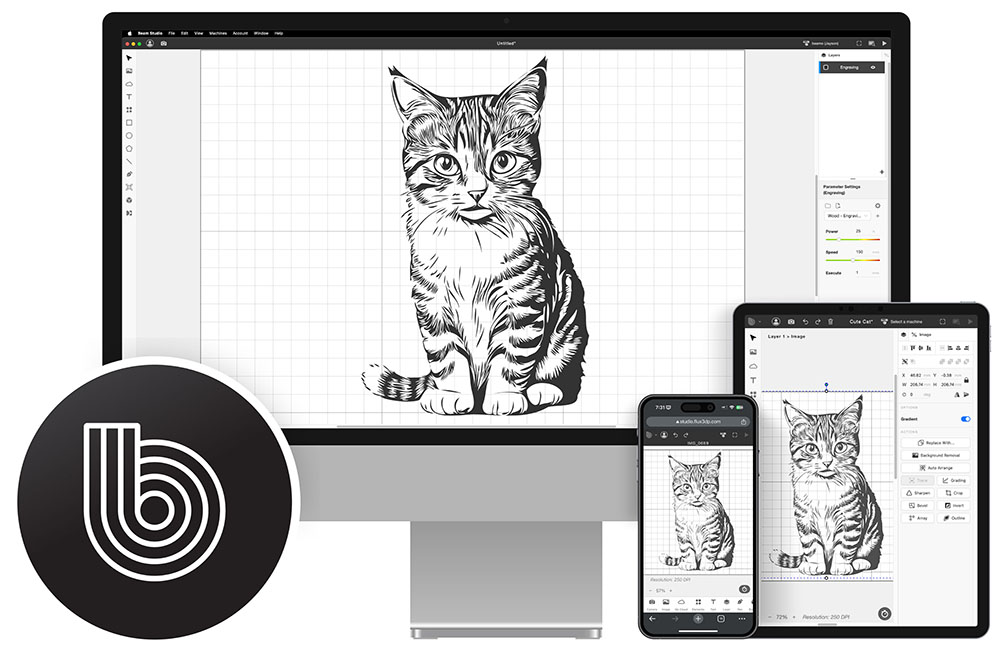
With our highly integrated software Beam Studio, your imagination is the only limit.

Friendly Software for All

Beam Studio is the highly integrated software compatible with Windows, macOS and Linux, its intuitive user interface allows you to easily access all features of Beambox. Beam Studio enables multi-computer control and supports JPG / PNG / SVG / DXF / WEBP files.

Intuitive and Ready to Use

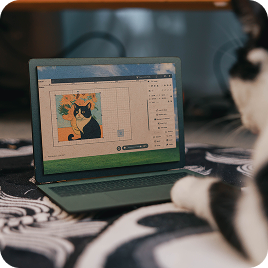
Control and monitor your Beambox at your fingertips with the touch panel. Make sure your design is perfectly aligned using the built-in camera to preview the work area. Compact water cooling system takes simplicity to a whole new level.

What You See is What You Get

The built-in camera allows you to preview your design and the work area to make sure everything is perfectly aligned.

Premium Laser Performance

Equipped with premium quality rails, the performance and the durability of Beambox is unparalleled. Integrated ventilation devices prevent the materials from catching fire and extracts smokes and fumes.

Engrave and Cut Through a Versatile Range of Materials

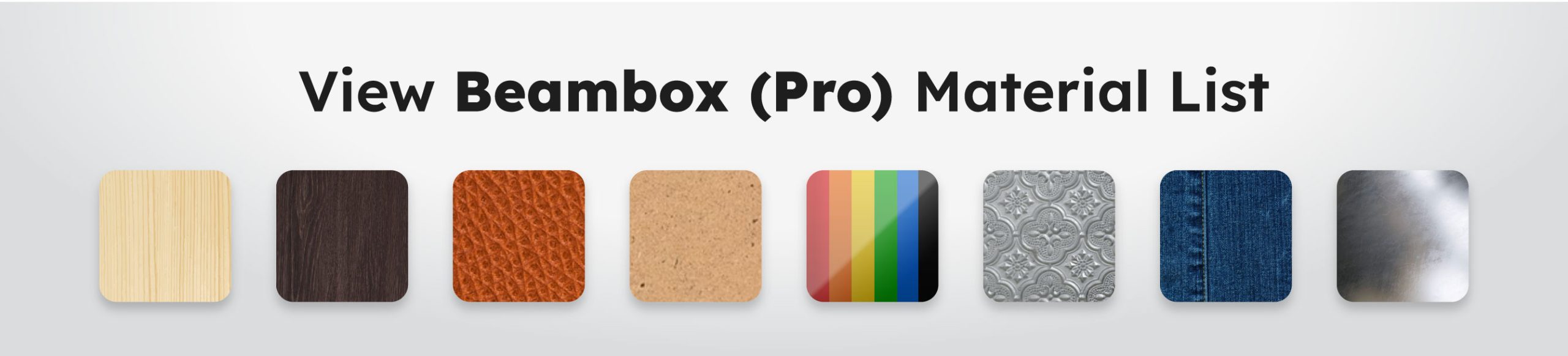
Customize a dynamic range of products in any unique shape or style, add on accessories allow for even more configurations and materials including steel and rounded objects, perfect for your small business needs.

Maximum Compatibility

Beambox Supports Various File Formats

SVG / PNG / JPG / DXF / PDF / AI
Adobe
Illustrator
Adobe
Photoshop
Affinity
Design
Autodesk
AutoCAD
SketchUp
SolidWorks
Sketch
Corel Draw
Rhinoceros

Hear What the Community Has to Say

Over 10,000 satisfied customers are using FLUX Lasers to create meaningful projects or build a fulfilling side business. Listen to some of what they have to say.

Compare Specifications

Models

beamo
Beambox
Beambox Pro
HEXA

General

Dimensions​
615 x 445 x 177 mm
800 x 670 x 250 mm
990 x 670 x 250 mm
1110 x 670 x 273 mm
Weight​
22 kg​
40 kg​
48 kg
58 kg
Work Area
300 x 210 mm
400 x 375 mm
600 x 375 mm
730 x 410 mm
Work Area Depth​
45 mm
80 mm
80 mm
125 mm
(Autofocus: 60mm)
Camera Preview Area
300 x 195 mm
400 x 360 mm
600 x 360 mm
730 x 395 mm
Power
AC 110V/220V
Speed
1-300 mm/s
1-900 mm/s
Touch Panel
1024 x 600 LCD
Camera
HD CMOS
I/O
Wi-Fi / Ethernet / Direct Network Cable
Wi-Fi / USB/ Ethernet / Direct Network Cable

Laser​

Spec​
30W CO2 Laser
40W CO2 Laser
50W CO2 Laser
60W CO2 Laser
Wavelength
10640 nm
Cutting Thickness
0 to 7mm
(varies by material)​
0 to 12mm
(varies by material)​
0 to 14mm
(varies by material)
0 to 21mm
(varies by material)
Some materials may require multiple passes.

Software

Mode
Vector / Graphic (monochrome, gray scale)
Operating System
Windows / macOS / Linux
File Type
JPG / PNG / SVG / DXF / AI / PDF

FAQ

General
1. What is Beambox?

Beambox is the smartest desktop laser cutter & engraver made for your ideas. Equipped with the powerful CO2 laser, Beambox can cut and engrave on organic materials and even engrave on selected metal. With its revolutionary design and intuitive user interface, you’re just steps away from the fun of making amazing things.


2. What is the difference between Beambox Compact and Beambox Pro?

The biggest difference is the laser. Beambox uses a 40-watt laser and can cut up to 12mm, while Beambox Pro uses a 50-watt laser and cuts up to 14mm. The size of Beambox Pro is relatively bigger.

 
3. Will Beambox be difficult to set-up?

Beambox supports files that you’re familiar with, such as JPG, PNG, SVG, DXF, AI and PDF, and our software is very easy to use, with the tutorial provided, you will be making things in no time!

 
4. I’m new to all this, what if I have some questions?

You can easily find answers to the most common questions on our Help Center, which we update regularly. You can also contact our customer support online and our support team will be more than happy to help you.

 
5. What is the warranty?

We provide a 12 month warranty for Beambox, and 3 month for the laser tube. If you’ve encountered an issue, please contact our technical staff, and our staff will determine the suitable fix. Parts and tutorials will be provided if needed, shipping will be charged.

About Shipping
1. How much does shipping cost?

To find out about shipping, go to your shopping cart and select your country from the drop-down list.


2. Will there be customs and taxes?

The recipient of an international shipment may be subject to import taxes, customs duties and fees which are levied once a shipment reaches the recipient's country. Additional charges for customs clearance must be fulfilled by the recipient. Customs clearance procedures may cause delays beyond our original delivery estimates.

About Laser
1. What's the wattage of the laser tube?

Beambox is equipped with a CO2 laser tube operating at 10,640 nm averages 40W for Compact, and 50W for the Pro.


2. What materials can Beambox cut and engrave?

Beambox can cut and engrave on wood, leather, cardboard, acrylic, rubber, foods and more, the maximum cutting thickness is 12mm (varies by material) for Compact. The Pro model can cut up to 14mm (varies by materials). Beambox can also engrave on anodized aluminum and stainless steel, but the power levels are not enough to cut.

 
3. Is it possible to cut deeper than the maximum cutting thickness stated in the specs?

If you slow down the speed or re-do the cut, you can cut deeper.

 
4. Does the camera cover the complete work area?

Almost, the camera will miss the upper margin by 1cm. Please see the specs for the dimensions.

 
5. What safety precautions should I take?

Beambox is designed with various safety measures, such as smart lid detection and emergency power switch. Nevertheless, it is required that you never leave Beambox unattended while operating.

 
6. Can Beambox cut metal?

The power levels are not enough to cut, but it can etch on anodized aluminum and stainless steel with the use of our specialized coating.

 
7. What is FLUX Stainless Steel Coating?

You can engrave on stainless steel with Beambox only when it is coated with our specialized coating. Before you start, cover the material first with the coating for lasting results.

 
8. How do I vent the machine?

Beambox is equipped with an air pump and a powerful exhaust. The air pump prevents the material from catching fire while the exhaust extracts smoke and fumes.

 
9. What is the size of the work area?

The work area is 15.7” x 14.7” x 3.1“ (40 x 37.5 x 8 cm) / 23.6” x 14.7” x 3.1 (60 x 37.5 x 8 cm) There’s a honeycomb structure tray for materials that are up to 3 cm (1.18”) thick. The tray can be adjusted manually or removed to accommodate materials up to 8 cm (3.15”) thick.

 
10. Where should I put my Beambox?

The laser creates smoke and fumes when operating, we advise you pick a well-ventilated location and use the included exhaust hose for outdoor venting.

 
11. What maintenance procedures are there?

To ensure the quality of the laser engraving or cutting, you should check and clean the lenses and mirrors regularly. Usually once every week, but it depends on your usage and frequency.. Lubricate the rails and check the water level of the cooling tank regularly.

 
12. Are there any consumables?

For general usage, the laser tube lasts 6 months to 1 year, The lenses and mirrors lasts 1 year or more under regular maintenance. If replacement is necessary, you can refer to our tutorial to change the parts on your own. We’re still working on the pricing and we will update them as soon as possible.

About Software
1. Is Beam Studio free?

Yes, it is totally free. You’re more than welcome to download it even before receiving your Beambox. We’d love to hear your feedback!


2. What file types does Beam Studio support?

Beam Studio is compatible with JPG, PNG, SVG, and DXF.


3. What is the touch panel?

You can start, pause and stop task, control, and monitor the status of your Beambox all with a touch of the finger with the touch panel.


4. Can Beambox operate independently?

If you import the files to Beam Studio first, the files will be uploaded to Beambox before starting the task, so you can disconnect your computer from Beambox anytime. You can also import the files to Beambox directly using USB or choose from the recent task list on the touch panel.


5. How to connect Beambox with my laptop?

You can connect via Wi-Fi or Ethernet.


6. What operating systems does Beam Studio support?

Beam Studio is compatible with Windows, macOS and Linux.
Metal in Action
That Takes beamo II to limits.

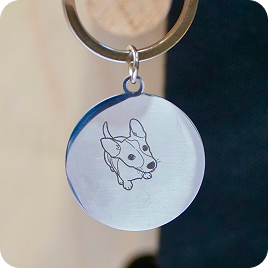
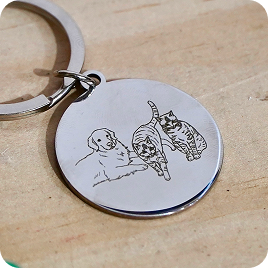
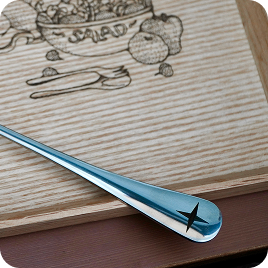
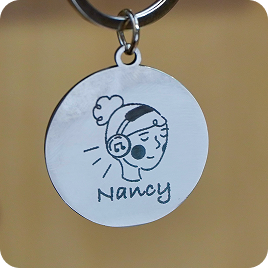
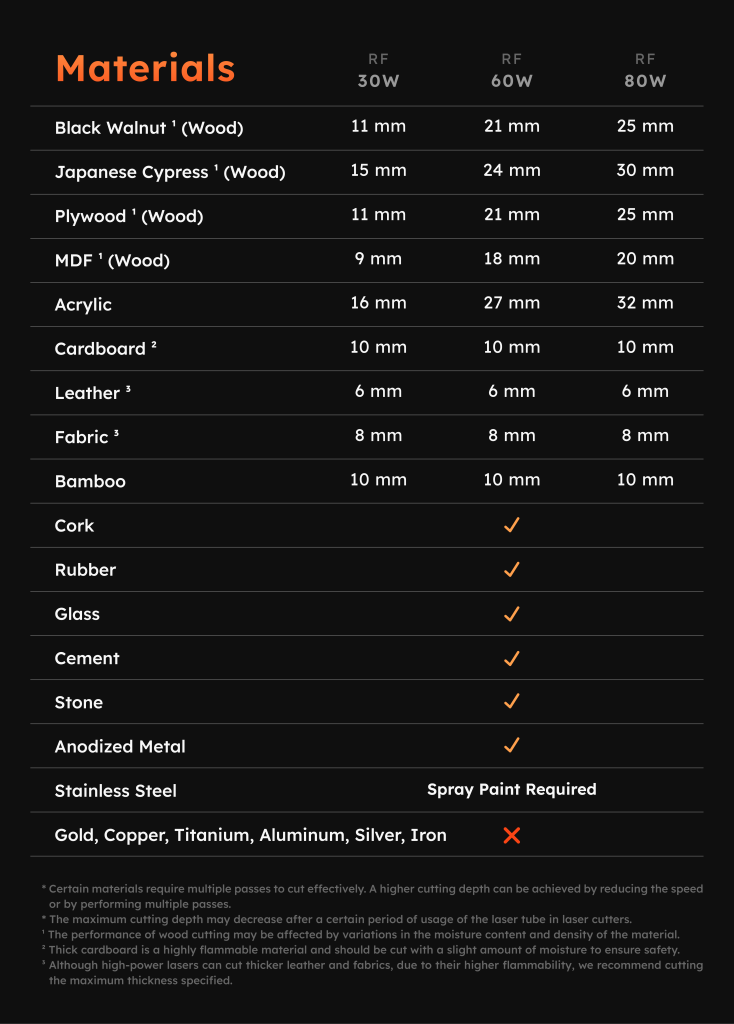
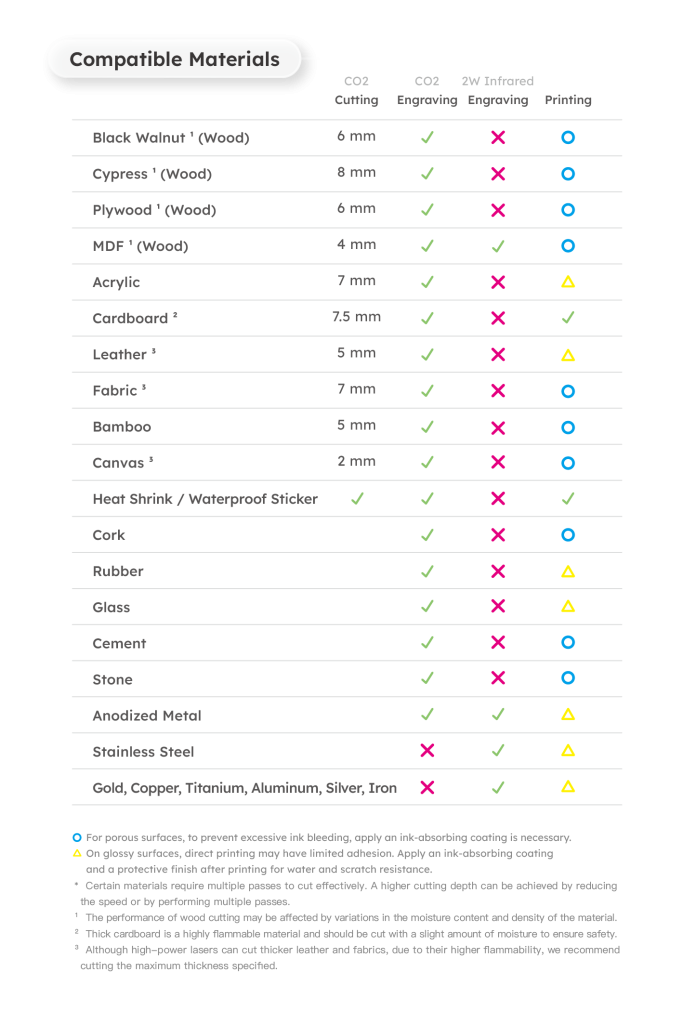
With the 2W Infrared Laser Add-on, beamo II can engrave not only acrylic, wood, glass, and leather, but also gold, silver, copper, iron, aluminum, and more.

Pet Tag

Custom Tag

Metal Tableware

Custom Keychain

Unlock All Metal in beamo II

Whether it’s custom metal jewelry, one-of-a-kind medals, or personalized tags and tools, the 2W Infrared Laser Add-on engraves smoothly on any metal like object.

Laser in Color,
That Makes beamo II More Fun.

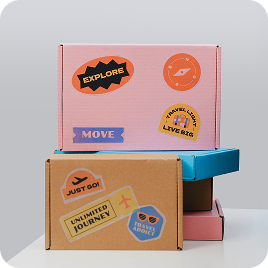
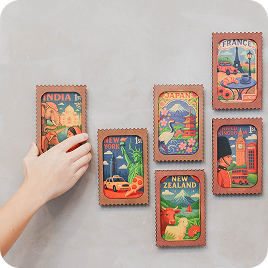
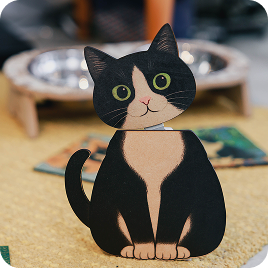
beamo II brings full-color printing to your laser projects without removing the laser module. CMYK colors are applied in a single pass, delivering vibrant hues and fine, intricate details. From subtle gradients to bold patterns, every creation comes to life with stunning clarity.

Custom Stickers

Laptop Models

Custom Decorations

Custom Standees

Go Full Color

beamo II delivers full-color laser projects in a single pass without removing the laser module. CMYK colors appear together with vibrant hues and intricate details. Every gradient, every pattern, every design comes to life seamlessly, from your first idea to the finished creation.

Expand More with CO2 Laser

beamo II is the first CO2 laser cutter with full-color printing, applying CMYK in a single pass. Colors are pure, layers are clear, and details are crisp. From subtle gradients to bold patterns, every design comes to life with vivid precision.

600 DPI. Color That Impresses.

beamo II prints with up to 600 DPI precision. Colors are rich, gradients smooth, lines sharp, shadows layered. Every detail is captured exactly as you imagined. From professional portfolios to one-of-a-kind gifts, every creation shines with stunning clarity.

30W CO2 Laser,
That Does it All.

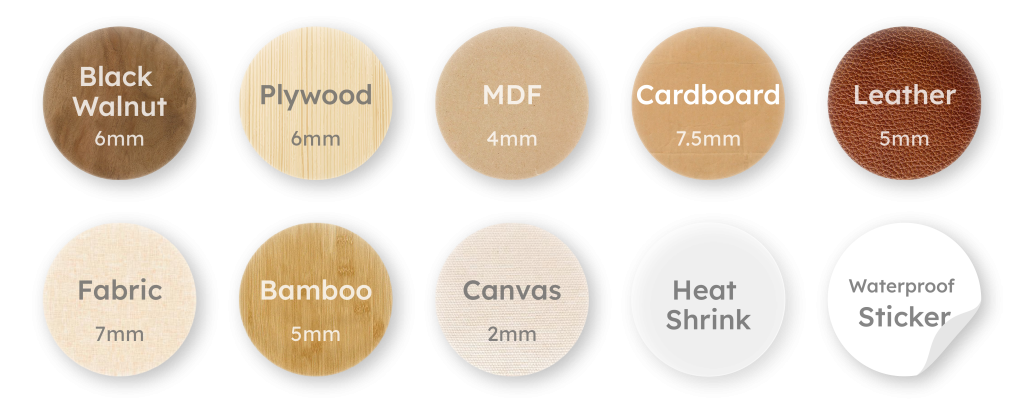
beamo II comes with a 30W CO2 laser, precise, powerful, and ready to bring your ideas to life. From wood, leather, cardboard, and fabric, to transparent or vibrant acrylic, it cuts cleanly and engraves delicately. No limits. No delays. With Beamo II, every idea becomes reality.

Birthday Stand

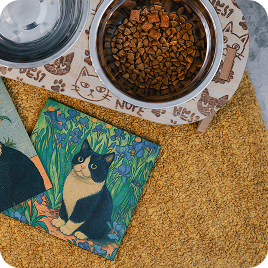
Custom Pet Bowl

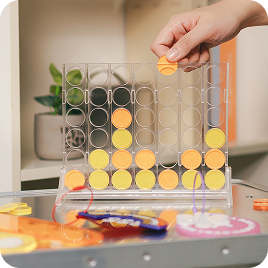
Puzzle Game

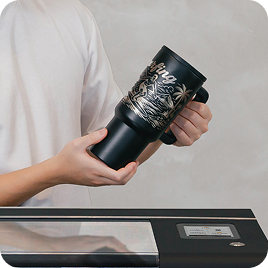
Custom Tumbler

Engrave & Cut Effortlessly

From delicate crafts to unique gifts, from classroom experiments to professional designs, beamo II handles every project with ease. Every cut and engraving transforms inspiration into reality.

Look Closer, See the Detail.

Even the finest textures and most intricate designs come through with stunning clarity. With up to 1000 DPI precision, beamo II brings delicate charms, one-of-a-kind gifts, and demanding professional projects to life—flawless, even under close inspection.

Add a Pop of Color!

beamo II is the world’s first CO2 laser cutter with CMYK printing. With CMYK printing in a single pass, colors are pure, layered, and more vibrant than ever. From subtle gradients and bold patterns to intricate design details, beamo II brings every creation to life

There’s More Room for Your Ideas.

Want to tackle thicker materials or explore more advanced creations?
 With beamo II’s Extension Base Add-on, the engraving height increases from 1.2 inch to 6.1 inch, making it easy to work with thick objects. Pair it with the Automatic Feeder and Chuck Rotary, and you unlock even more creative possibilities.

No More Limits on Length.

Handle materials longer than the machine itself with ease using the Auto Feeder Add-on. From long wooden boards and extended acrylic sheets to other elongated designs, everything can be engraved, cut, and printed smoothly. Length is no longer a limitation.
*Requires the Extension Base Add-on.

Circle Back to Your Creativity

With beamo II’s Chuck Rotary Add-on, you can extend your ideas to a variety of objects. From glass cups and wine bottles to baseballs, everything can become a one-of-a-kind creation.

*Requires the Extension Base Add-on.

Keep Your Space Clean

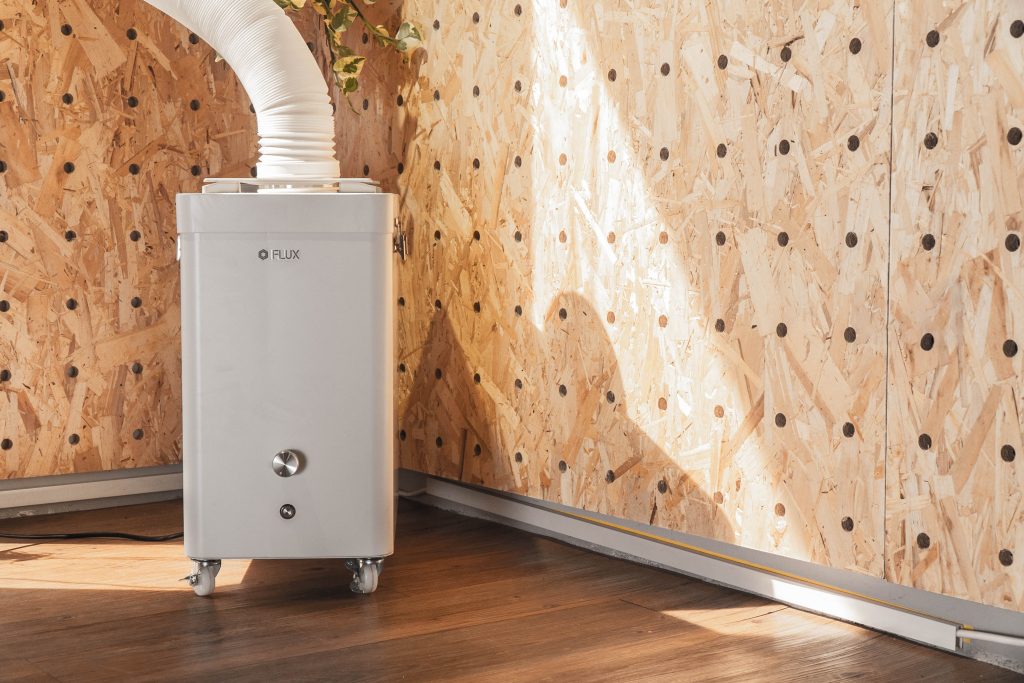
Creativity needs room to breathe, and so do you. With Beam Air, smoke and odors from laser engraving are efficiently captured, keeping your workspace fresh and clean. Whether at home, in a studio, or a shop, Beam Air protects your environment so you can focus on every creation with confidence.

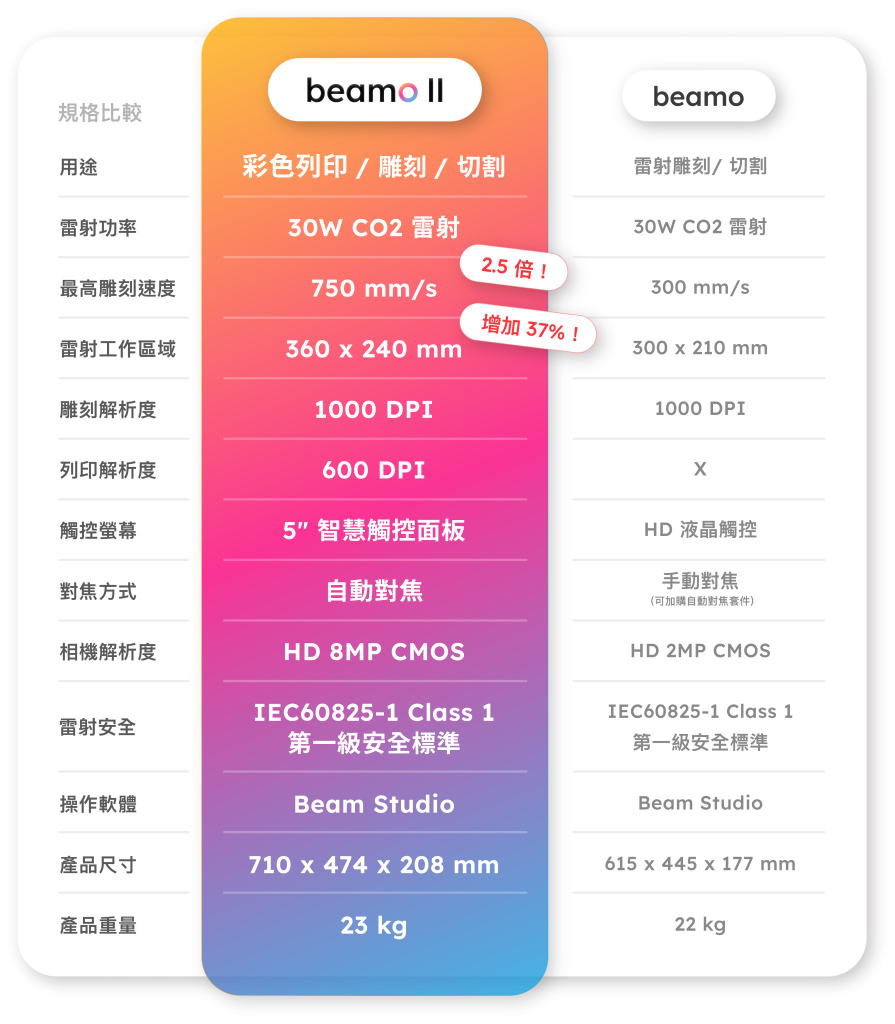
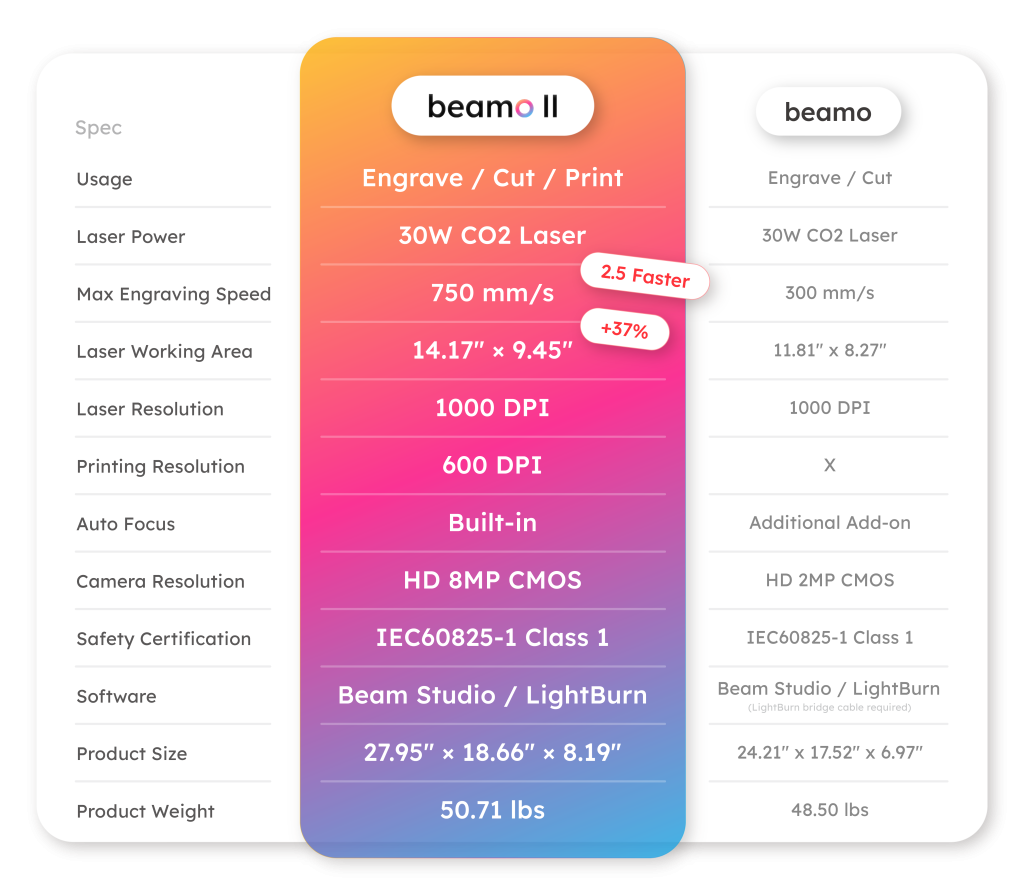
一次看懂兩代的不同