In this article
- 01Difference between Open Frame & Enclose Lasers
- 02What is Open Frame Laser
- 03Who Benefits from Open Frame Lasers?
- 04What is Enclose Laser
- 05Who Benefits from Enclosed Lasers?
- 06Choosing the Right Laser: Enclosed vs. Open Frame
- 07Laser Classification
- 08What is Class 1 Laser
- 09FDA Laser Classifications:
- 10Why does Class 1 laser matter
- 11Safety Tips and Routine
- 12Regular Maintenance
- 13Post-Operation Cleanup
- 14Ensure Proper Ventilation
- 15Your Best Choice for Enclosed Diode Laser - FLUX Ador
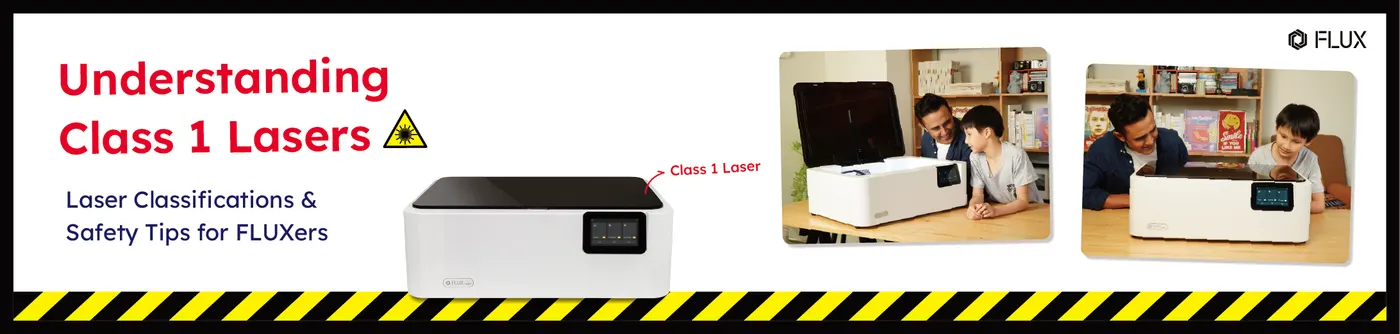
In recent years, the proliferation of desktop laser cutters has revolutionized the creative landscape, catering to diverse needs such as cutting thickness, working area, and engraving speed. Beyond selecting a laser cutter based on its operational characteristics, safety features have emerged as a critical consideration for many users. This concern often guides the decision-making process, with the choice between open frame and enclosed laser cutters serving as a key distinguishing factor.
Difference between Open Frame & Enclose Lasers
What is Open Frame Laser
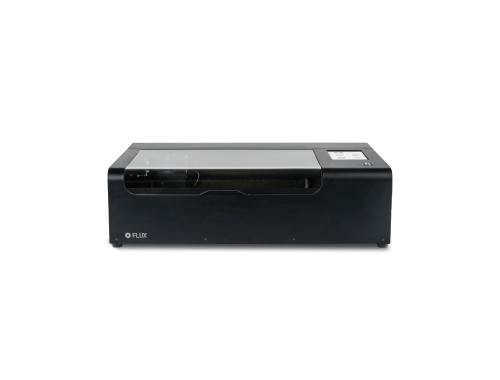
Open-frame laser cutters are typically more accessible and allow easier observation of the cutting process. However, they require careful handling:
Pros :
- Increased Visibility: Users can directly observe the cutting or engraving process, facilitating immediate adjustments.
- Ease of Access: Simplifies the placement and removal of materials.
- Cost-Effectiveness: Generally less expensive than their enclosed counterparts.
Cons
- Safety Risks: Higher exposure to laser beams can pose risks if safety protocols are not meticulously followed.
- Environmental Exposure: The laser and material are more exposed to the surrounding environment, which can affect operation.
- Noise Levels: Typically louder, which might be a consideration in noise-sensitive environments.
Who Benefits from Open Frame Lasers?
Open frame lasers offer unique advantages for specific applications. Ideal for projects requiring larger or irregularly shaped materials, these lasers provide greater accessibility and adaptability. Users in environments where precision and customization are paramount, such as advanced workshops, large-scale artistic installations, and research settings, often find that open frame lasers meet their needs effectively.
What is Enclose Laser
An enclosed laser cutter is a type of laser-cutting machine that features a protective housing surrounding the laser mechanism. This enclosure serves several purposes:Pros:
- Enhanced Safety: Enclosures protect against accidental exposure to the laser, with safety interlocks that ensure operation only when closed.
- Noise and Debris Control: They contain noise and prevent debris and smoke from escaping, enhancing the cleanliness and safety of the workspace.
- Improved Air Quality: Integrated exhaust systems filter out harmful fumes and particles, crucial for materials that emit hazardous fumes.
- Size and Space: Enclosed systems have a larger footprint, requiring more space, which can be challenging in smaller workshops.
- Accessibility and Visibility: Enclosures can hinder access for setup and maintenance and may reduce visibility, affecting monitoring.
- Heat Dissipation: The enclosed space can trap heat, necessitating robust cooling systems to prevent overheating.
- Limited Flexibility: The design restricts material size and type, and makes component upgrades more cumbersome, limiting adaptability without significant modifications.
Who Benefits from Enclosed Lasers?
Enclosed lasers are particularly suited for environments where safety and ease of use are critical. They are ideal for educational institutions, hobbyists, and small businesses that prioritize user safety and regulatory compliance. These lasers minimize exposure to harmful laser radiation and are designed to operate quietly and cleanly, enhancing the user experience. Schools, libraries, and community makerspaces benefit from these features, which allow users of all skill levels to engage with laser technology safely and effectively.
Choosing the Right Laser: Enclosed vs. Open Frame
When deciding between an enclosed and an open frame laser, consider your primary requirements for safety, space, and project type. Enclosed lasers are perfect for educational settings, small businesses, and areas prioritizing user safety with minimal setup. On the other hand, open frame lasers suit users looking for flexibility and ease of access for larger scale projects. Both options offer significant benefits, and the choice largely depends on your specific operational needs and environment.
Laser Classification
What is Class 1 Laser
Class 1 lasers are categorized as the safest type of lasers according to the FDA’s laser classification system. They are designed such that under normal operating conditions, they do not emit radiation at levels harmful to users or bystanders. Typically, these lasers are fully enclosed, as the enclosure prevents exposure to harmful laser radiation, aligning with why they are often preferred in environments requiring stringent safety measures.
FDA Laser Classifications:
- Class 1 Lasers:Considered the safest class, these lasers are completely enclosed to prevent exposure to any hazardous laser radiation. Typical power output is less than 0.4 µW, making them incapable of producing harmful radiation under normal operating conditions. Examples include some types of laser printers and CD/DVD players.
- Class 2 Lasers: These emit visible light only, with a power output of up to 1mW. They are considered safe because the natural blink reflex will protect the eye in the event of accidental exposure. Commonly used in classroom laser pointers or aiming devices.
- Class 3R Lasers: Have a slightly higher risk, emitting power between 1mW and 5mW. While not hazardous for brief unintentional exposure, they can be dangerous if viewed directly with optical instruments. Usage includes consumer laser levels and gun sights.
- Class 3B Lasers: Direct exposure to these lasers can result in eye injury, with power outputs ranging from 5mW to 500mW. These require safety measures like protective eyewear and restricted access during operation. Applications include scientific and medical lasers.
- Class 4 Lasers: The highest and most dangerous class, with outputs exceeding 500mW. They can cause skin burns, eye damage, and even ignite combustible materials. Extensive safety controls are necessary, such as emission indicators, beam stop or attenuator, and safety training for users.Typical uses include laser cutting, welding, and other industrial applications.
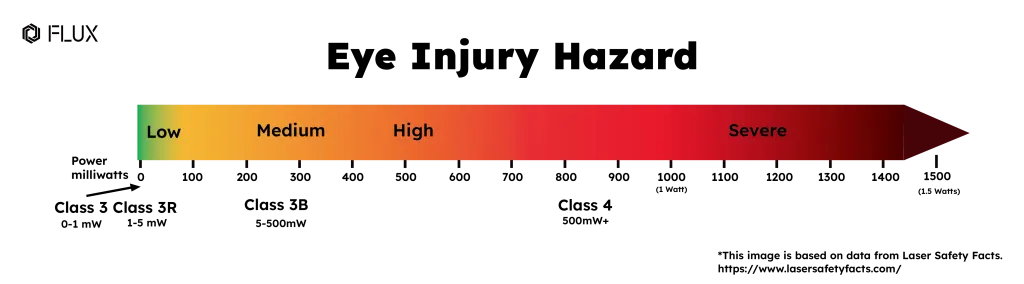
This classification helps users understand the level of precaution necessary for different lasers and why Class 1 is ideal for safer, more controlled environments.
Why does Class 1 laser matter
Class 1 lasers, which are fully enclosed to prevent any exposure to harmful radiation, represent the highest standard of laser safety. FLUX lasers fall into this category, ensuring maximum protection for users. This classification is particularly vital in settings where safety is paramount, such as educational institutions, shared workspaces, and areas frequented by non-experts. The inherent safety of Class 1 lasers not only guards against accidental exposure but also eases regulatory compliance and minimizes the need for safety training and protective equipment. Their dependable safety features make FLUX lasers ideal for fostering broader adoption of laser technology in environments that prioritize user protection.
Safety Tips and Routine
Regular Maintenance
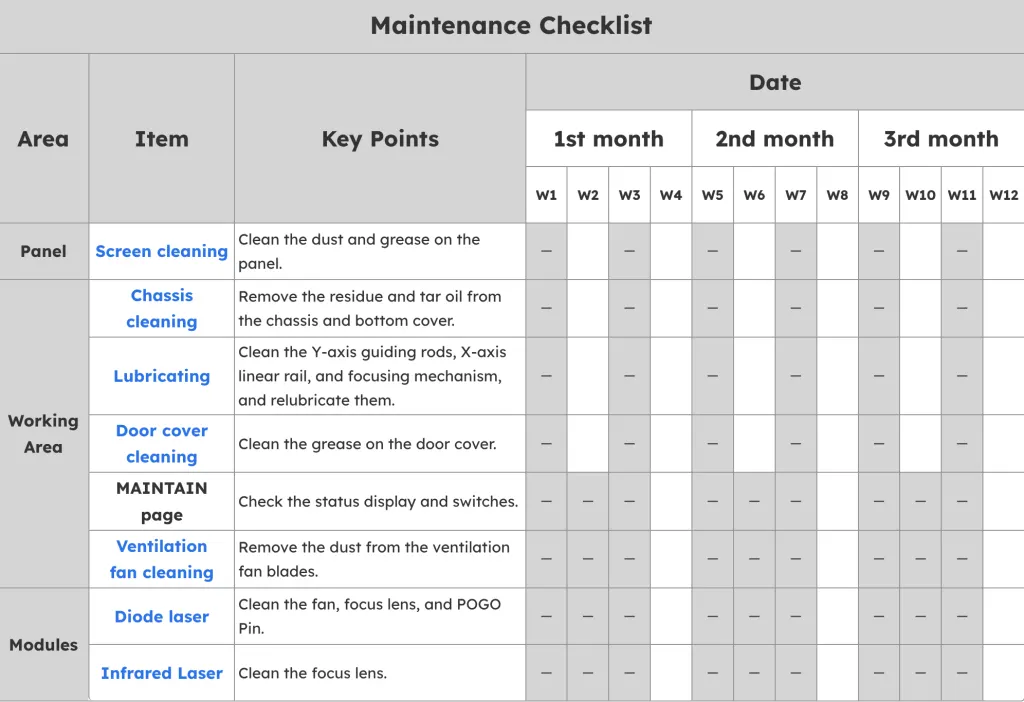
Conduct regular inspections and maintenance on your FLUX laser cutter to ensure all safety mechanisms are operational. Keep the cutter clean to prevent any build-up and routinely check for potential malfunctions or damage that could pose safety risks. The FLUX Help Center offers a Maintenance Checklist and detailed maintenance procedures for each model of FLUX lasers. Following these guidelines will help maintain your laser cutter in optimal condition and uphold safety standards.
Post-Operation Cleanup
After completing each laser cutting project, it is crucial to thoroughly remove all dust from your workspace. Regular cleaning not only minimizes the risk of fire hazards from combustible materials left in the area but also ensures that the air quality is maintained, protecting you from potentially harmful fumes and particles. This practice not only enhances the safety of your working environment but also prolongs the lifespan of your equipment by keeping it free from obstructive debris.
Ensure Proper Ventilation
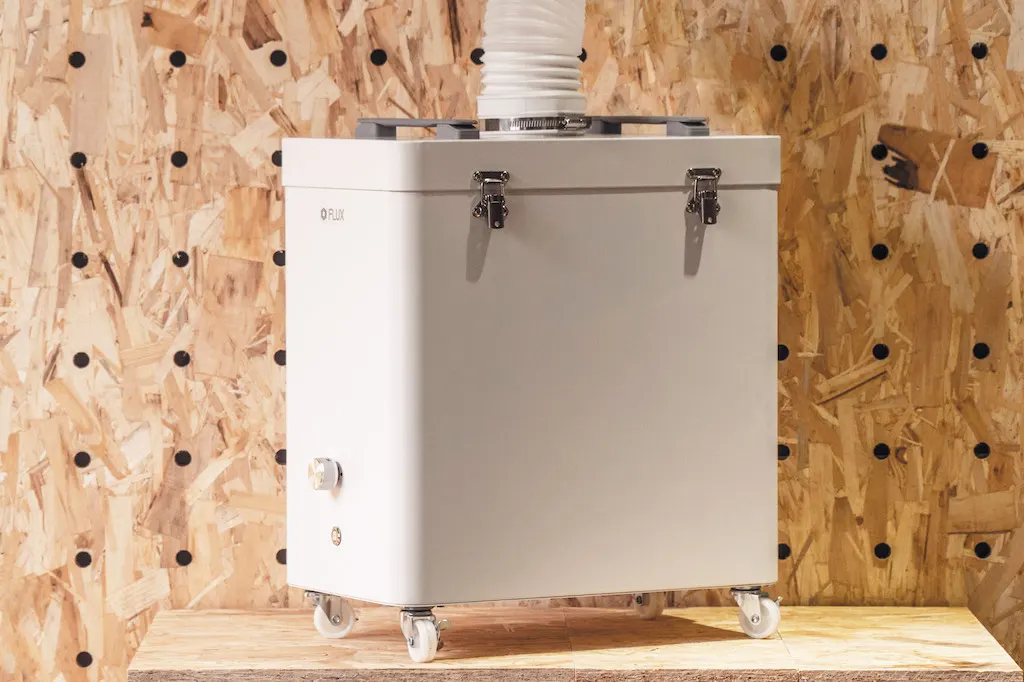
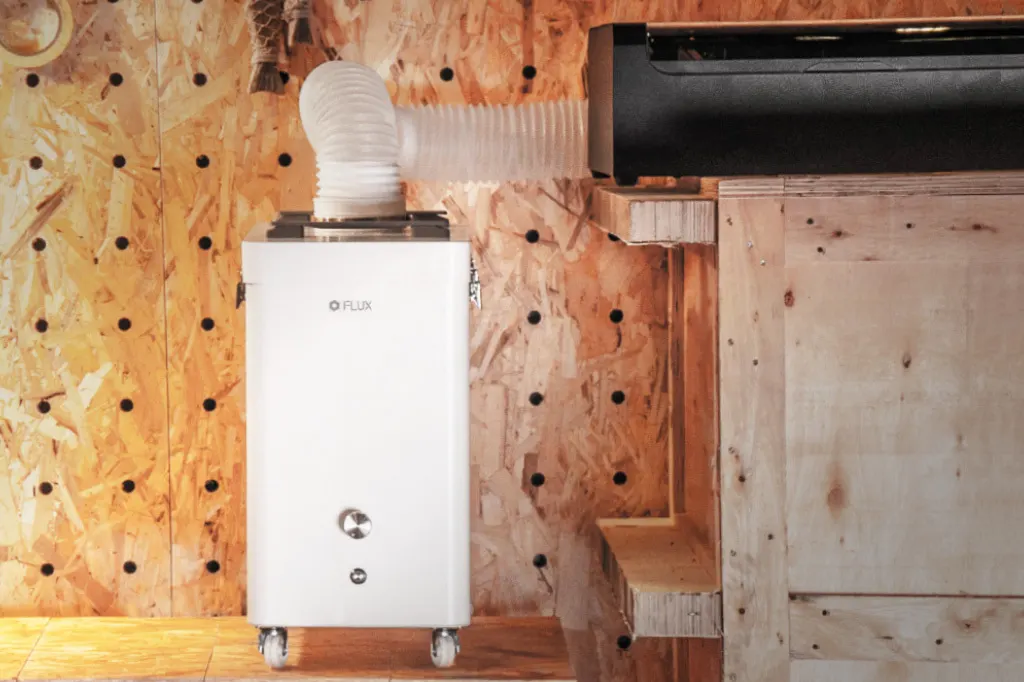
Lasers can produce fumes and smoke during operation, necessitating an effective ventilation system to purify the air before it circulates back into the room. The FLUX Beam Air series is designed specifically for this purpose, featuring a four-stage filtration system that significantly improves the air quality in your workspace.
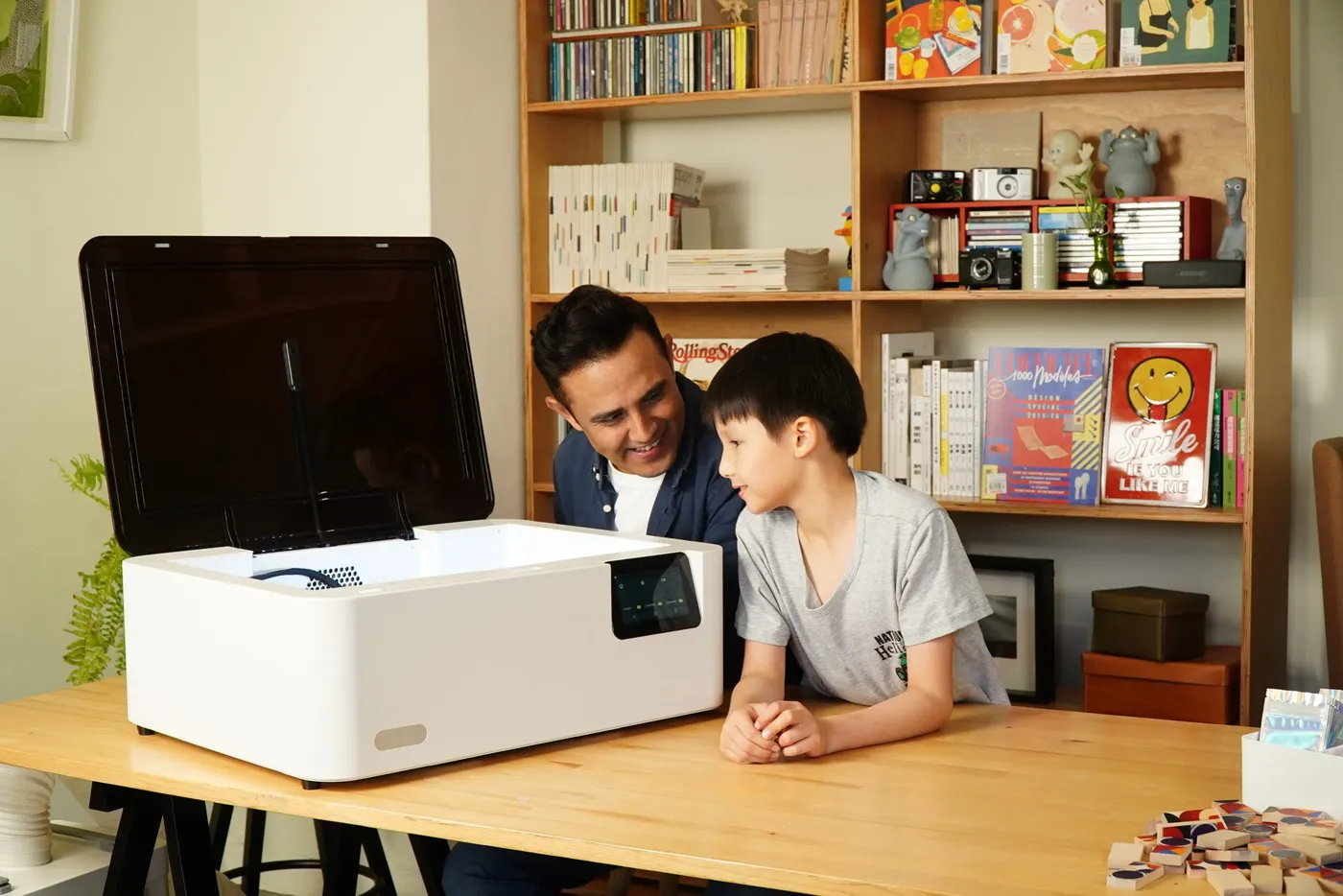
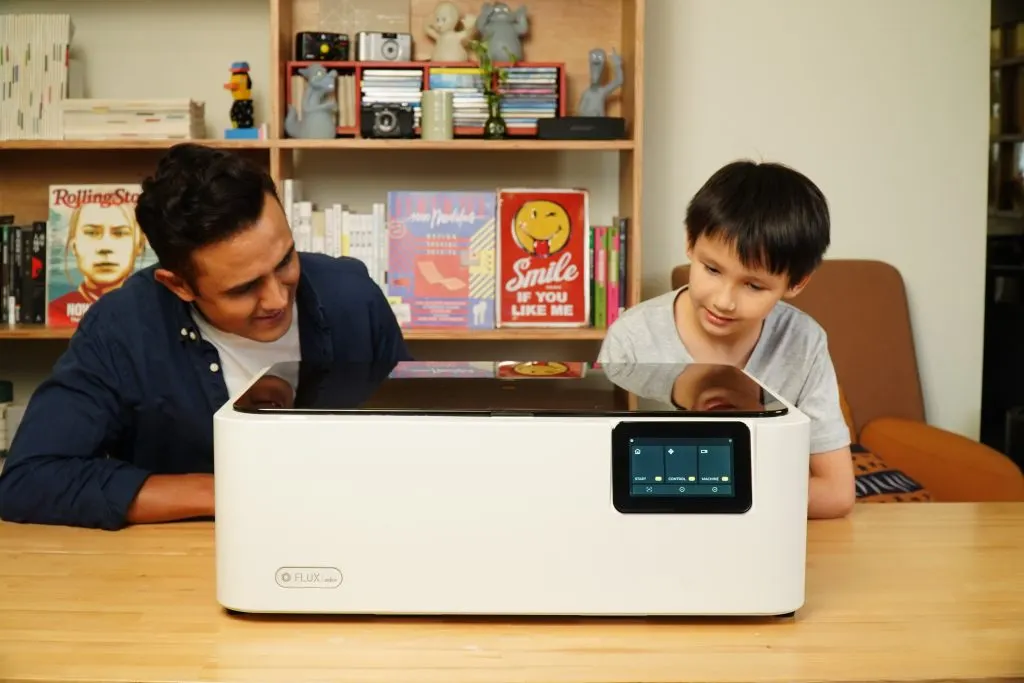
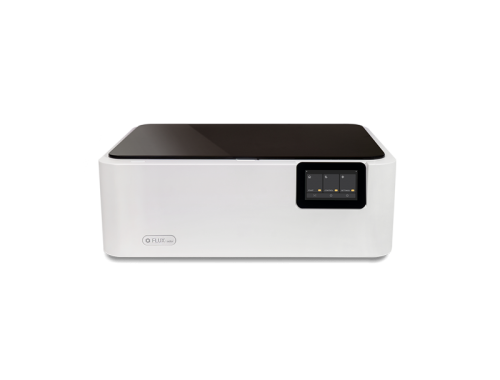
FLUX Ador Color Printing Laser Cutter is not only user-friendly and versatile with its 3-in-1 module design, but it’s also a Class 1 Diode laser cutter. FLUX Ador features an enclosed design using OD5-grade materials that block over 99.999% of laser light, ensuring user safety. Additionally, it includes an emergency button that instantly cuts power, enhancing safety during urgent situations. These characteristics make Ador an ideal choice for educational environments and shared workspaces, emphasizing its status as one of the safest diode laser cutters on the market.