
Beam Studio

Redefining Possibilities, Simplifying Mastery.

* Web-version only supports Firmware v3.5.2 & above.
* Recommend using Google Chrome or Safari.​

What is Beam Studio?

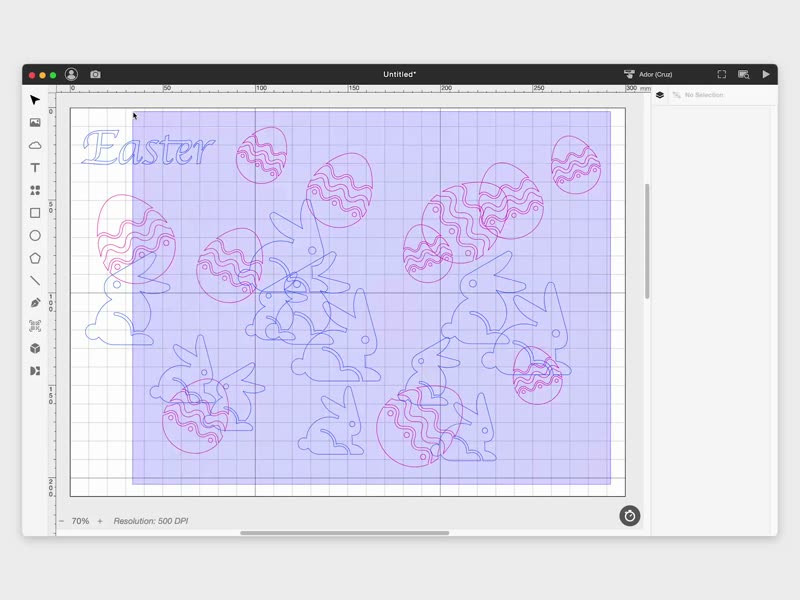
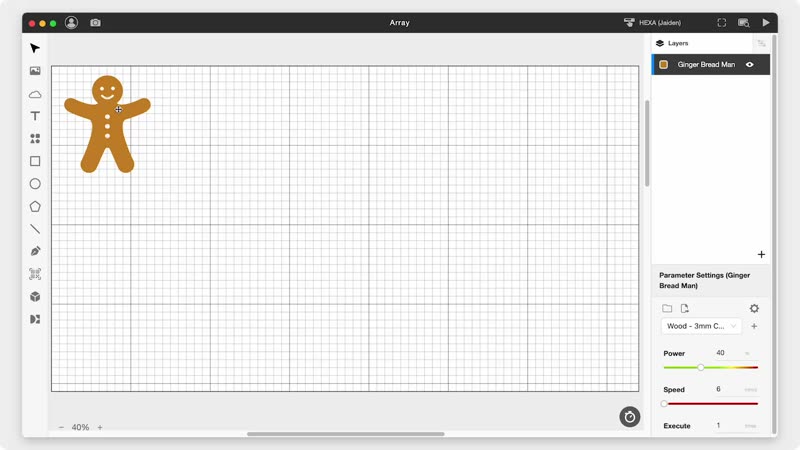
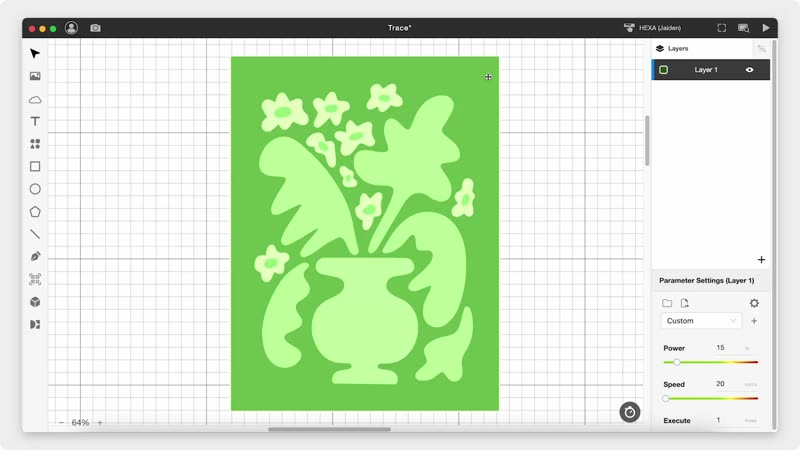
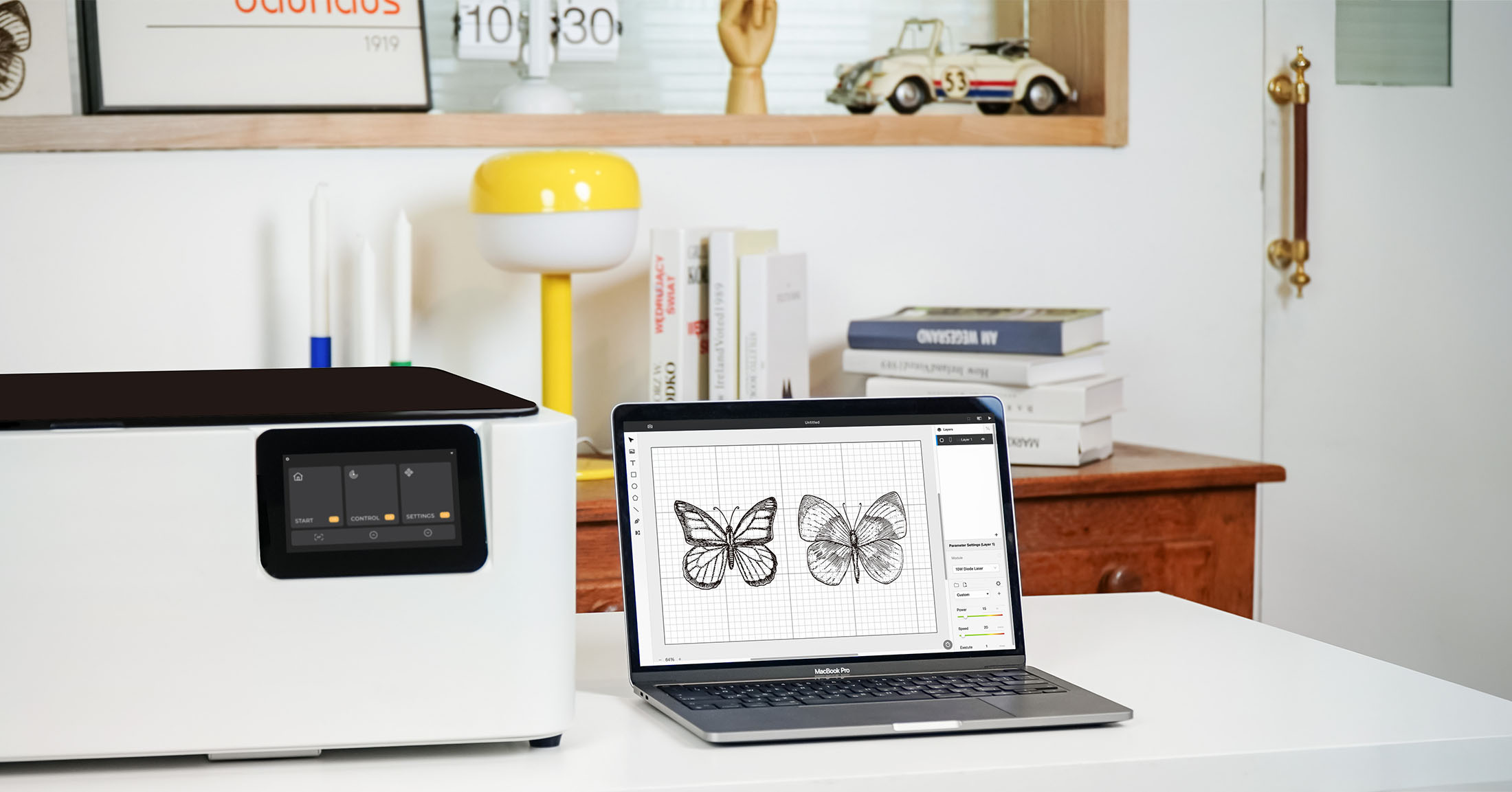
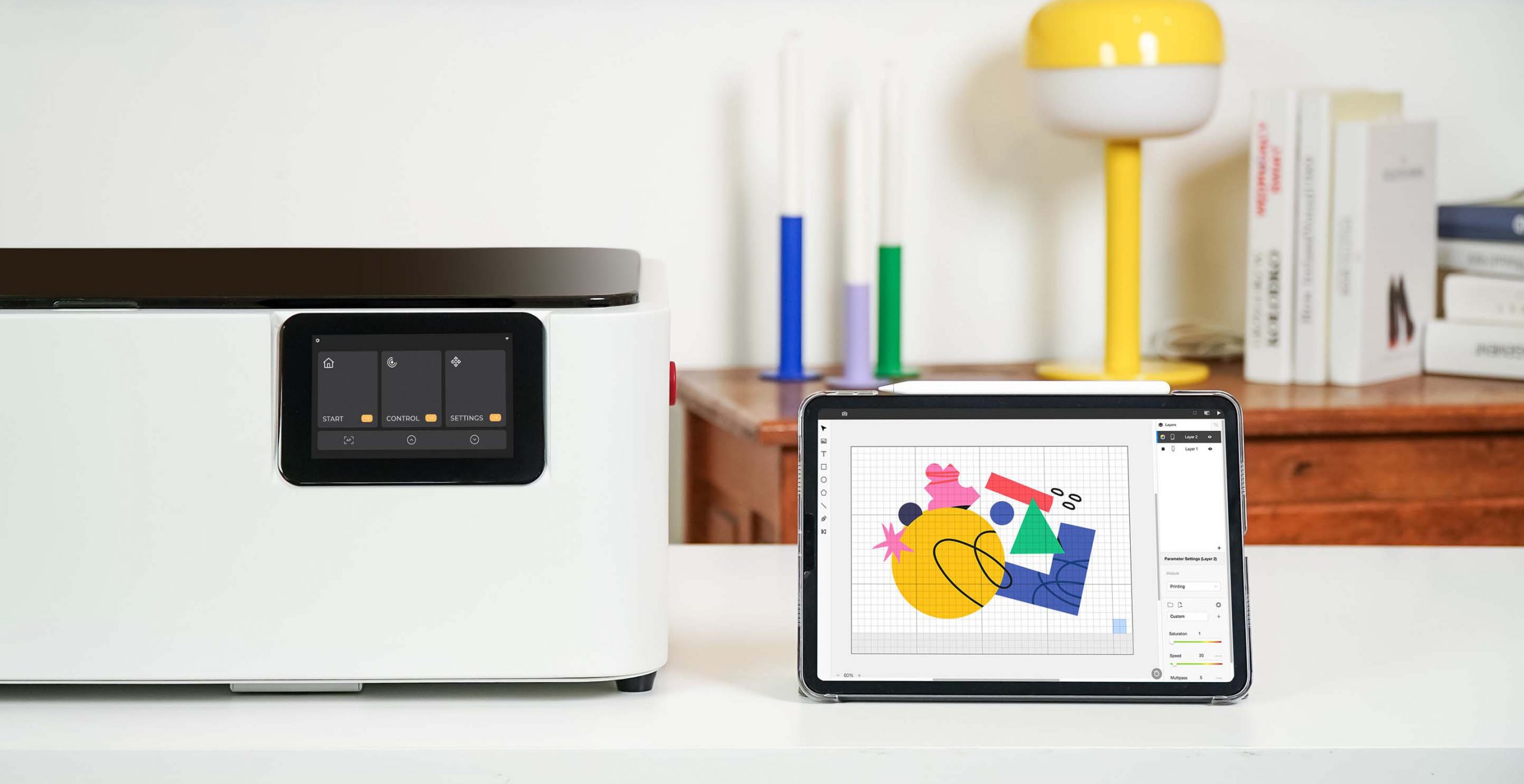
Free laser cutter software built for FLUX Lasers, Beam Studio works on desktop, tablet, and mobile, enabling seamless creation across multiple platforms.

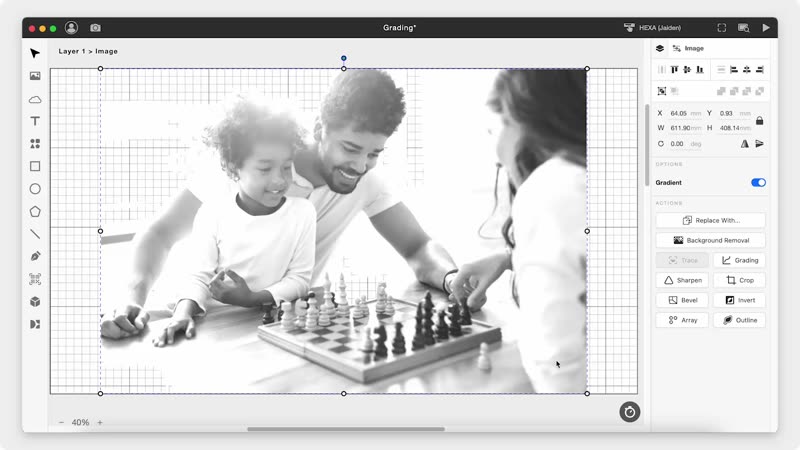
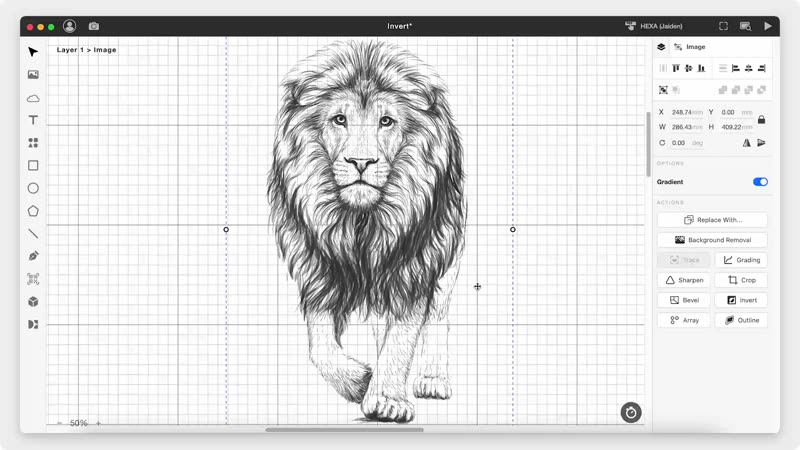
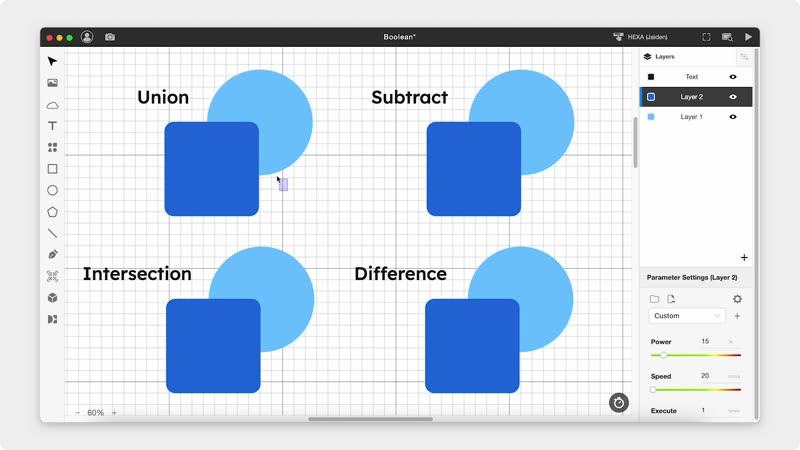
Start your project in Beam Studio, using its powerful built-in features, or fine-tune your designs later using a comprehensive set of post-processing tools.

Super Easy to Use

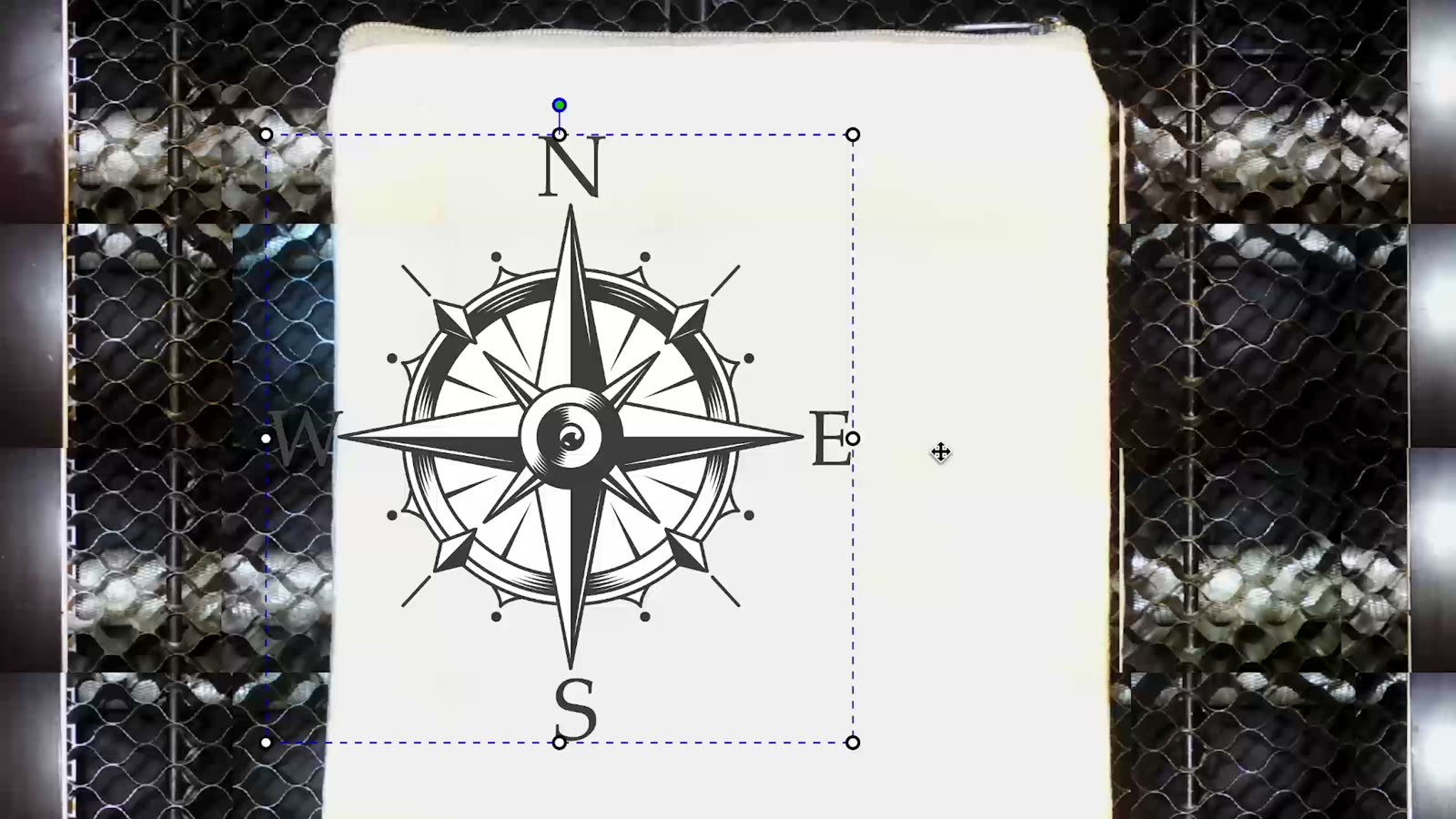
Camera Preview

Real-time preview through your FLUX Laser’s built-in camera.

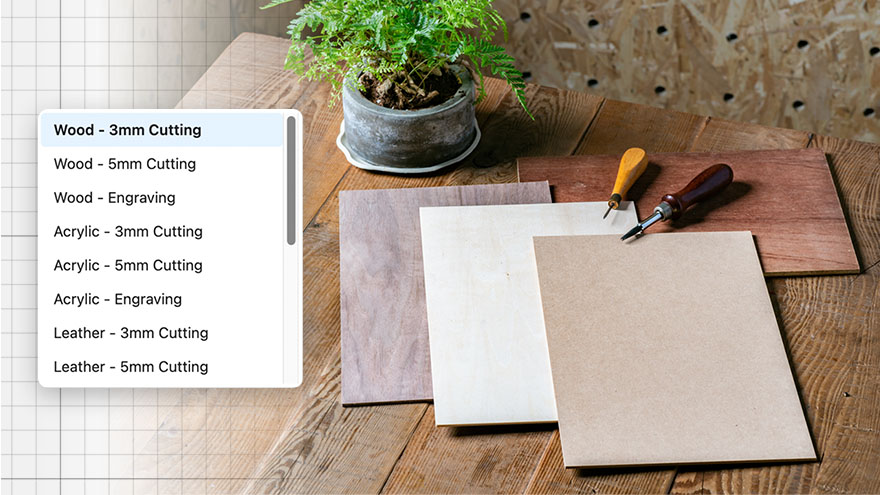
Preset Parameters

Select fine-tuned cutting and engraving settings for common materials.

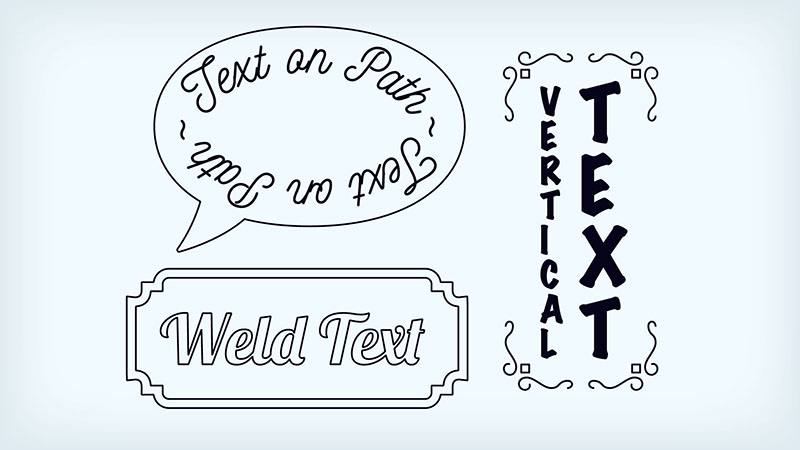
Versatile Text Tools

Text on path, weld text, vertical text, and more for every typographic need.

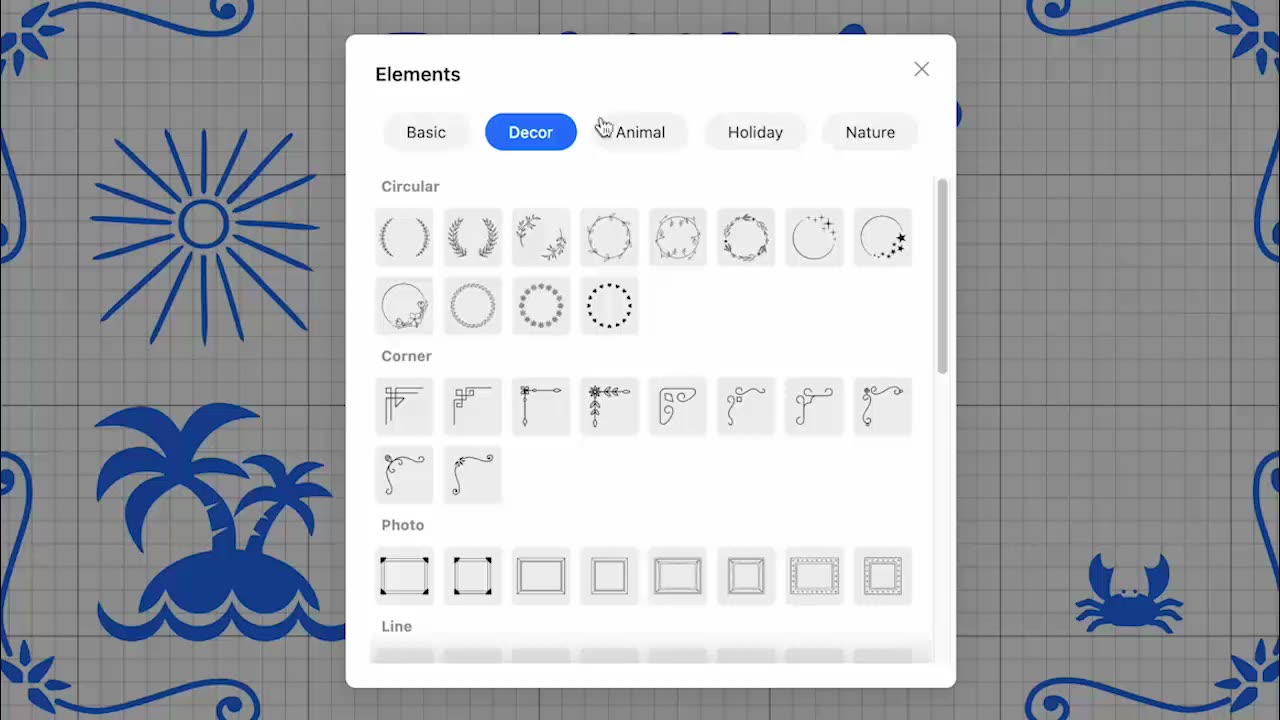
Curated Clipart

Choose from over 1,000,000+ vector elements to start your design.

Smart & Practical

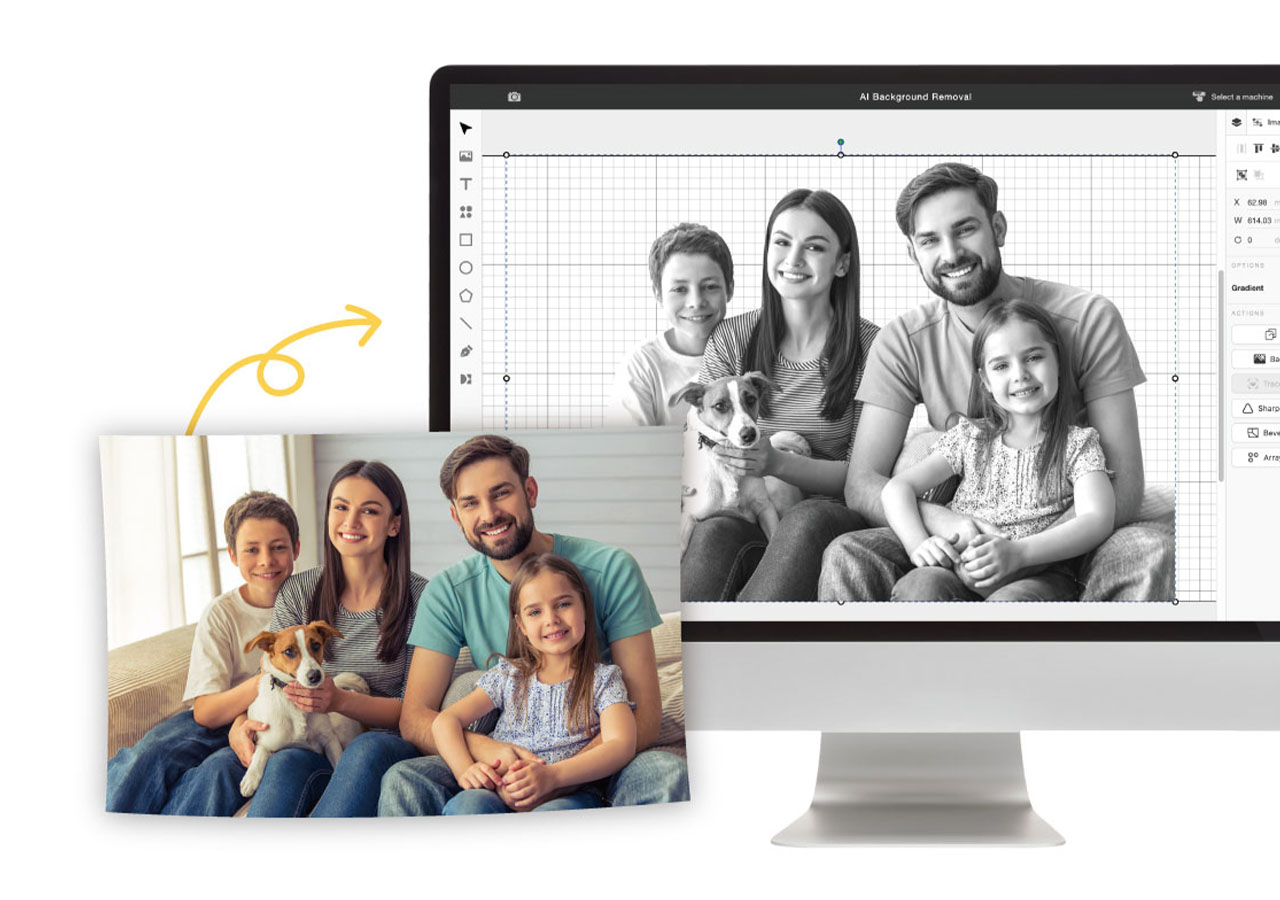
Intelligent Background Remover

One-click to effortlessly remove image backgrounds, ideal for your portrait and pet photos.

Intelligent Background Remover

One-click to effortlessly remove image backgrounds, ideal for your portrait and pet photos.

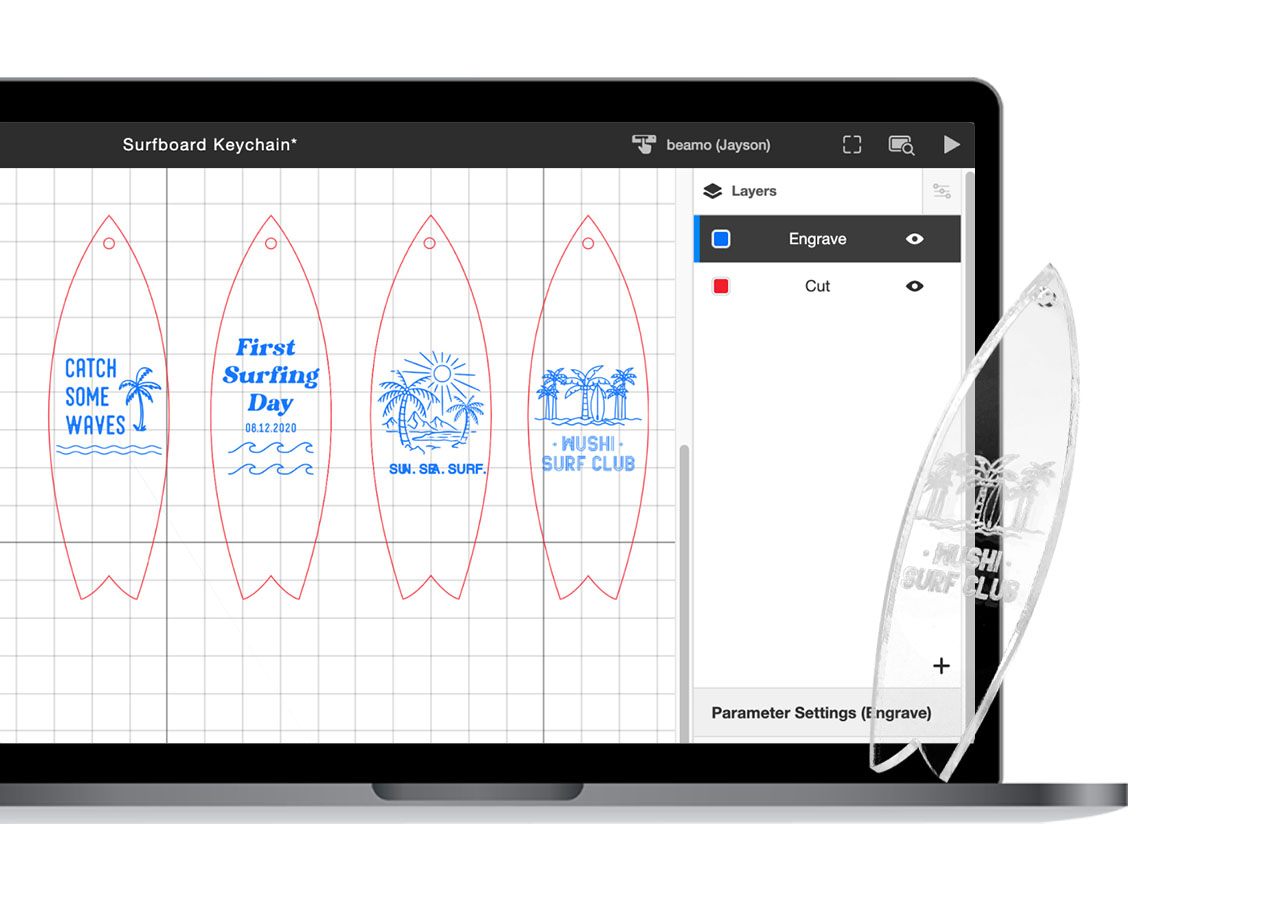
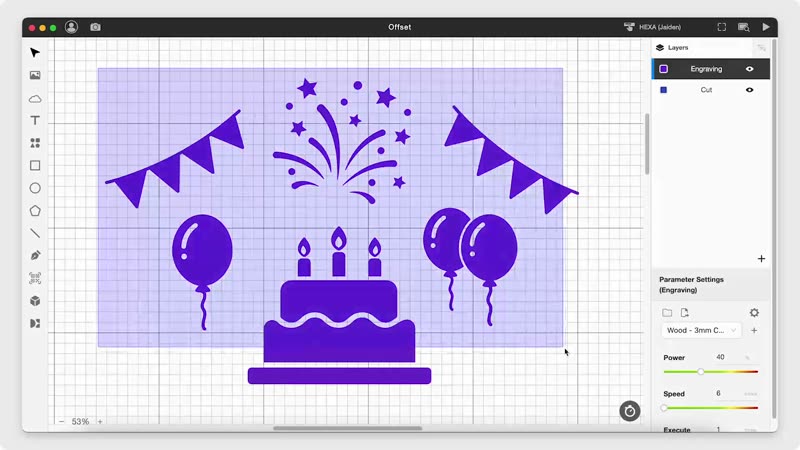
Multi-layer Engraving & Cutting

Simply set up multiple layers for each cutting and engraving task in one project. Also, always engrave first before cutting.

Multi-layer Engraving & Cutting

Simply set up multiple layers for each cutting and engraving task in one project. Also, always engrave first before cutting.

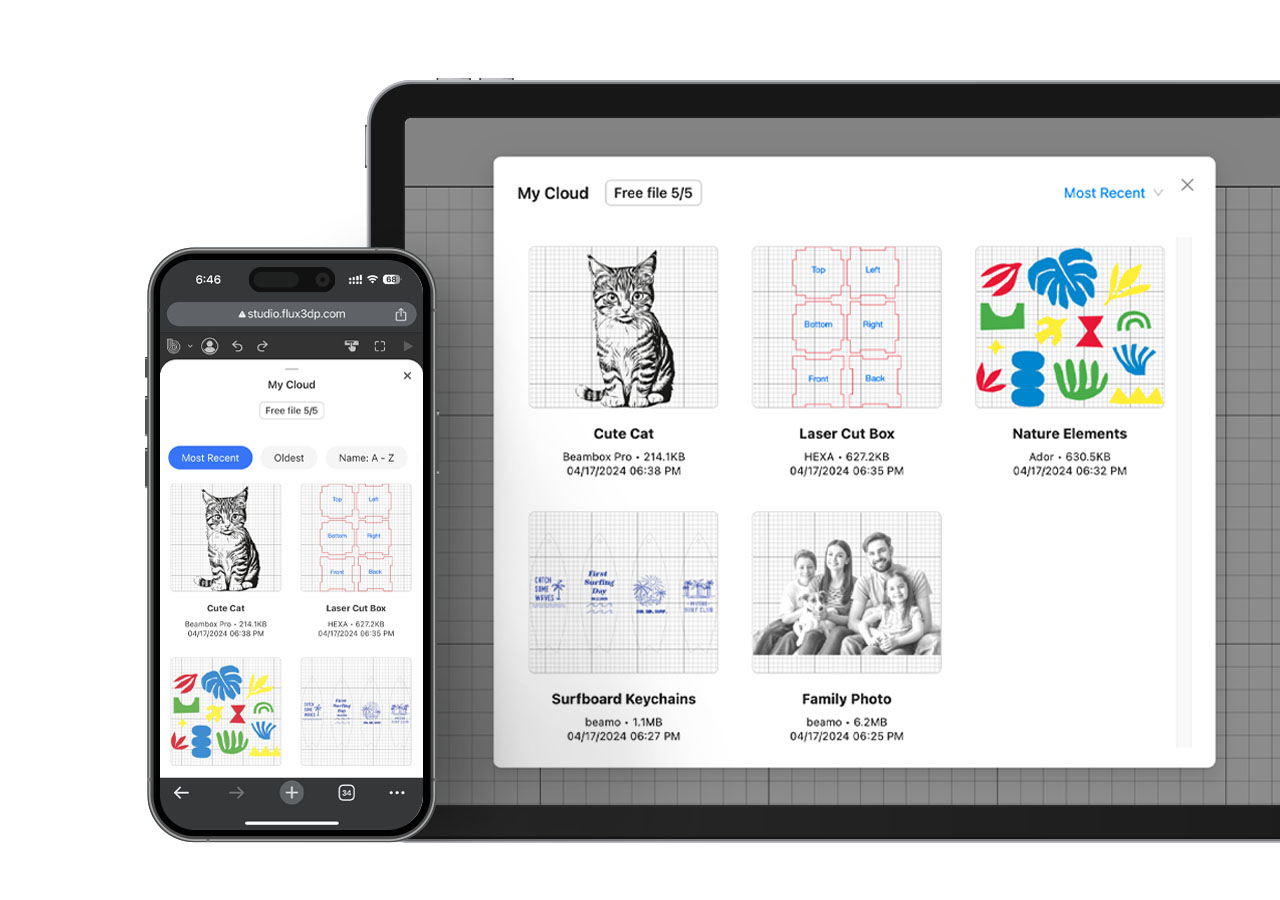
Cloud Storage

Seamlessly access your design files across devices and work from anywhere.

Cloud Storage

Seamlessly access your design files across devices and work from anywhere.

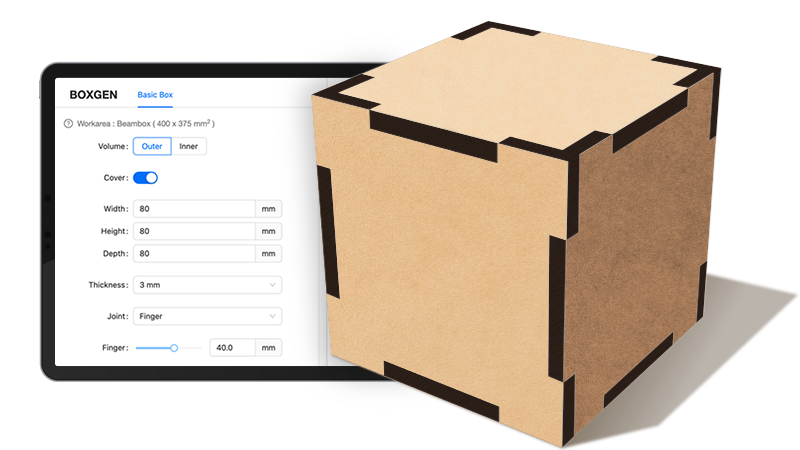
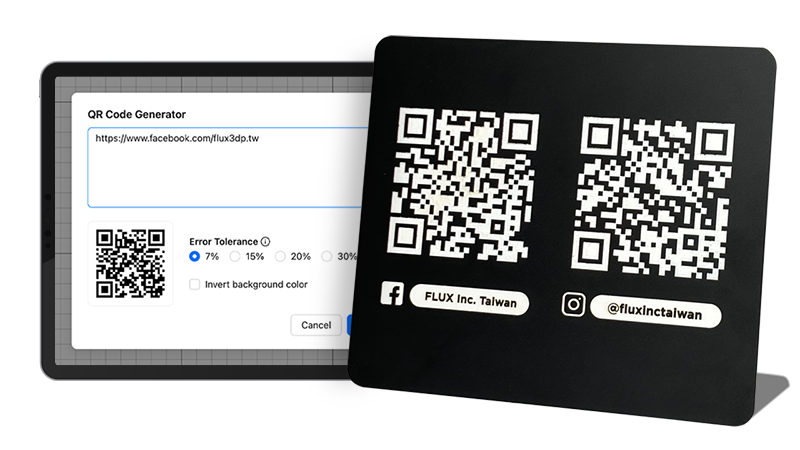
Generators for 3D Box & QR Code

Jumpstart your project creation journey with these free handy tools.

Boxgen for custom 3D laser-cut designs.

QR Code Generator for any link or text.

Generators for 3D Box & QR Code

Jumpstart your project creation journey with these free handy tools.

Boxgen for custom 3D laser-cut designs.

QR Code Generator for any link or text.

Advanced Features

Smart Nest

Save material by selecting multiple elements then one-click to organize.

Smart Nest

Save material by selecting multiple elements then one-click to organize.

User-friendly Compatibility

Create your designs using popular laser-cut design software and seamlessly transfer them to Beam Studio.

Adobe
Illustrator
Adobe
Photoshop

Affinity
Design
Autodesk
AutoCAD
SketchUp
SolidWorks
Sketch

Corel Draw
Rhinoceros

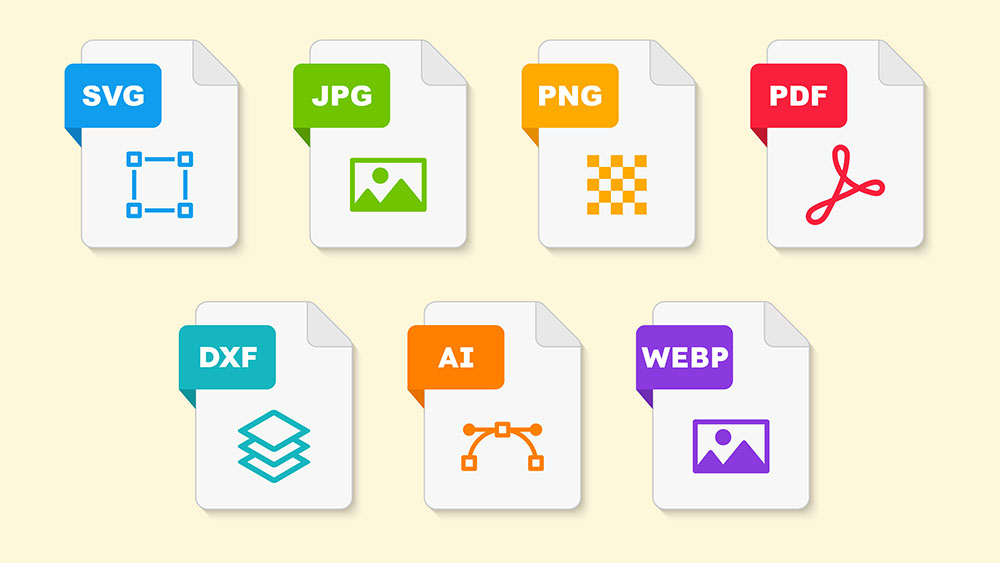
Supporting File Formats

SVG / JPG / PNG / PDF / DXF / AI / WEBP

*Supports sliced DXF and PDF files in Fusion 360

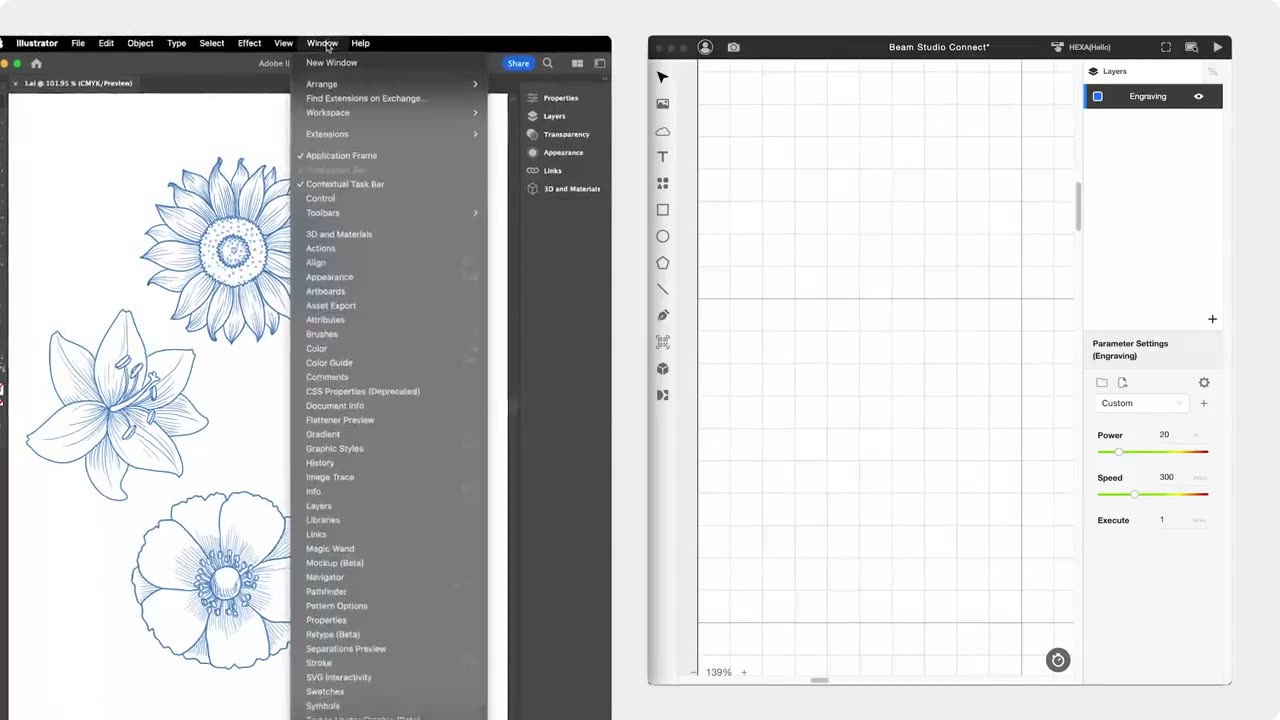
Illustrator to Beam Studio Extension

One-click to import your work from Illustrator for a smooth workflow.

Cross-platform Compatibility

FLUX laser cutters can connect to and receive commands from multiple computers or mobile devices using Beam Studio.

Windows 10+

MacOS 11+

Linux 20+

ChromeOS

Chrome or Safari recommended

Windows 10+

MacOS 11+

Linux 20+

ChromeOS

Chrome or Safari recommended

Testimonials

Learn Beam Studio

Don't know where to start? View our tutorials.

Metal in Action
That Takes beamo II to limits.

With the 2W Infrared Laser Add-on, beamo II can engrave not only acrylic, wood, glass, and leather, but also gold, silver, copper, iron, aluminum, and more.

Pet Tag

Custom Tag

Metal Tableware

Custom Keychain

Unlock All Metal in beamo II

Whether it’s custom metal jewelry, one-of-a-kind medals, or personalized tags and tools, the 2W Infrared Laser Add-on engraves smoothly on any metal like object.

Laser in Color,
That Makes beamo II More Fun.

beamo II brings full-color printing to your laser projects without removing the laser module. CMYK colors are applied in a single pass, delivering vibrant hues and fine, intricate details. From subtle gradients to bold patterns, every creation comes to life with stunning clarity.

Custom Stickers

Laptop Models

Custom Decorations

Custom Standees

Go Full Color

beamo II delivers full-color laser projects in a single pass without removing the laser module. CMYK colors appear together with vibrant hues and intricate details. Every gradient, every pattern, every design comes to life seamlessly, from your first idea to the finished creation.

Expand More with CO2 Laser

beamo II is the first CO2 laser cutter with full-color printing, applying CMYK in a single pass. Colors are pure, layers are clear, and details are crisp. From subtle gradients to bold patterns, every design comes to life with vivid precision.

600 DPI. Color That Impresses.

beamo II prints with up to 600 DPI precision. Colors are rich, gradients smooth, lines sharp, shadows layered. Every detail is captured exactly as you imagined. From professional portfolios to one-of-a-kind gifts, every creation shines with stunning clarity.

30W CO2 Laser,
That Does it All.

beamo II comes with a 30W CO2 laser, precise, powerful, and ready to bring your ideas to life. From wood, leather, cardboard, and fabric, to transparent or vibrant acrylic, it cuts cleanly and engraves delicately. No limits. No delays. With Beamo II, every idea becomes reality.

Birthday Stand

Custom Pet Bowl

Puzzle Game

Custom Tumbler

Engrave & Cut Effortlessly

From delicate crafts to unique gifts, from classroom experiments to professional designs, beamo II handles every project with ease. Every cut and engraving transforms inspiration into reality.

Look Closer, See the Detail.

Even the finest textures and most intricate designs come through with stunning clarity. With up to 1000 DPI precision, beamo II brings delicate charms, one-of-a-kind gifts, and demanding professional projects to life—flawless, even under close inspection.

Add a Pop of Color!

beamo II is the world’s first CO2 laser cutter with CMYK printing. With CMYK printing in a single pass, colors are pure, layered, and more vibrant than ever. From subtle gradients and bold patterns to intricate design details, beamo II brings every creation to life

There’s More Room for Your Ideas.

Want to tackle thicker materials or explore more advanced creations?
 With beamo II’s Extension Base Add-on, the engraving height increases from 1.2 inch to 6.1 inch, making it easy to work with thick objects. Pair it with the Automatic Feeder and Chuck Rotary, and you unlock even more creative possibilities.

No More Limits on Length.

Handle materials longer than the machine itself with ease using the Auto Feeder Add-on. From long wooden boards and extended acrylic sheets to other elongated designs, everything can be engraved, cut, and printed smoothly. Length is no longer a limitation.
*Requires the Extension Base Add-on.

Circle Back to Your Creativity

With beamo II’s Chuck Rotary Add-on, you can extend your ideas to a variety of objects. From glass cups and wine bottles to baseballs, everything can become a one-of-a-kind creation.

*Requires the Extension Base Add-on.

Keep Your Space Clean

Creativity needs room to breathe, and so do you. With Beam Air, smoke and odors from laser engraving are efficiently captured, keeping your workspace fresh and clean. Whether at home, in a studio, or a shop, Beam Air protects your environment so you can focus on every creation with confidence.

一次看懂兩代的不同

See What’s New in beamo II