

High-Precision
CO230W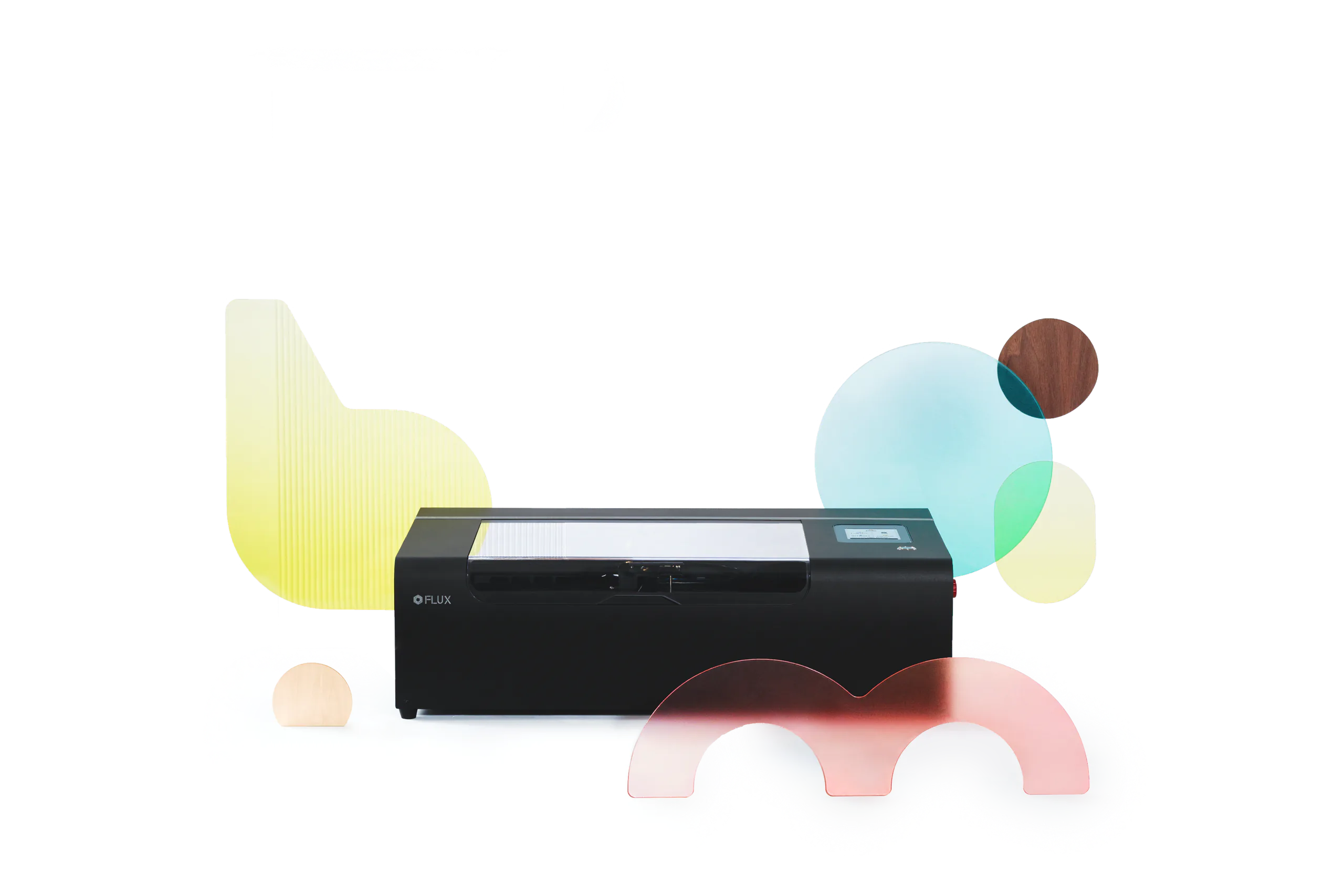
A Small Machine Built for Your Next Big Move
FLUX introduces beamo Ⅱ, the ultimate evolution of the desktop laser cutter. Blending industrial-grade speed with an expandable dual-laser ecosystem, beamo Ⅱ features a high-performance 30W CO2 laser and an optional infrared module for metal marking. With its built-in auto-focus and 750mm/s speed, it’s the most powerful, safe, and compact tool for creators and small businesses to expand their crafting limits.
Watch Full VideoGet the Highlights.

LightBurn Compatible
Class 1 Certification
Top Laser Safety
IEC 60825-1 / EN 50689
One ShotHD 8MP Wide-AngleCamera Preview


Cuts
Transparent &Any Color Acrylic
7 mm
max engraving speed
Designed for Longer& Thicker Materials
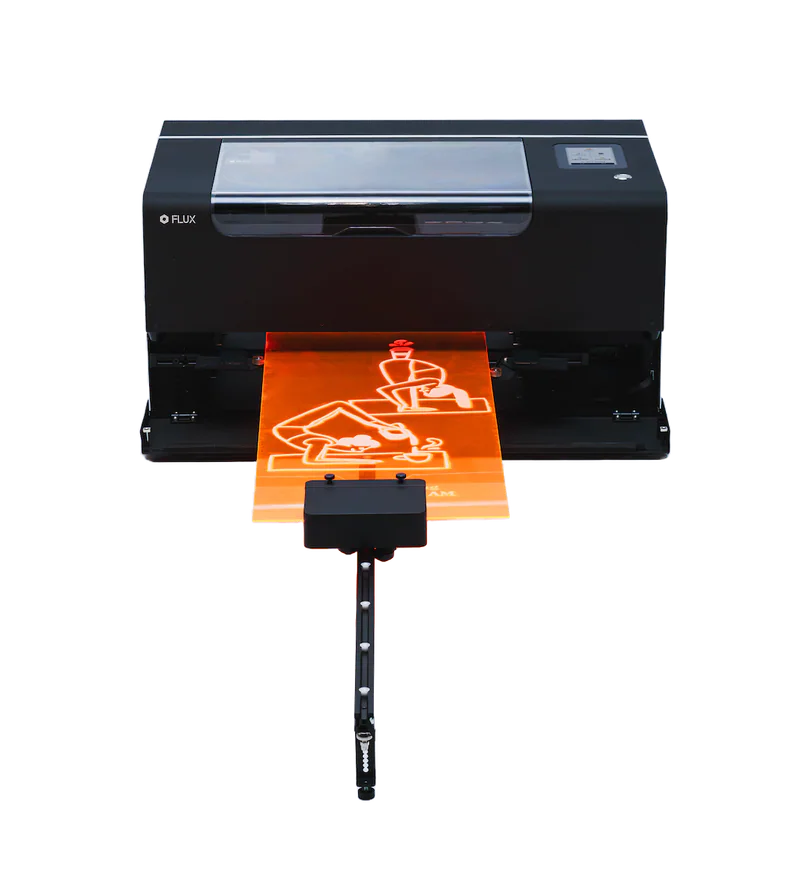
1000 mmMax Process Length
155 mmWork Area Depth
*Auto Feederoperates as Class 4
*optional Add-on

Working Area
360 × 240 mmAll Metal Solution
Infrared Laser
*optional Add-on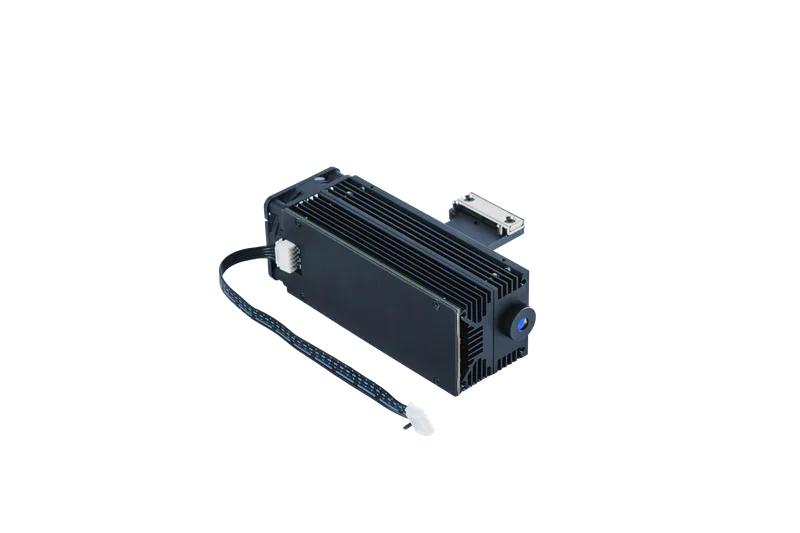
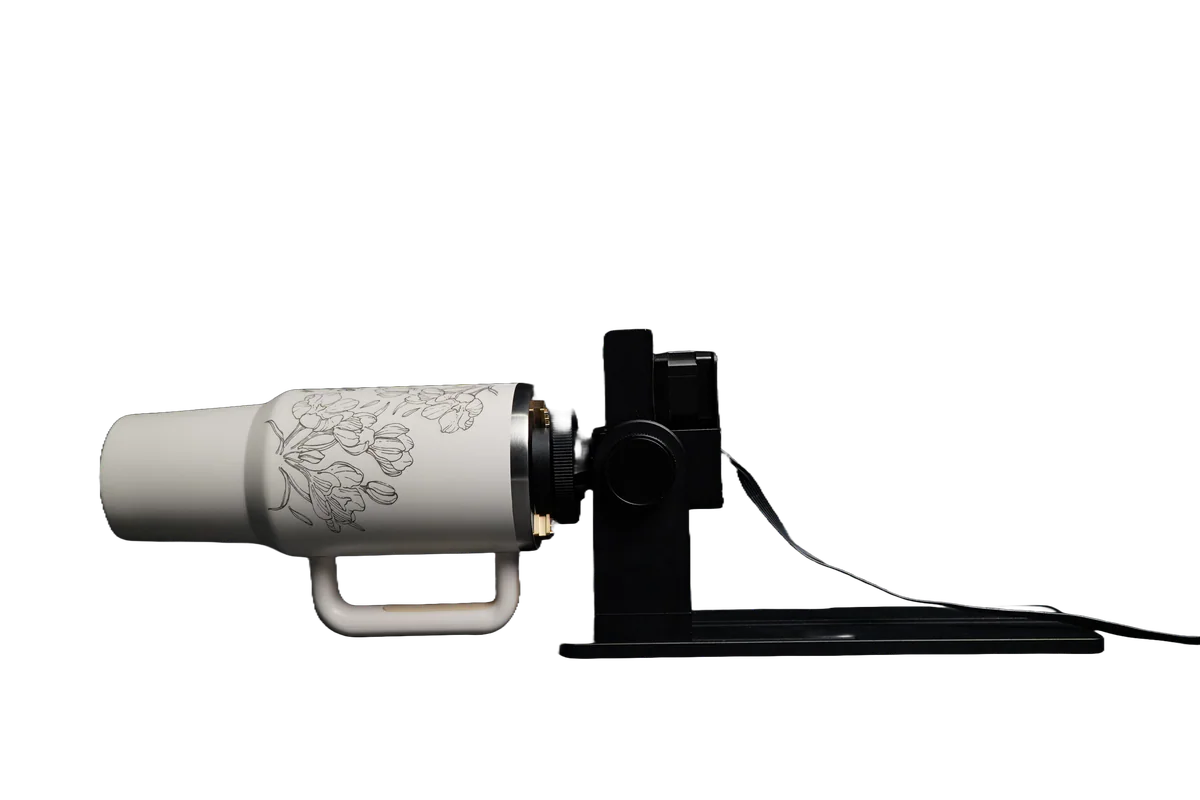
Ready For Your Custom
Owala & Stanley Business
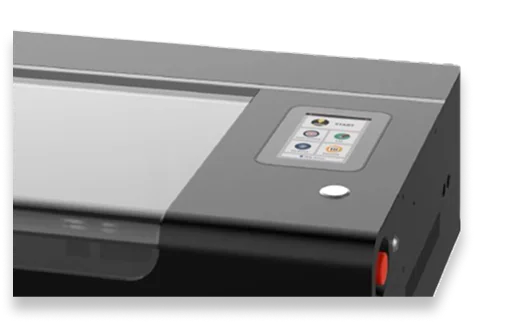
Smart Panel Control
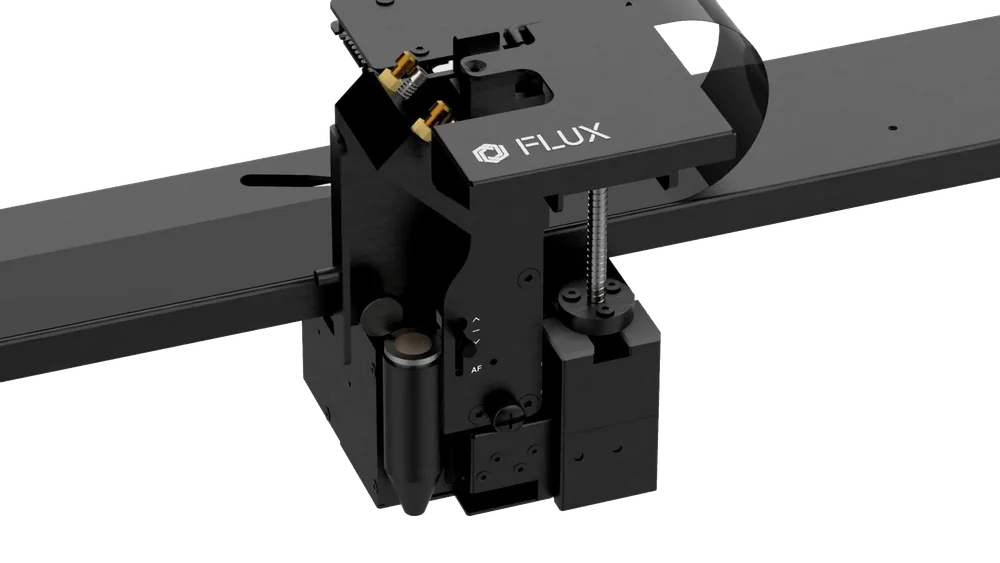
Built-in
Auto Focus & Red Light Preview
High-Precision
CO230WLightBurn Compatible
Class 1 Certification
Top Laser Safety
IEC 60825-1 / EN 50689One ShotHD 8MP Wide-AngleCamera Preview
Cuts
Transparent &Any Color Acrylic
7 mm
max engraving speed
Designed for Longer& Thicker Materials
1000 mmMax Process Length
155 mmWork Area Depth
*Auto Feederoperates as Class 4
*optional Add-on
All Metal Solution
Infrared Laser
*optional Add-onWorking Area
360 × 240 mmReady For Your Custom
Owala & Stanley Business
Smart Panel Control
Built-in
Auto Focus & Red Light Preview
See What Creators Think of beamo II
Creator review 1 / 7
Instagram creator 1 / 6
See the Big Upgrades
Upgrade 1 / 6
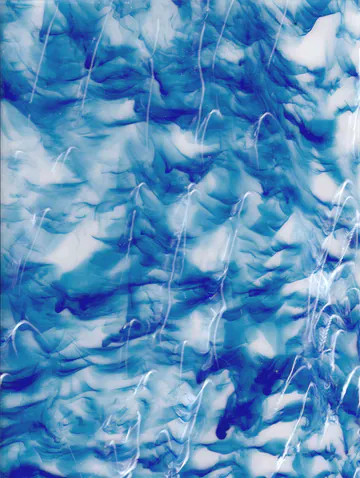
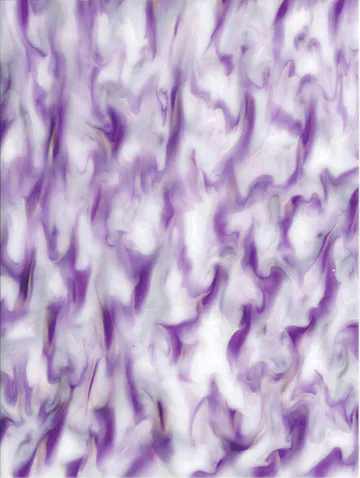

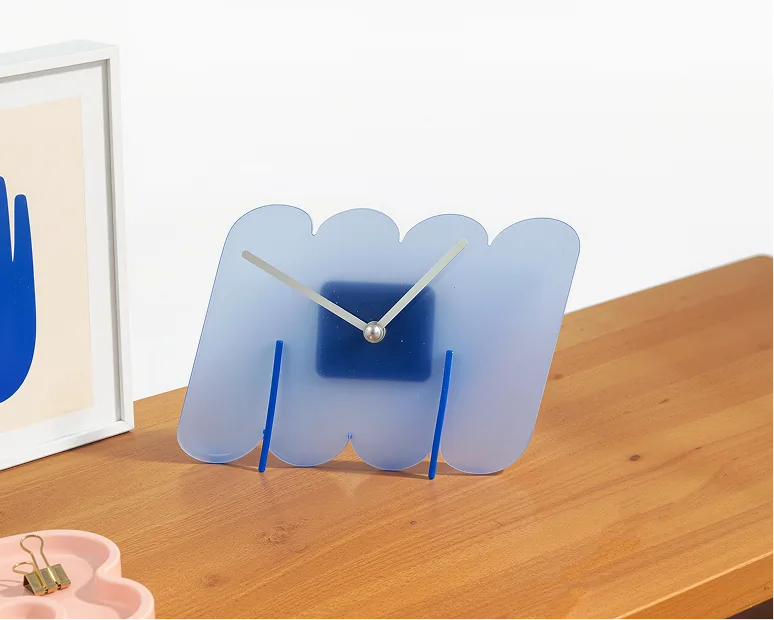
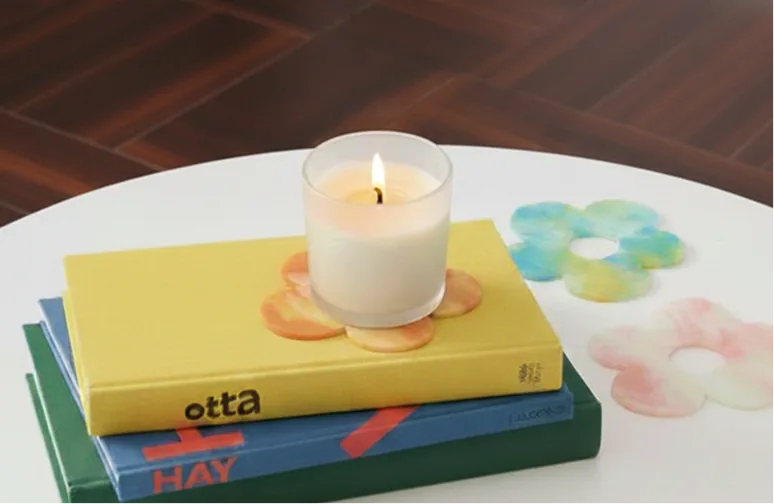
Cutting Any Color Acrylic isButtery Smooth.
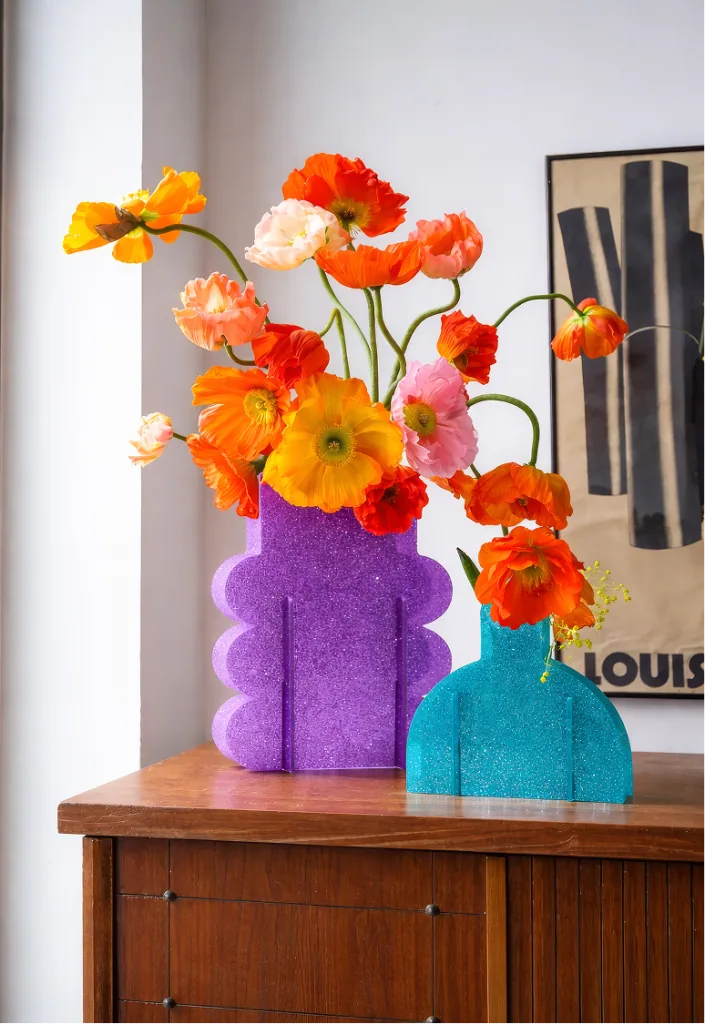
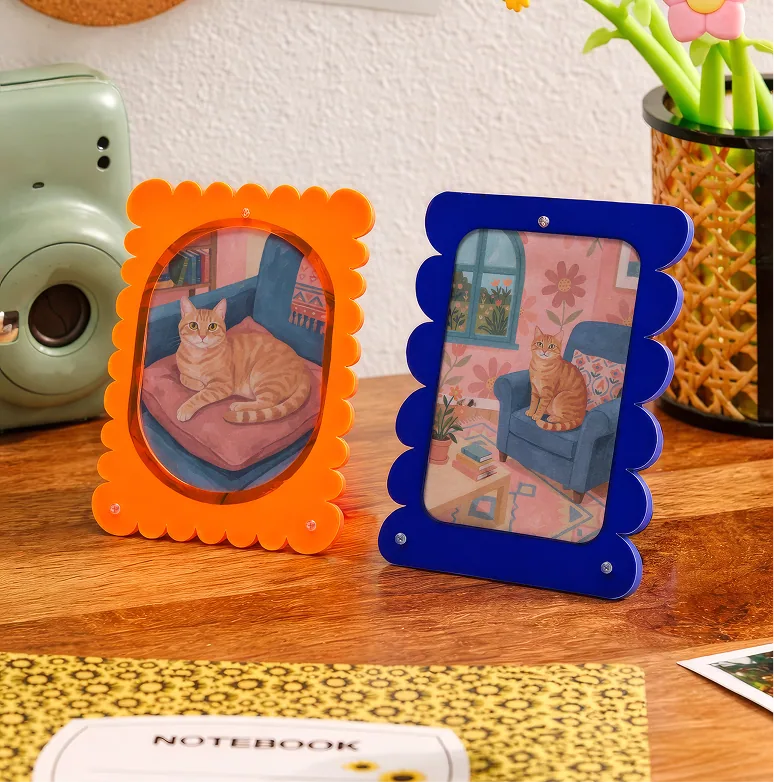
Create vibrant, ready-to-sell acrylic projects effortlessly, straight from your beamo Ⅱ.


Two Laser Sources.One Compact Machine.
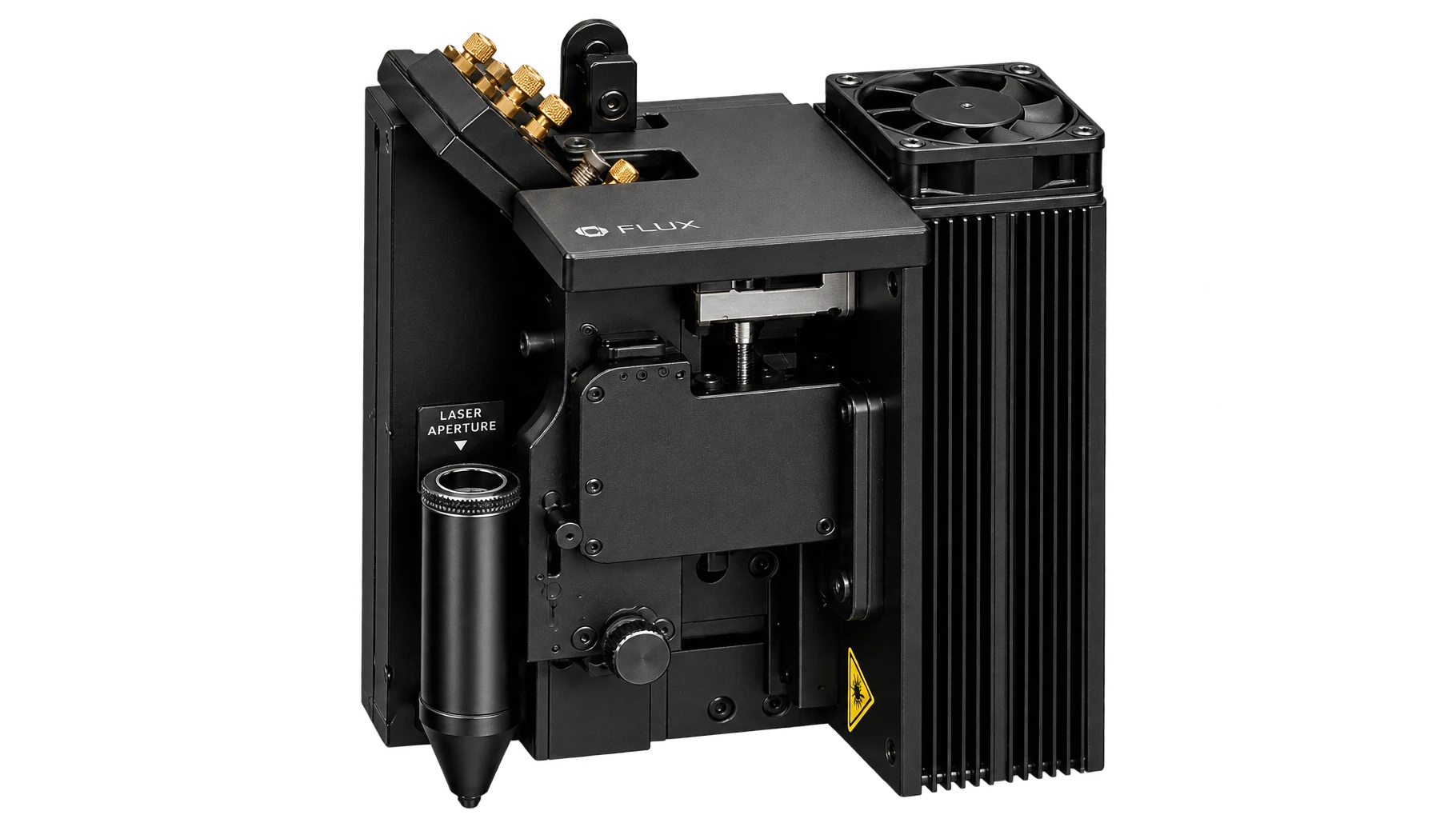
Cut acrylic, wood, leather, and more—and engrave surfaces such as glass—with the built-in 30W CO2 laser. Swap in the optional 2W infrared module for crisp, durable marks on metal and engineering plastics. Two purpose-built laser sources, one compact workflow.
30W CO2 laser
cut & engrave- Acrylic
- Wood
- Leather
- Glass


2W IR laser
direct metal markingOptional add-on
- Gold
- Silver
- Copper
- Stainless steel


30W CO2 laser
Your Everyday Materials. Your Call.
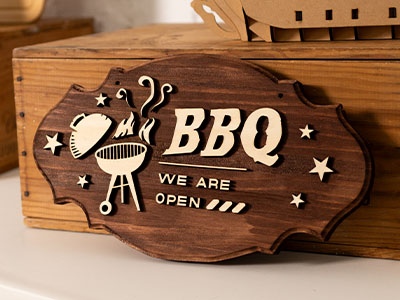
From cutting wood and acrylic, to engraving glass and slate, one CO2 laser does it all.
- Acrylic
- Up to 7 mm
- Wood
- Up to 7 mm
 Plywood
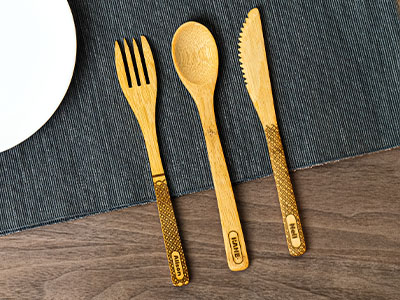 Bamboo
 Leather
 Fabric
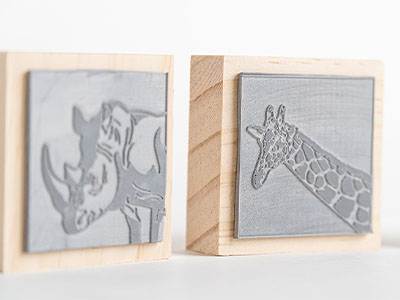 Rubber(engrave only)
 Glass(engrave only)
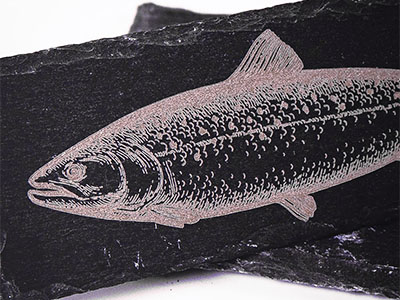 Stone(engrave only)
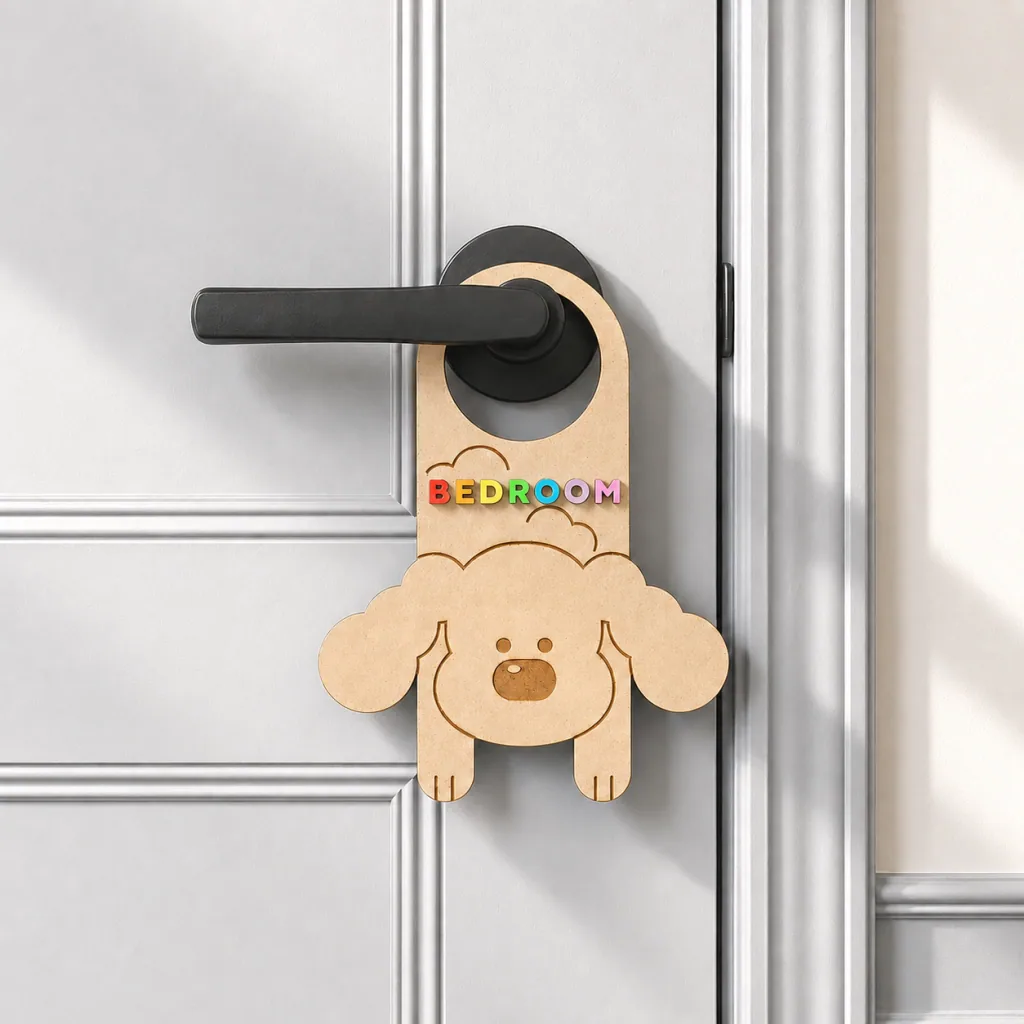
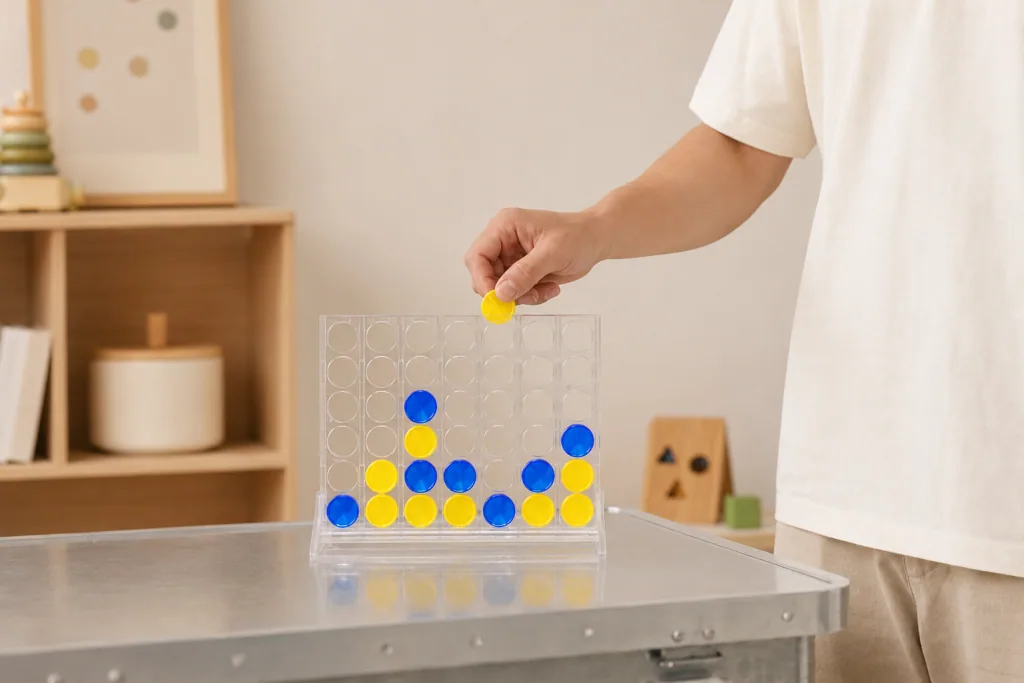
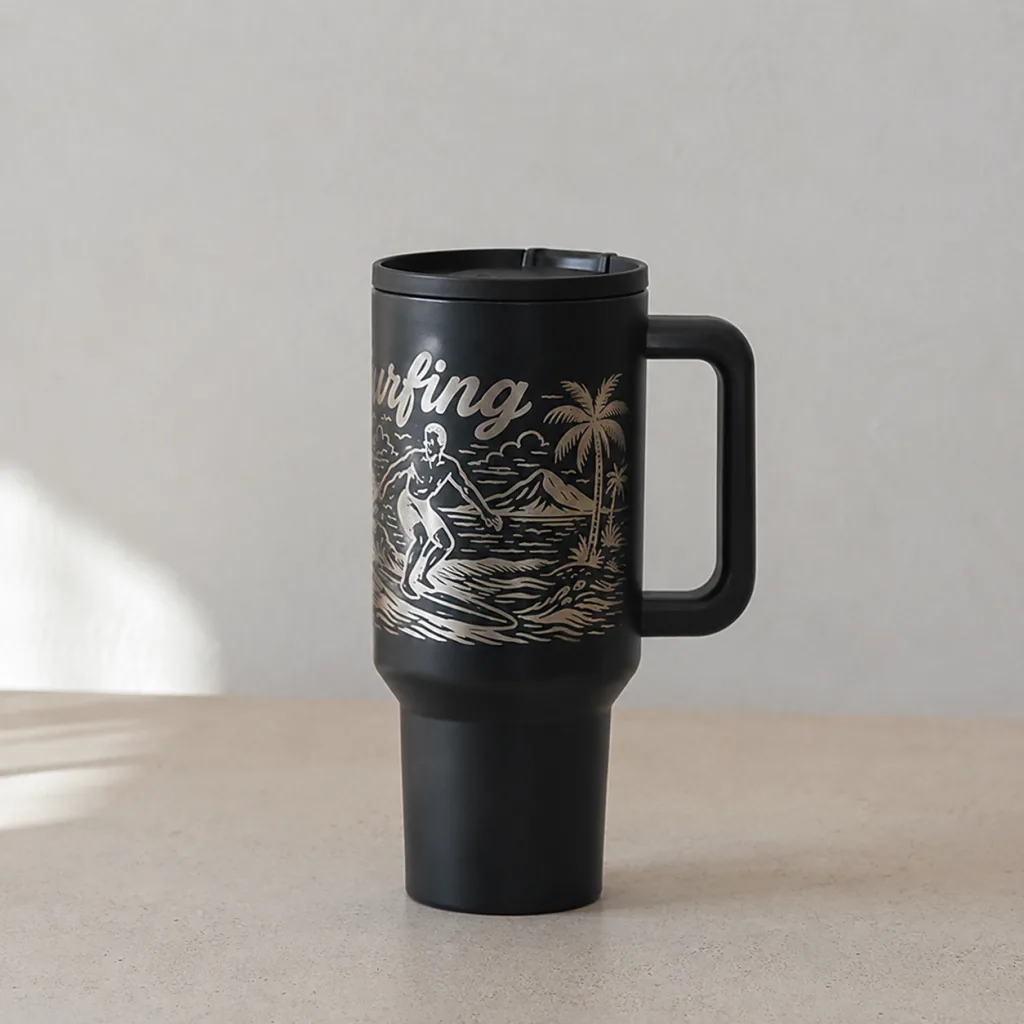

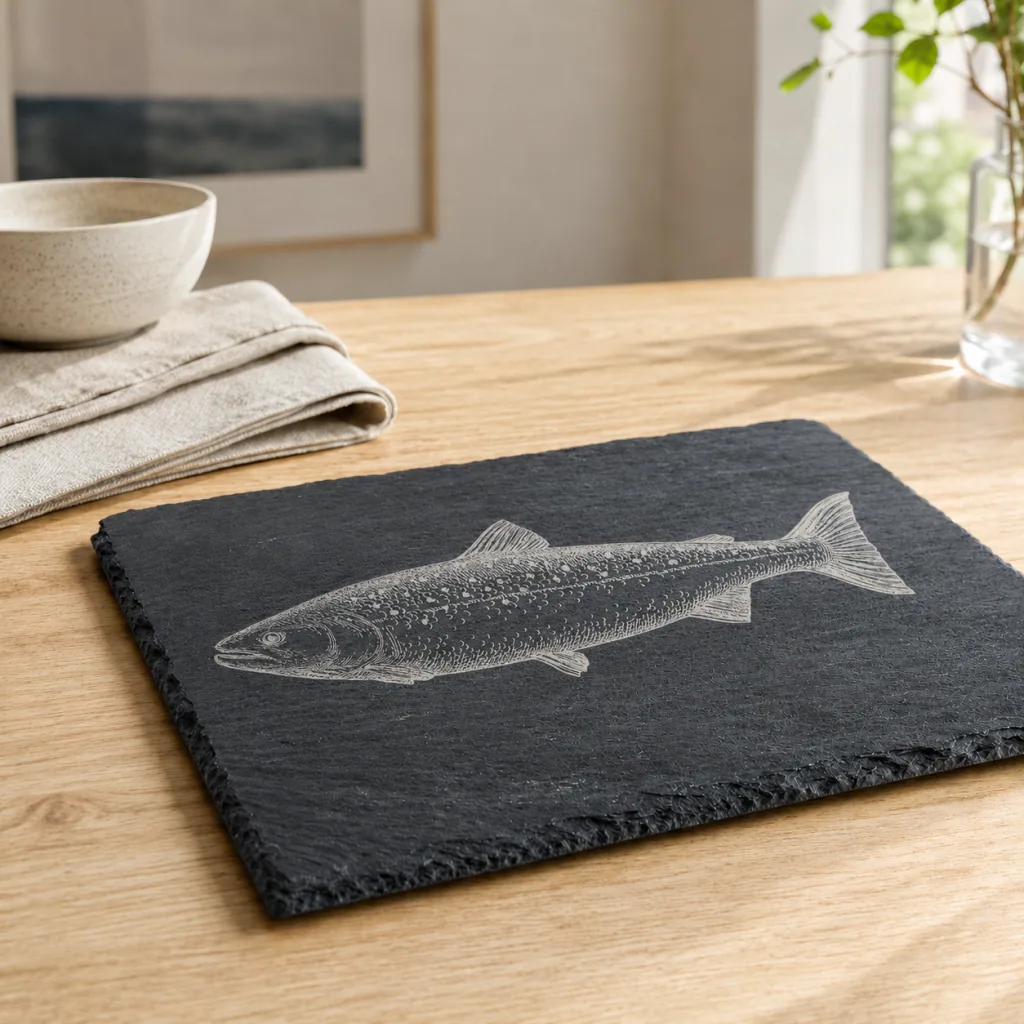

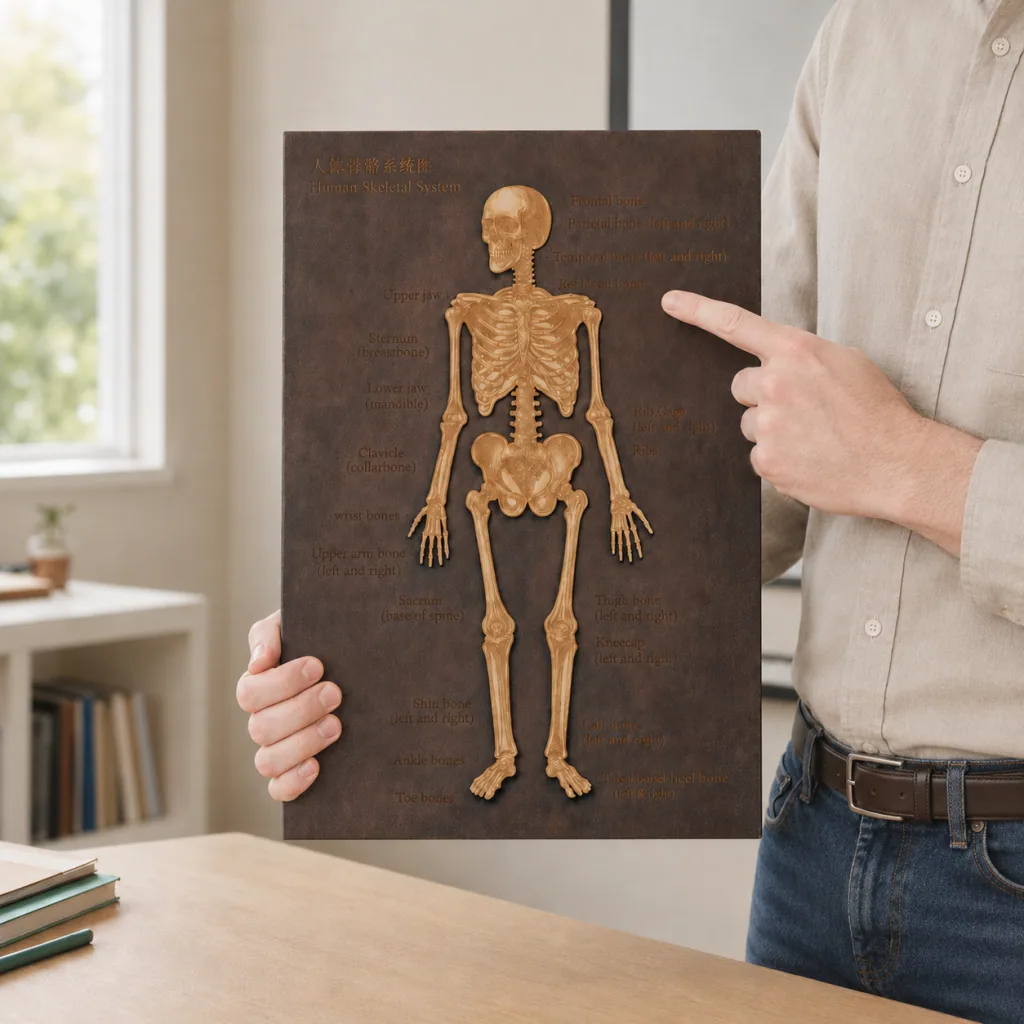


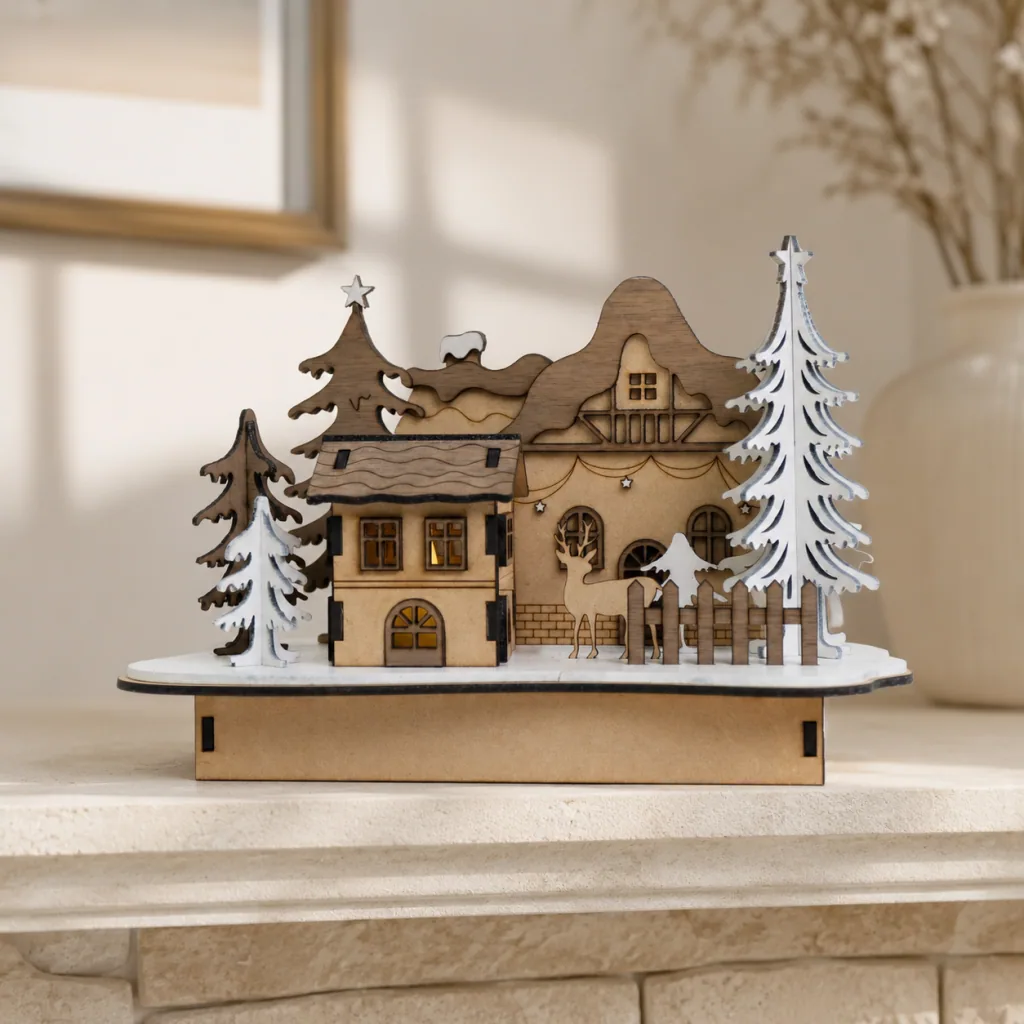
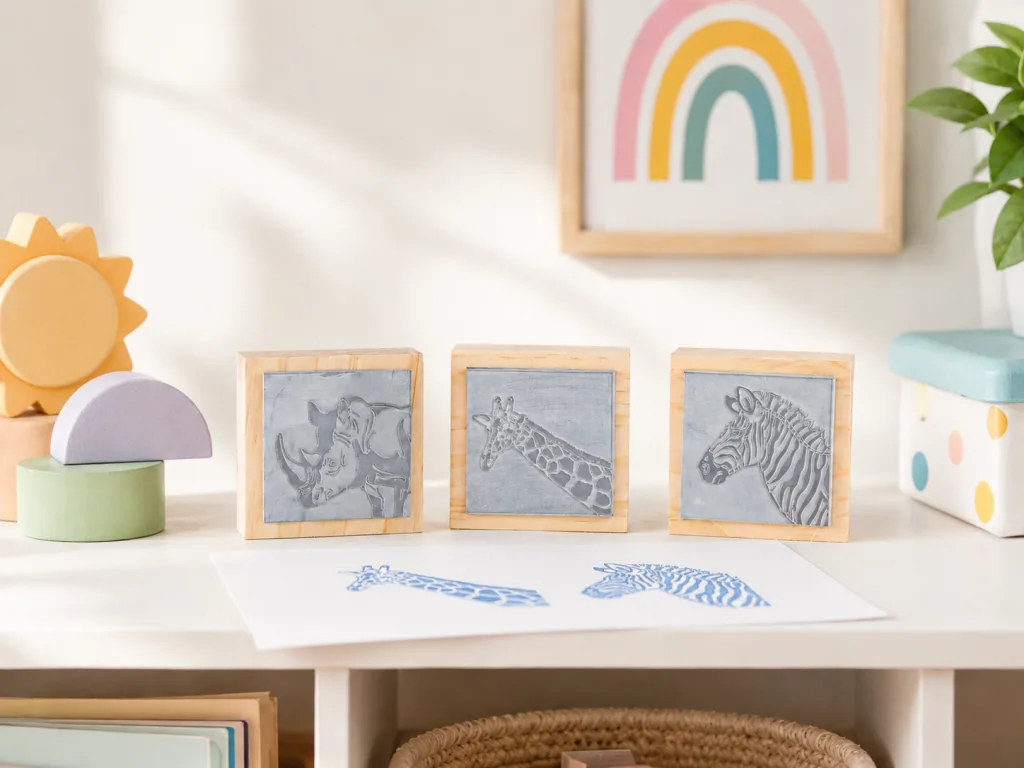
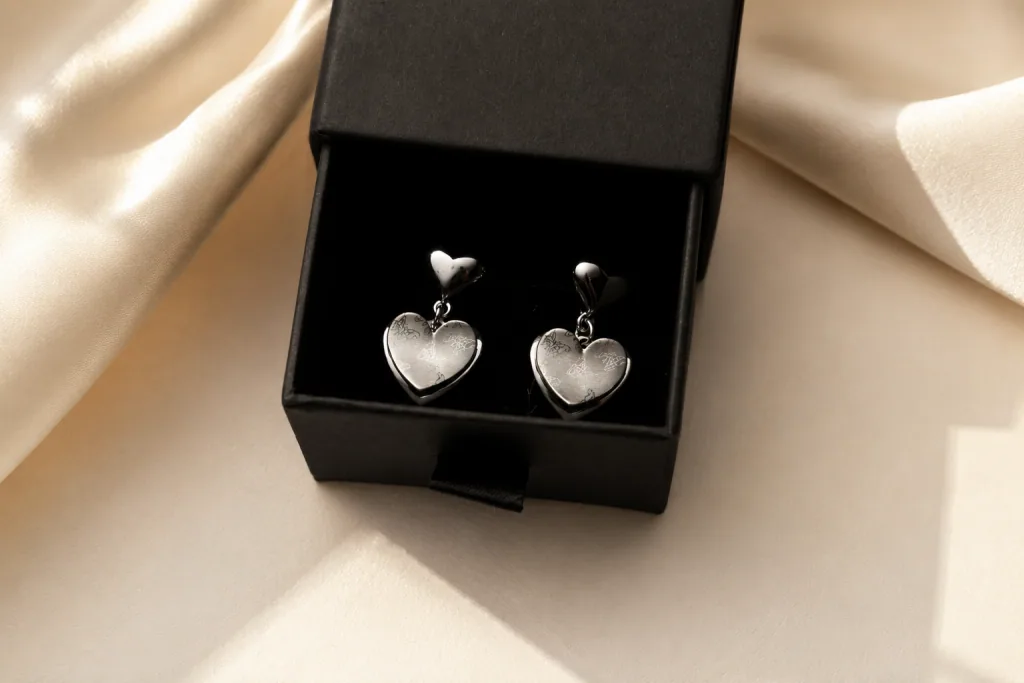
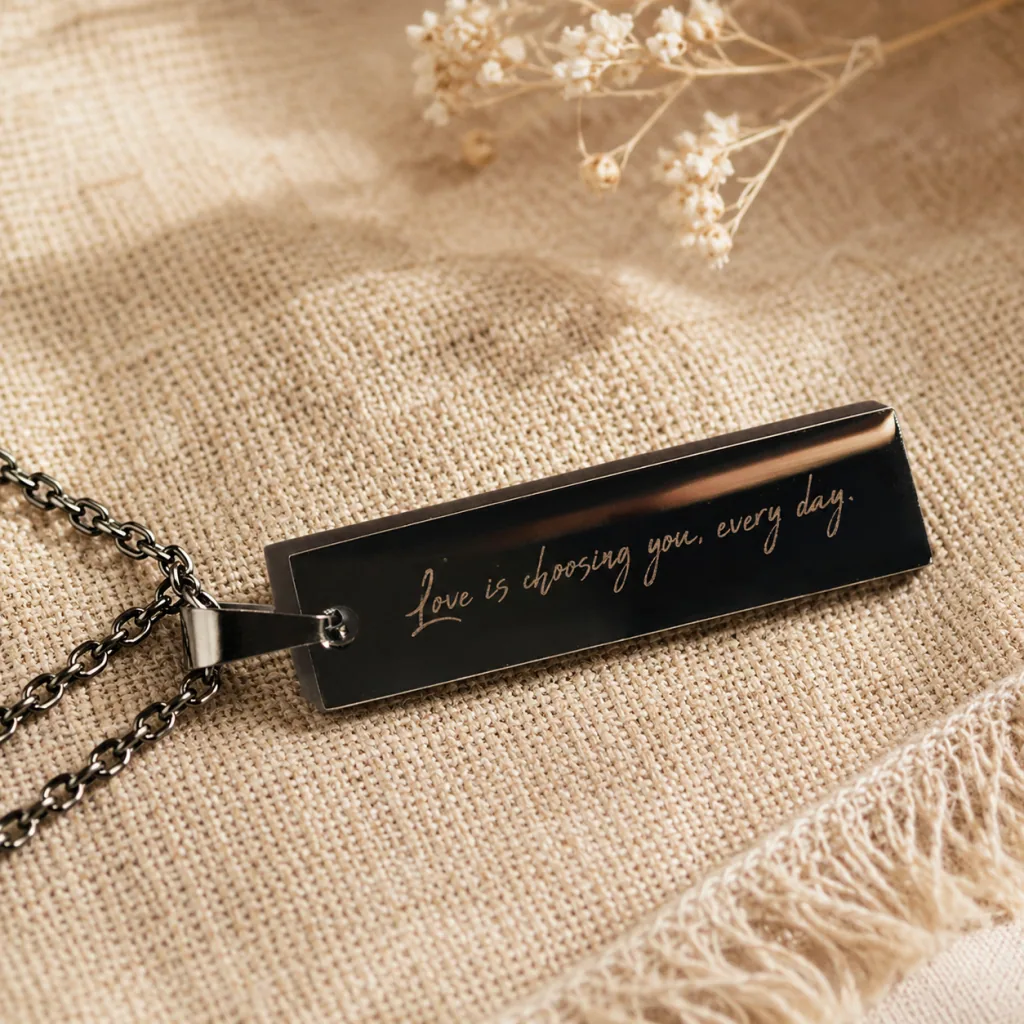
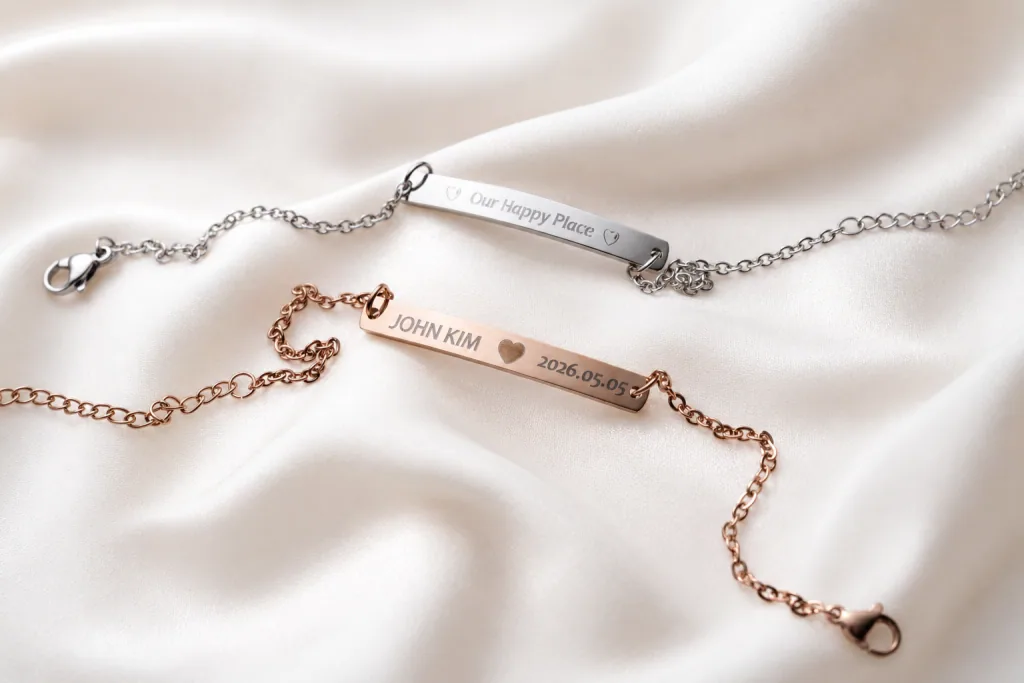
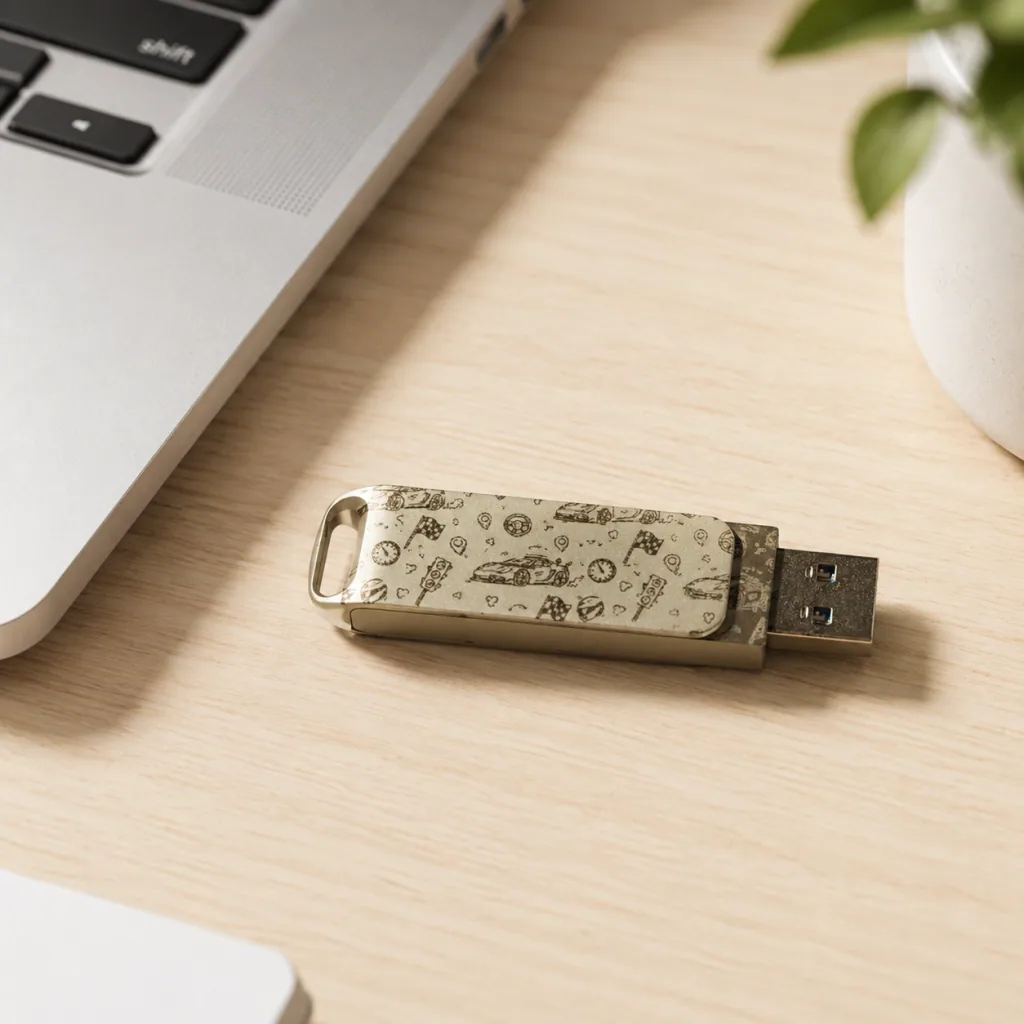
Optional 2W infrared laser
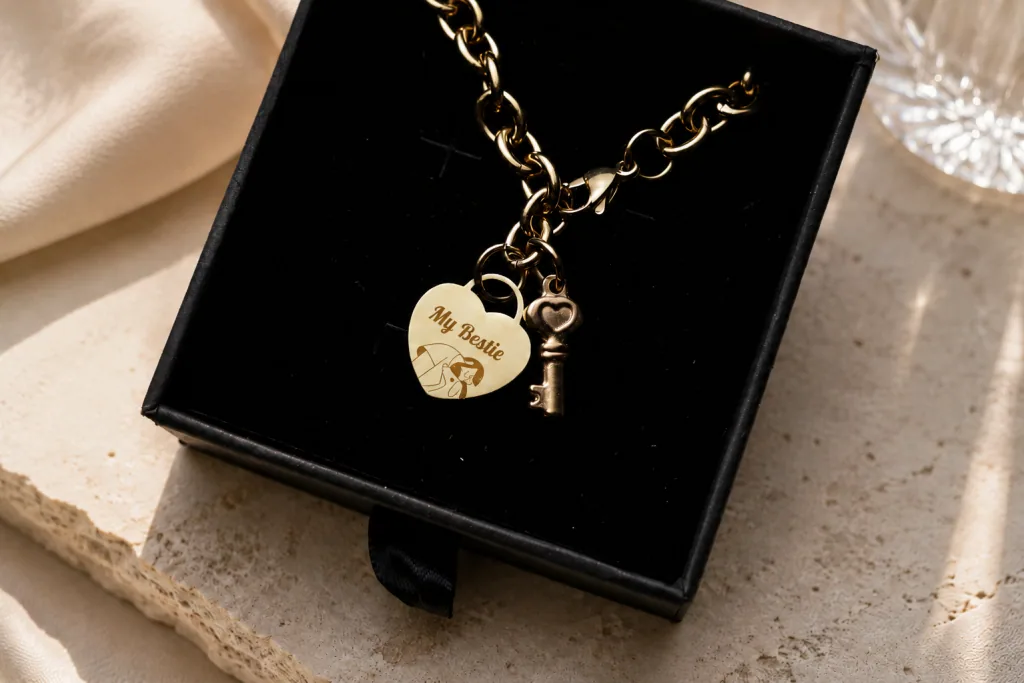
Direct Metal Engraving.
Add the 2W Infrared Module to create fine, durable marks on stainless steel, aluminum, gold, silver and titanium on the same machine.

See the Potential Behind the Craft
Explore how product pricing, material costs, and monthly sales can turn beamo Ⅱ into a practical business tool.

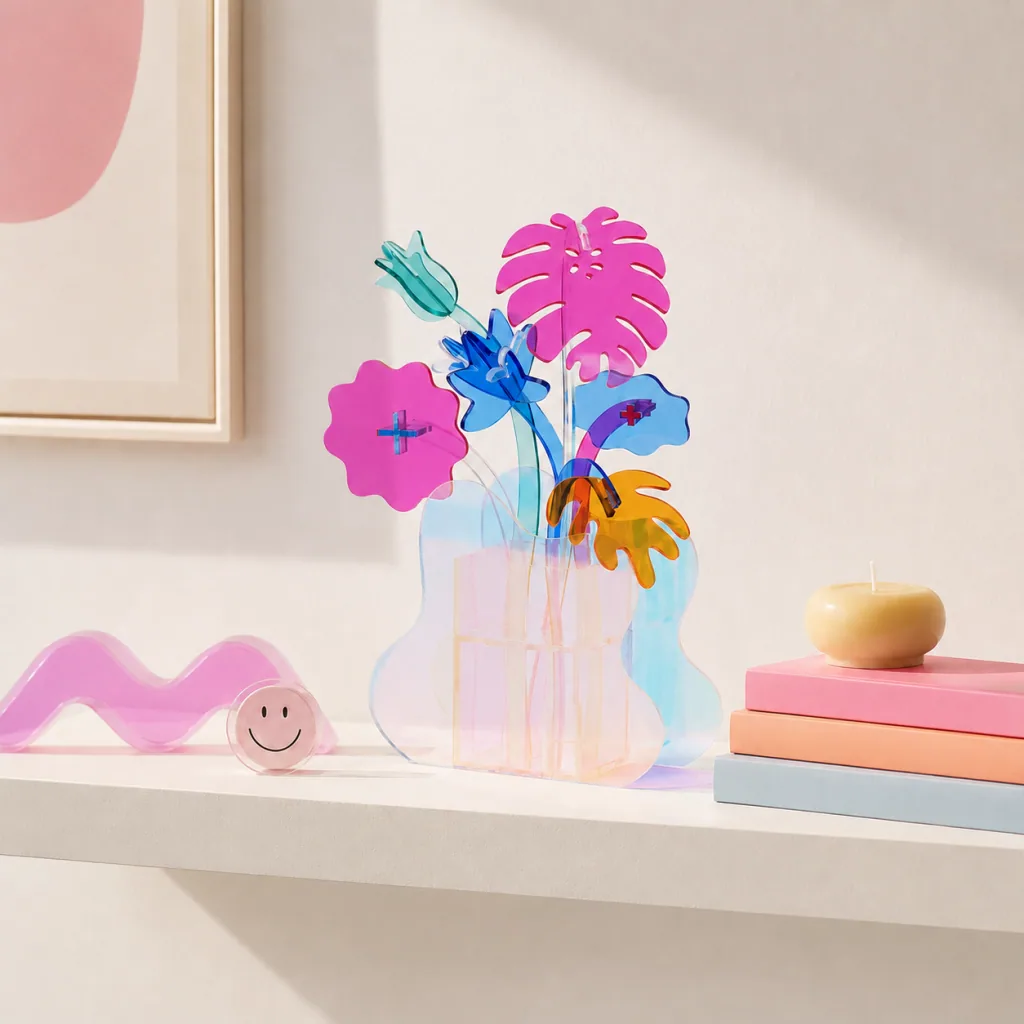
Acrylic Flower Vase Decor
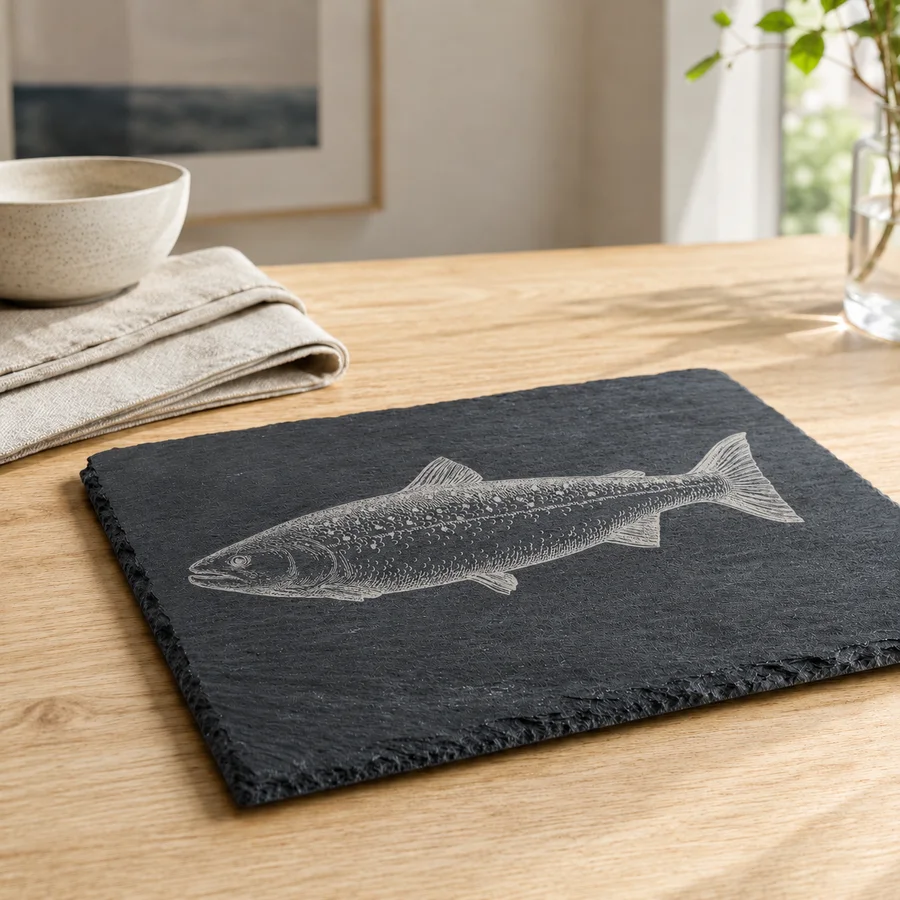
Slate Fish Serving Board
Compact Yet Enough
Everything you need, exactly where you want it. Professional laser capability distilled into a space-saving, high-efficiency design.
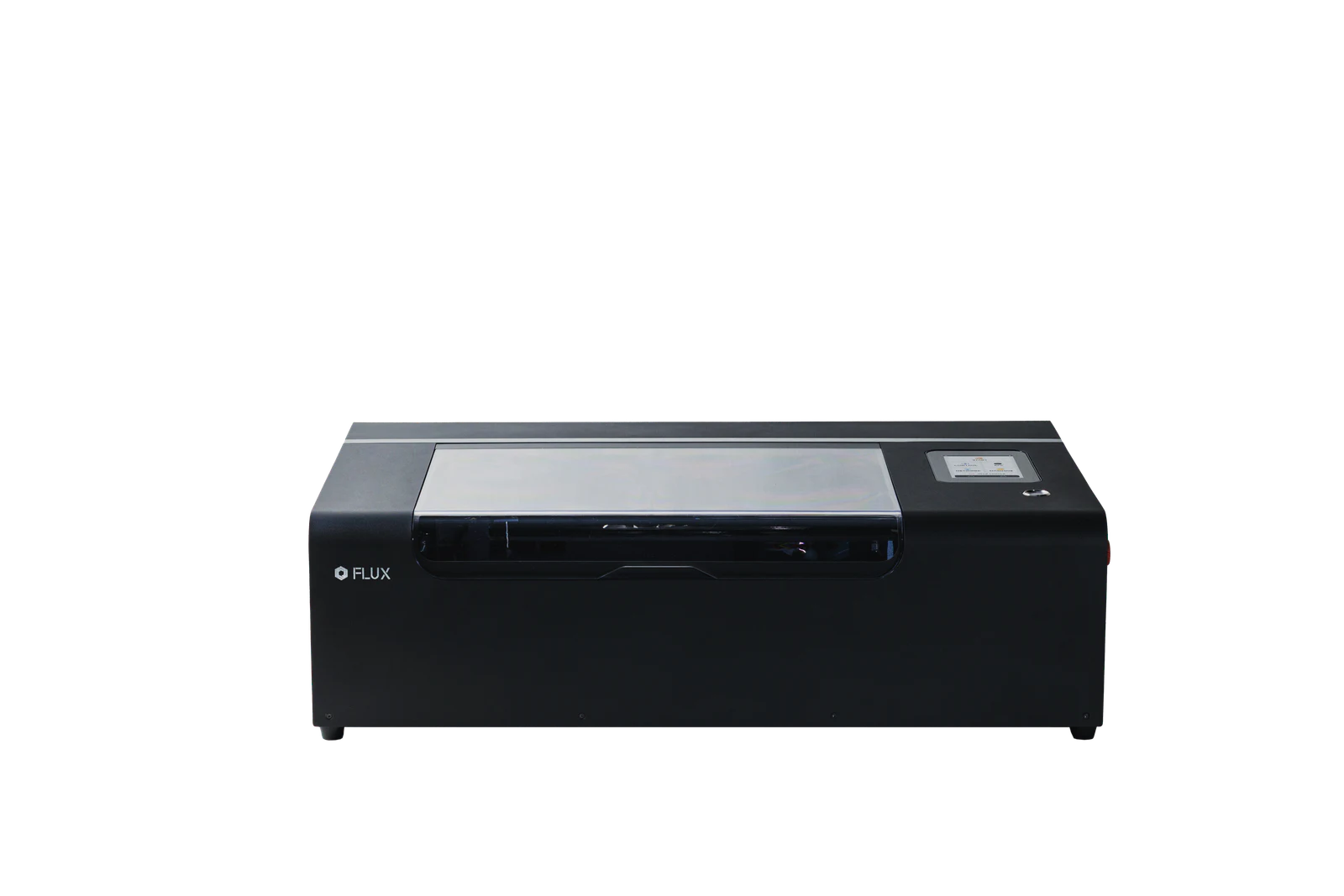
- CO2 laser working area
- 360 x 240 mm
- Infrared laser working area
- 270 x 190 mm
- Depth with honeycomb
- 7 mm
- Depth without honeycomb
- 30 mm
- Depth with Extension Base
- 155 mm
Effortless Control. Professional Results.
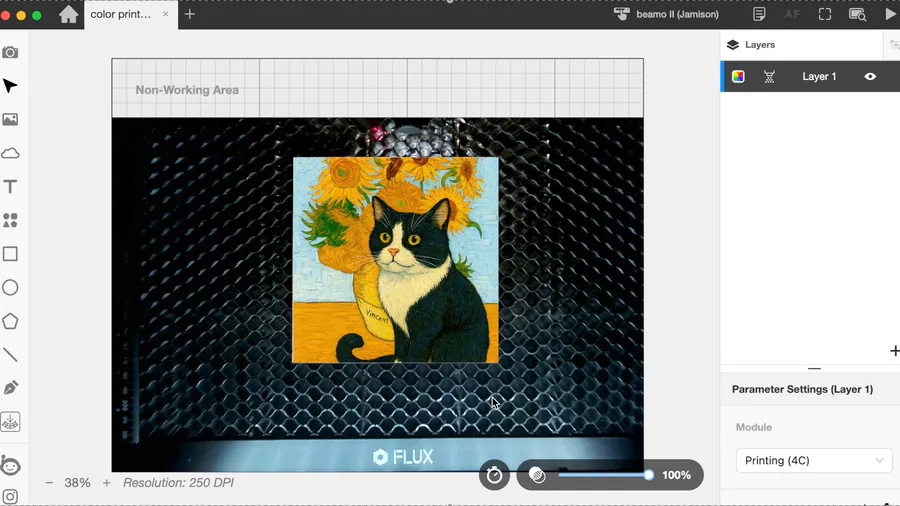
01 · Camera Preview
See the layout before the laser starts
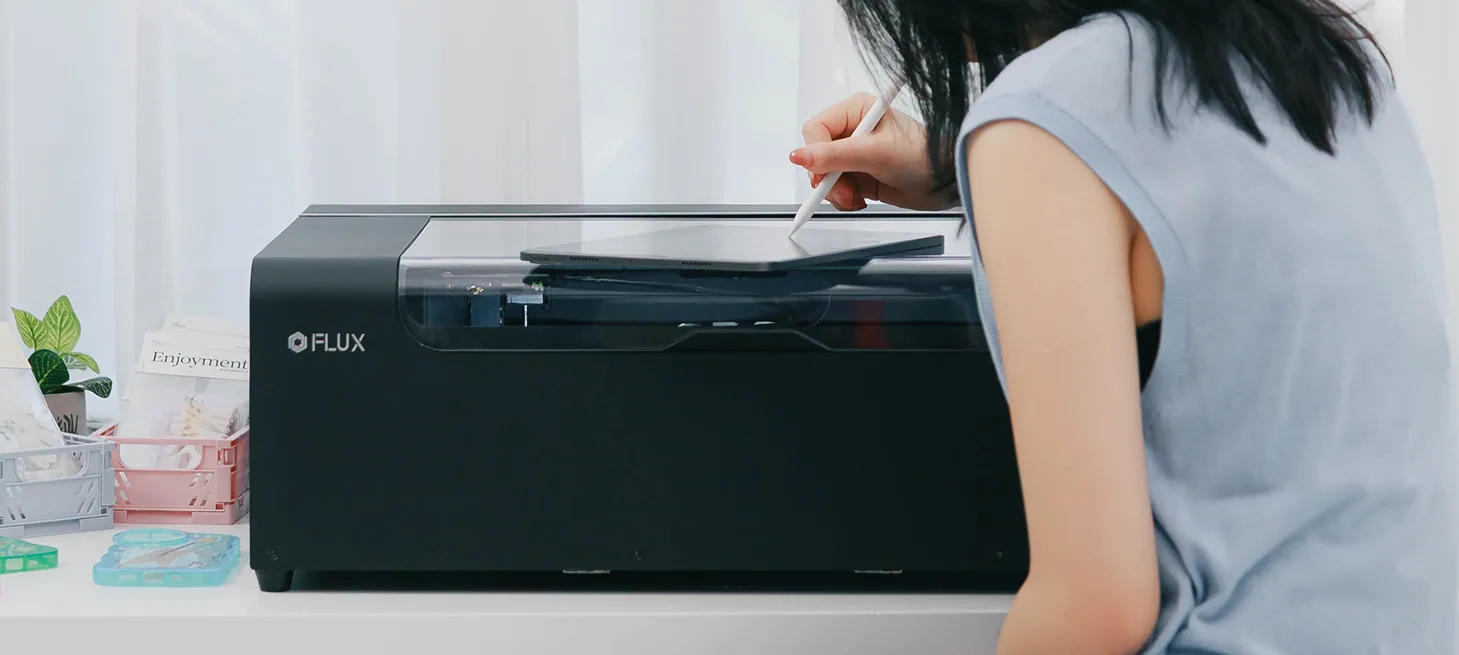
The one-shot camera preview captures the entire bed, drag and drop your artwork right onto the material in Beam Studio.

02 · Auto Focus
Focus at a tap
Built-in auto focus feature measures the material height and puts the laser in the right working position.

03 · Red Light Preview
Know exactly where the job begins
A visible framing light gives quick alignment feedback before cutting or engraving.
Unlock More Than You Imagine
01
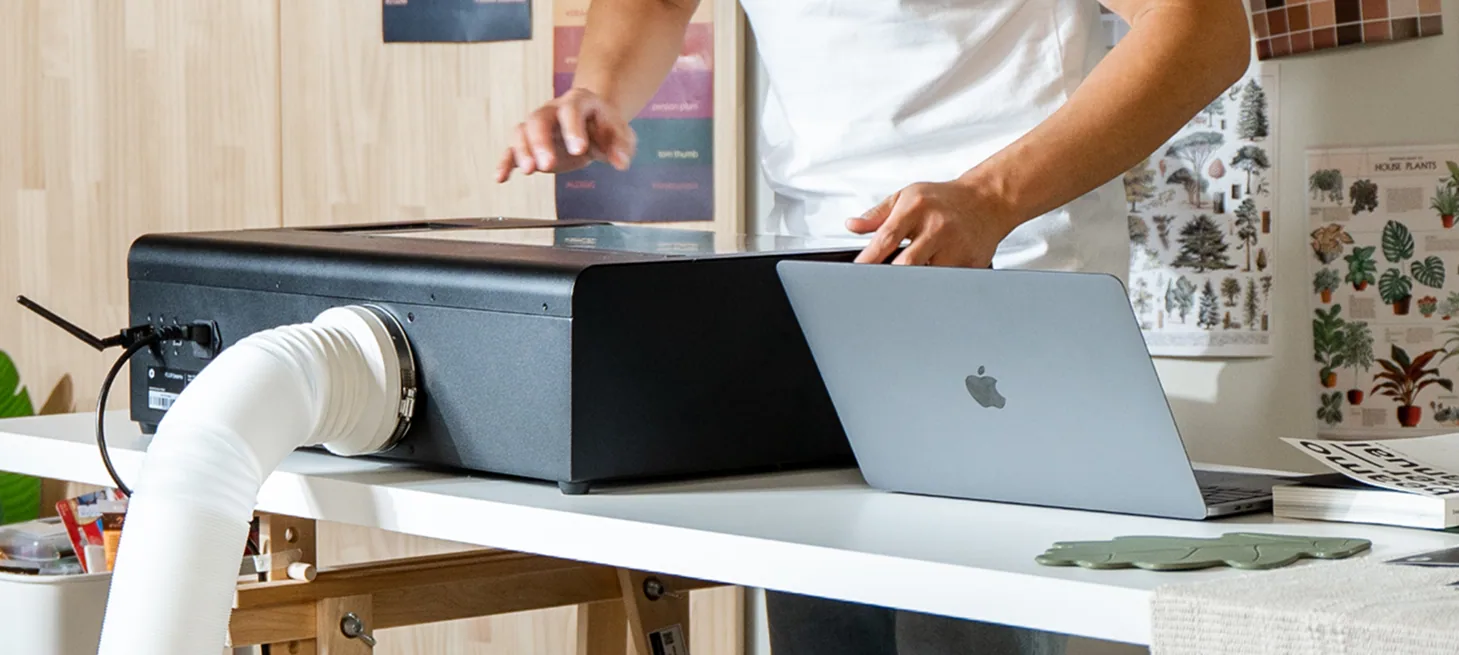
Make room for taller objects
Increase the working depth to 155 mm for boxes, vessels, and other dimensional pieces.
How beamo Ⅱ Is the Perfect Fit for You
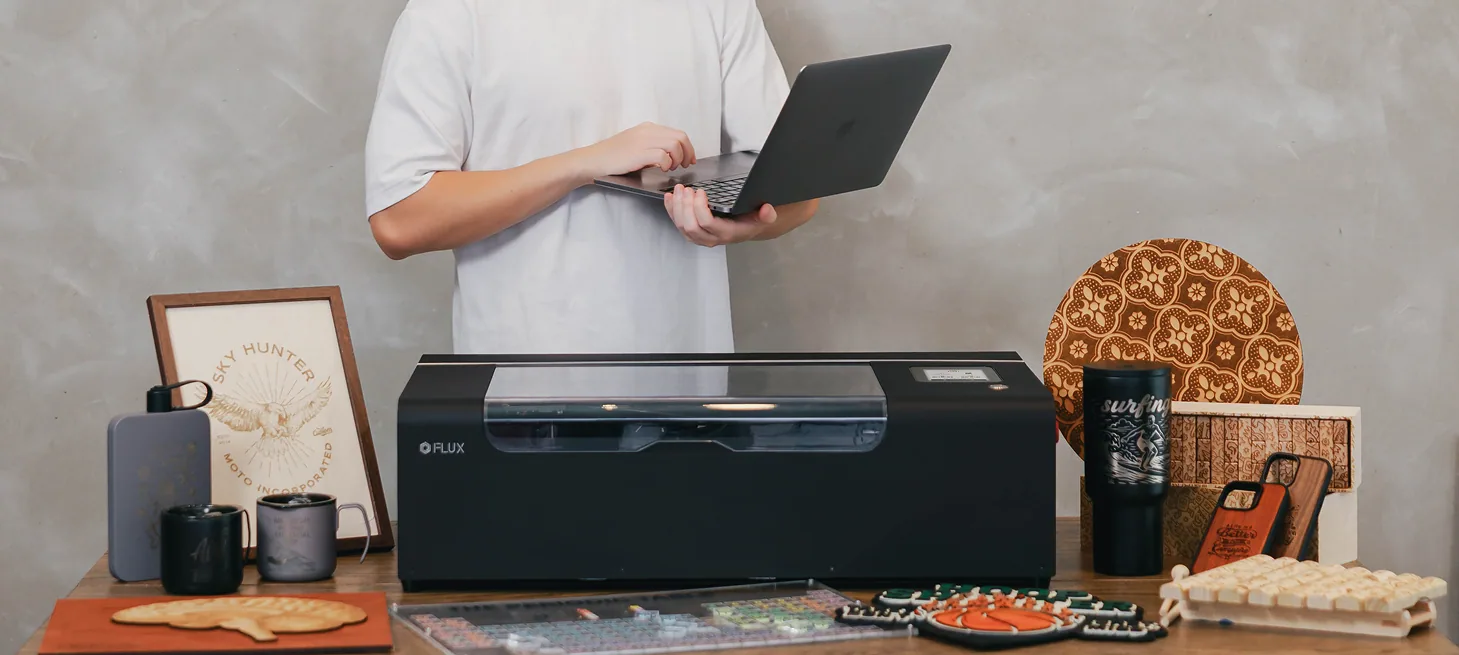
“I want to start creating from day one.”
Camera-guided placement, autofocus, and material presets flatten the learning curve without hiding the controls you will grow into.
Story 1 / 4

Simple Enough for First-Timers, Powerful Enough for Pros.
Beam Studio brings design placement, laser settings, and production tools into one clear workspace on macOS, Windows, Linux, and ChromeOS.
Explore Beam StudioFrom Ideas to Products in Just Three Steps
- 01
Place
Put the material in the machine.
- 02
Preview
Position the design with the camera.
- 03
Create
Choose settings and start the job.
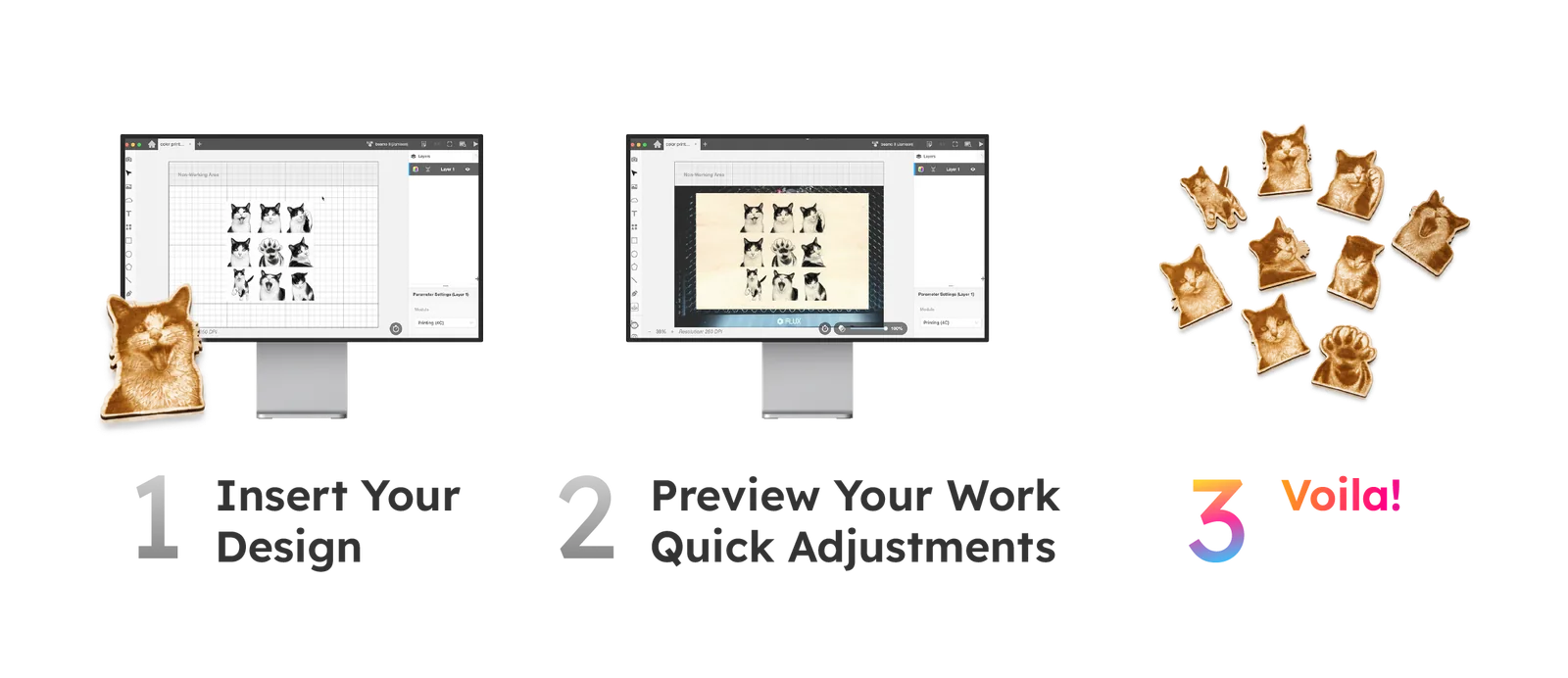
Design, Preview, and Prepare in Beam Studio
01
Create original artwork from a simple prompt
Describe your idea in a few words, then let Beam Studio generate original artwork you can refine, position, and prepare for laser production.
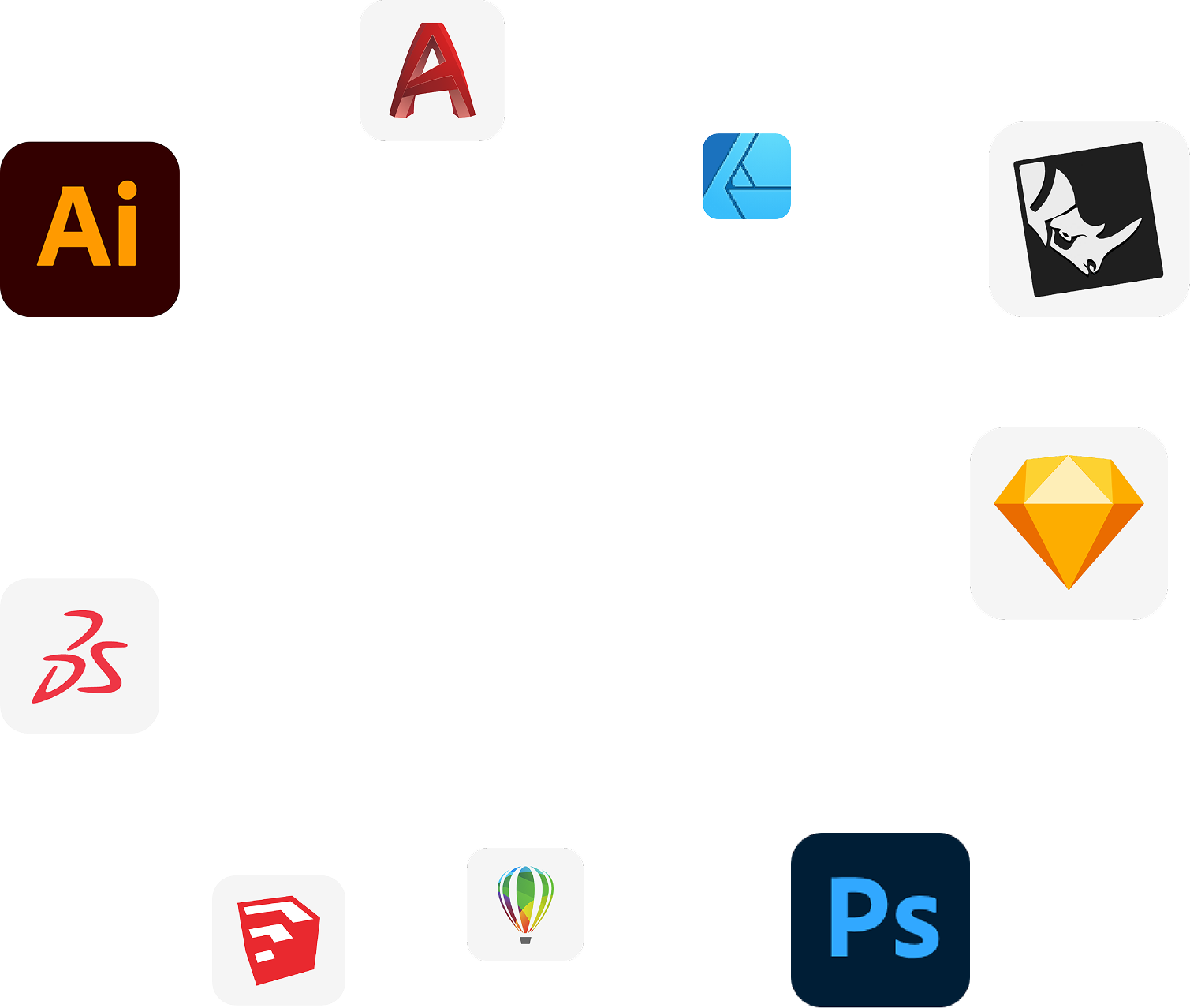
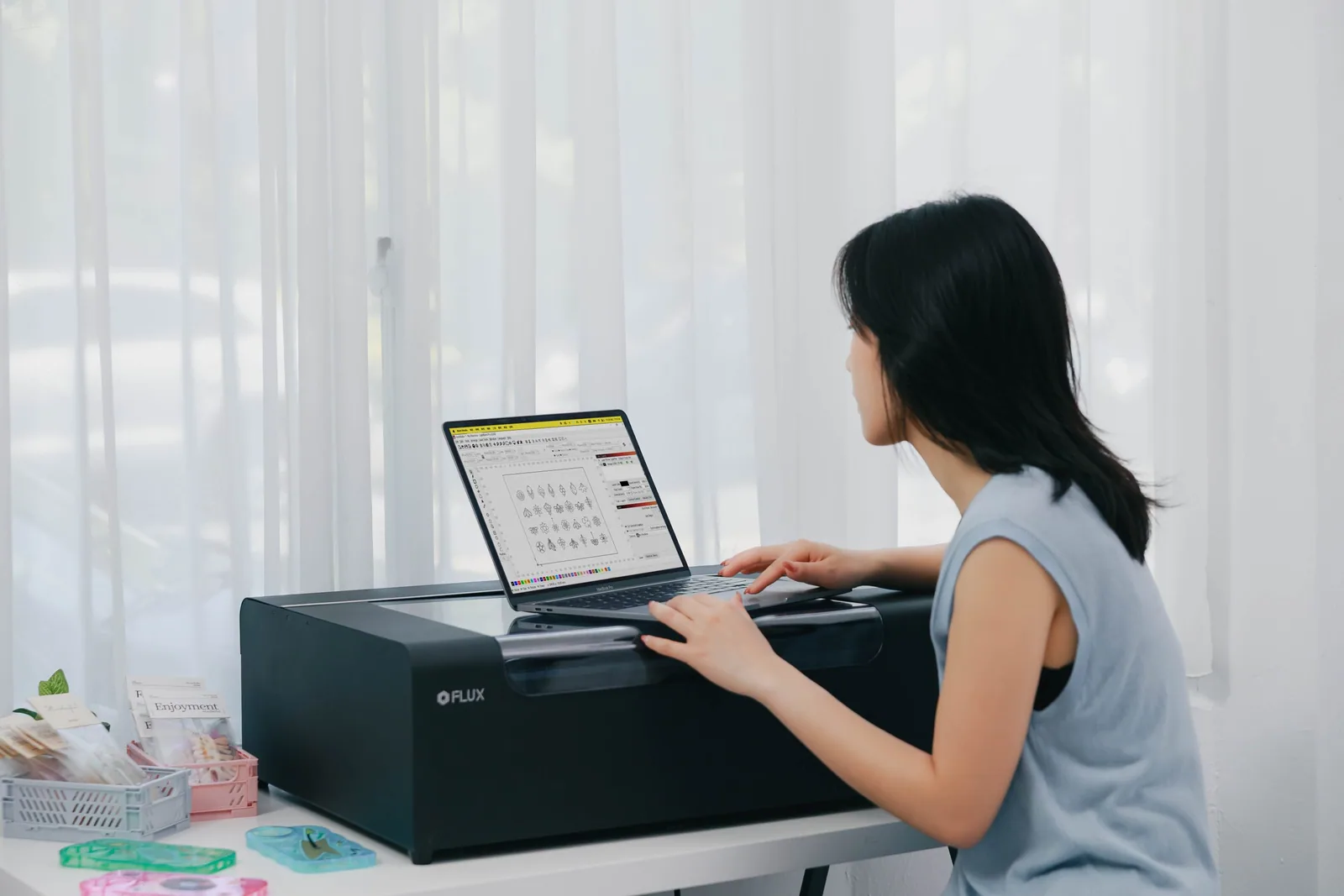
LightBurn Compatible
Prefer LightBurn? Connect beamo Ⅱ to a familiar professional workflow while keeping Beam Studio ready for camera-guided jobs.
Your Safety Always Comes First.
beamo Ⅱ meets CE, FCC, and FDA certifications, aligning with globally recognized safety and quality standards. Combined with IEC 60825-1 and SGS testing, it’s designed to give you a secure, reliable workspace.
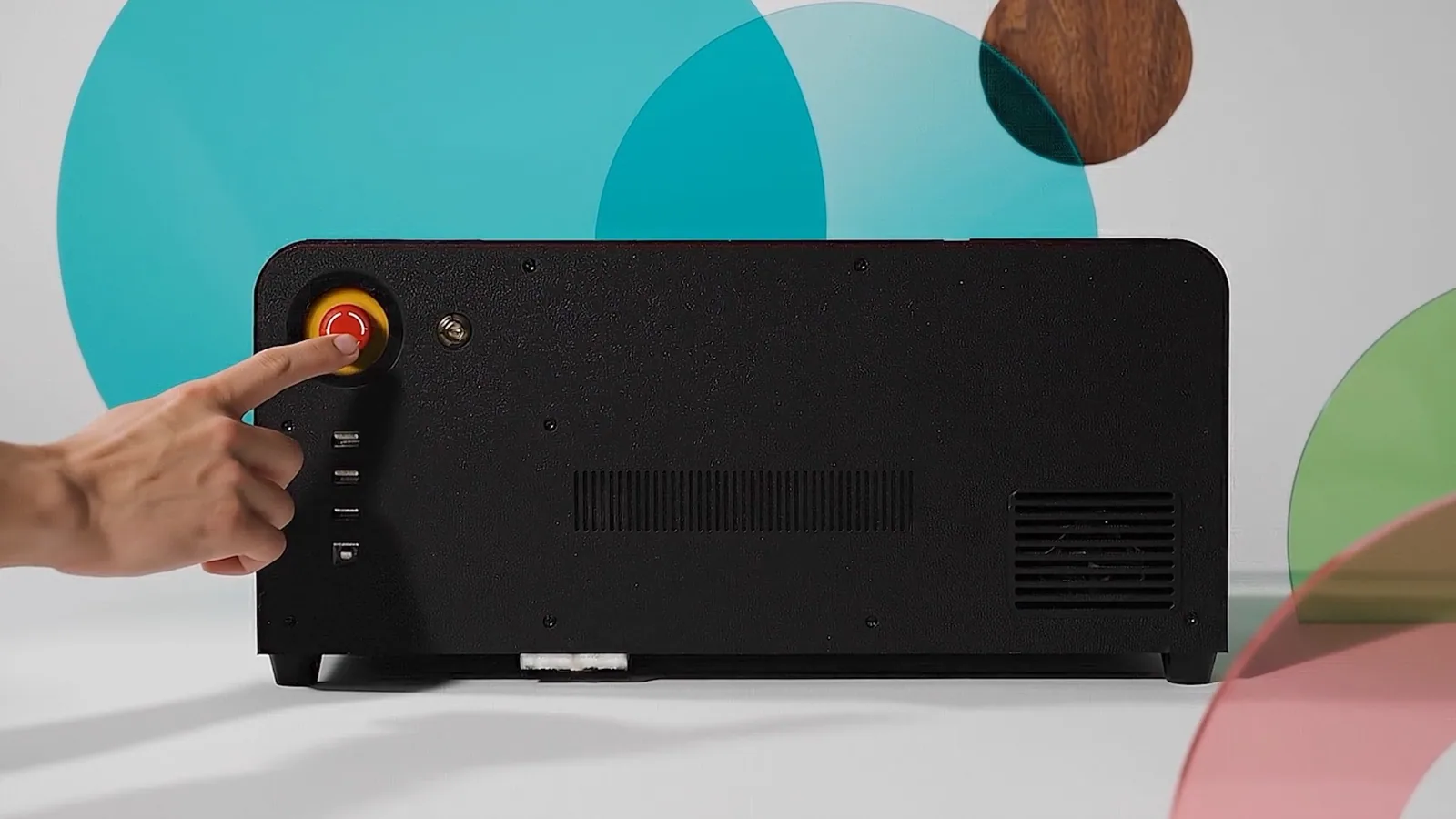
Emergency Button
Instant Shutdown
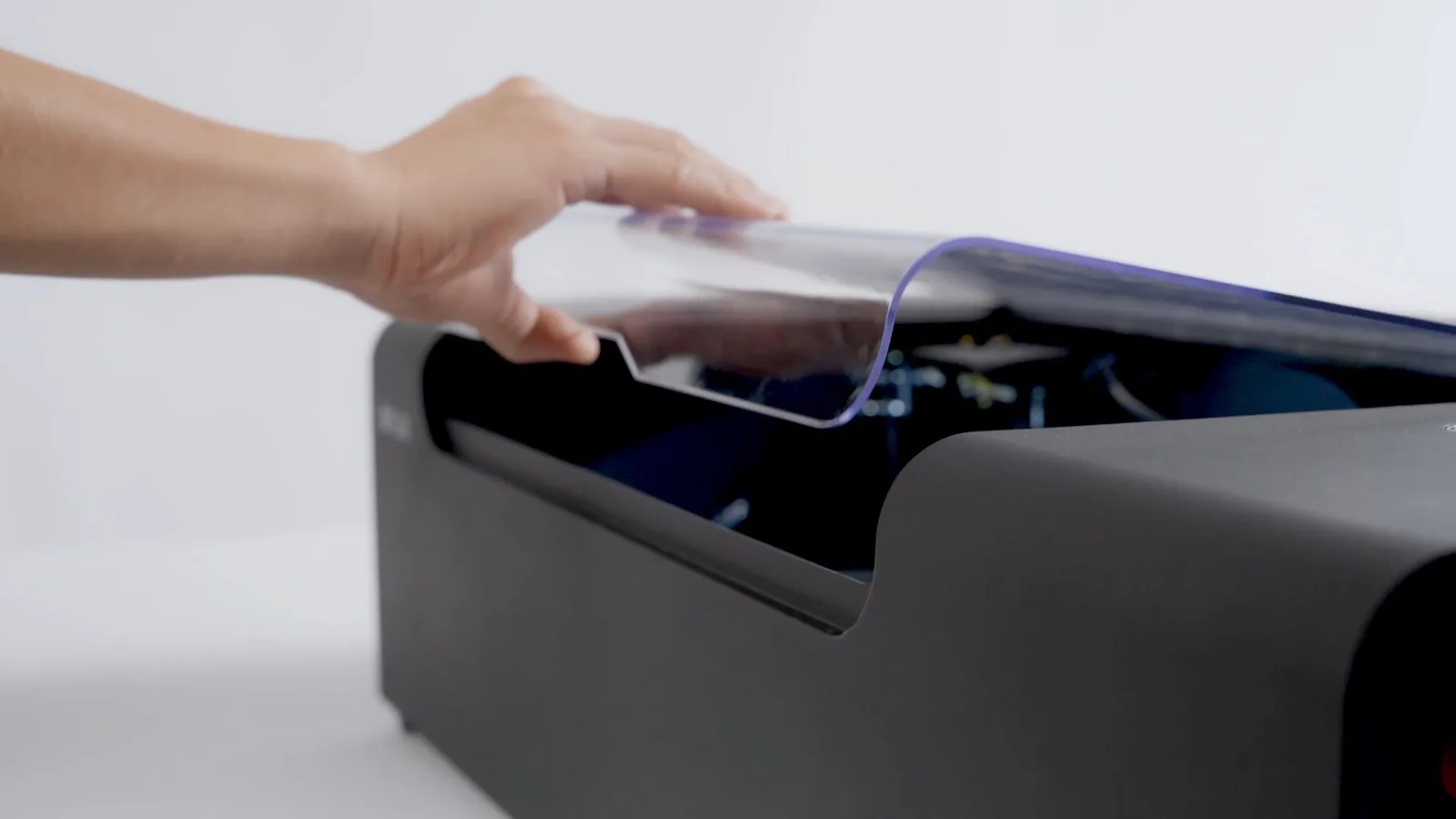
Fully Enclosed Design
Stops When Opened
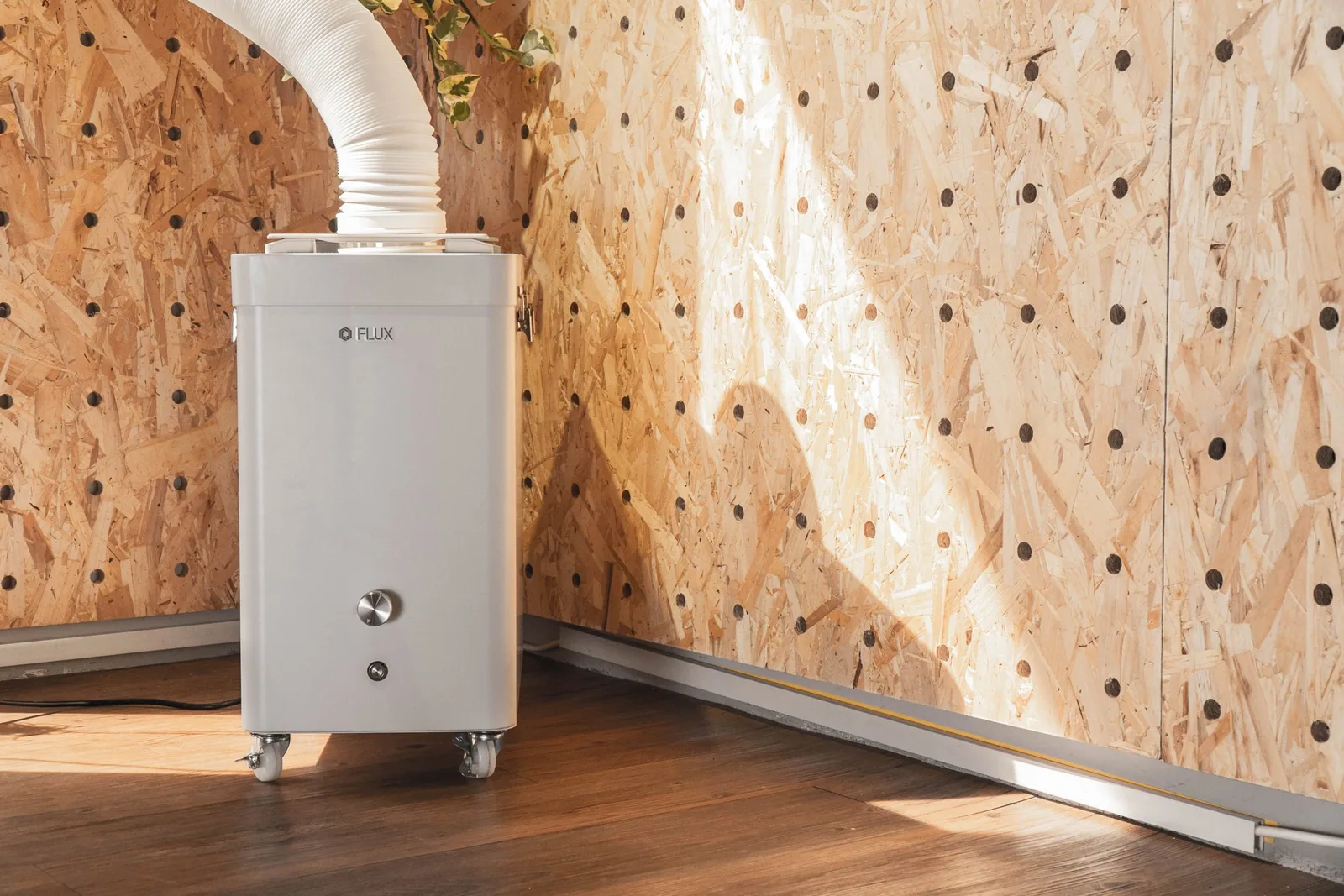
Keep Your Space Clean
with Beam Air Filter
Specifications
Product
- Laser Power
- 30W DC CO2 glass tube
- Laser Wavelength
- 10.6 μm
- Machine Size
- 710 × 474 × 208 mm
- Machine Weight
- 23 kg
- Package Size
- 850 × 615 × 350 mm
- Package Weight
- 29.3 kg
Performance
- Resolution
- Up to 1,000 DPI
- Laser Spot
- 0.3 mm
- Maximum Speed
- 750 mm/s
- Camera
- HD 8 MP CMOS
- Preview Area
- 300 × 195 mm
- Alignment
- Camera and red light
- Focus
- Built-in autofocus
- Laser Safety
- Class 1
Work Area
- Bed
- 415 × 335 mm
- CO2 Work Area
- 360 × 240 mm
- Infrared Work Area
- 270 × 190 mm
- Standard Object Height
- Up to 7 mm
- Honeycomb Removed
- Up to 30 mm
- With Extension Pocket
- Up to 155 mm
Software & Connection
- Software
- Beam Studio; LightBurn compatible
- File Types
- JPG, PNG, SVG, DXF, PDF, AI
- Operating Systems
- macOS, Windows, Linux, ChromeOS
- Connection
- Wi-Fi, Ethernet, USB
- Power
- AC 100–240 V, 50/60 Hz
Optional Infrared Module
- Laser Power
- 2W
- Wavelength
- 1,064 nm
- Maximum Speed
- 150 mm/s
- Resolution
- Up to 1,000 DPI
Accessories
- Extension Pocket
- Maximum object height 155 mm
- Chuck Rotary
- For cylindrical and irregular round objects
- Auto Feeder
- Supports material up to 1,000 mm long
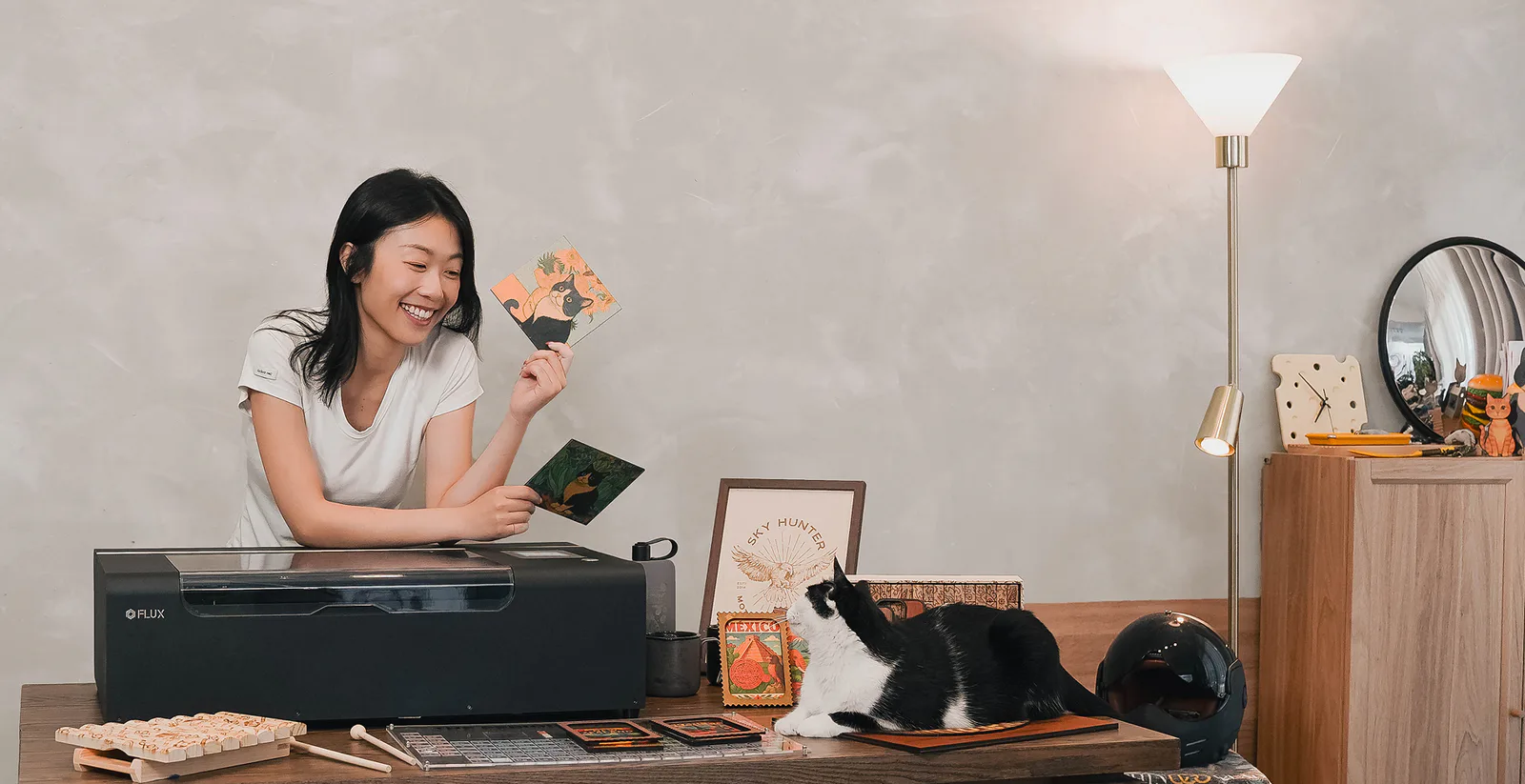
Make More from a Compact Space
Bring beamo Ⅱ into your studio and turn the next idea into something you can hold, share, or sell.