
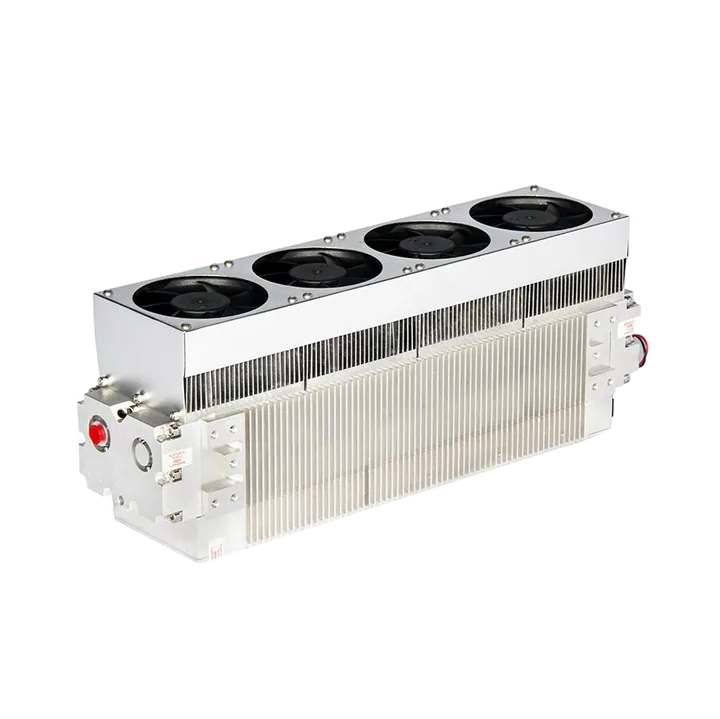
RF Laser Tube
80W30W 60W
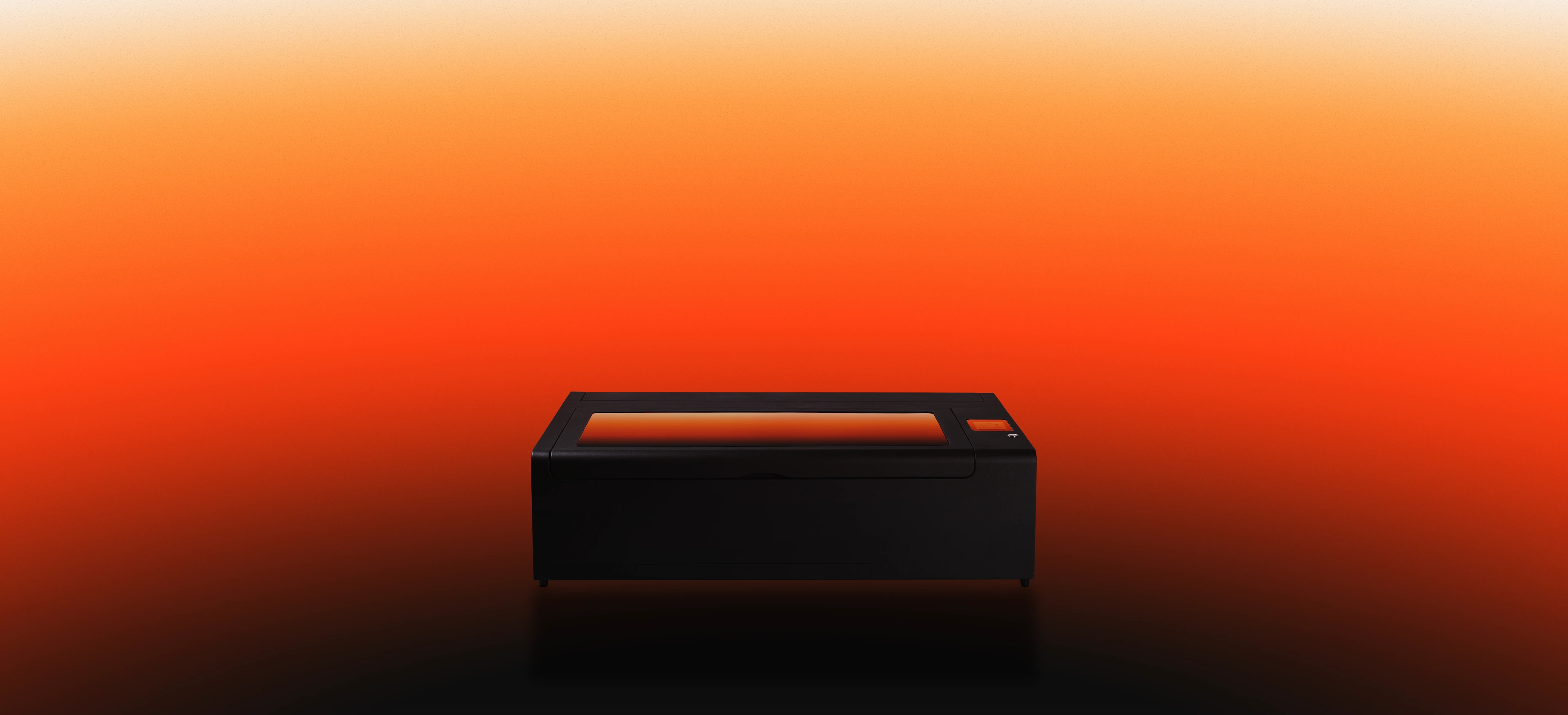
Finer engraving, faster fulfillment, and repeatable production quality, HEXA RF is the upgrade that changes what your laser can deliver.
 32 mm acrylicin one pass
 2000 mm/smax speed
 0.07 mmbeam spot
 20000 hourslifespan
Cuts up to
32 mmcylinders, circles, & cones
20000 hours
Finer, Faster, and Built to Last.
for thicker and larger material
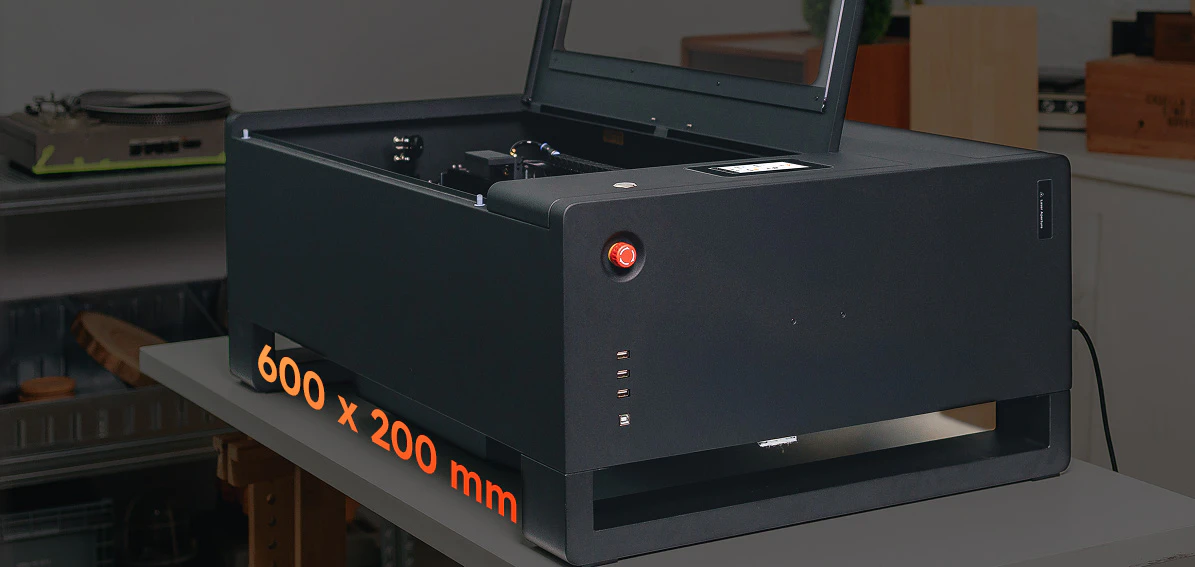
600 × 200 mmfrom Illustrator to Beam Studio
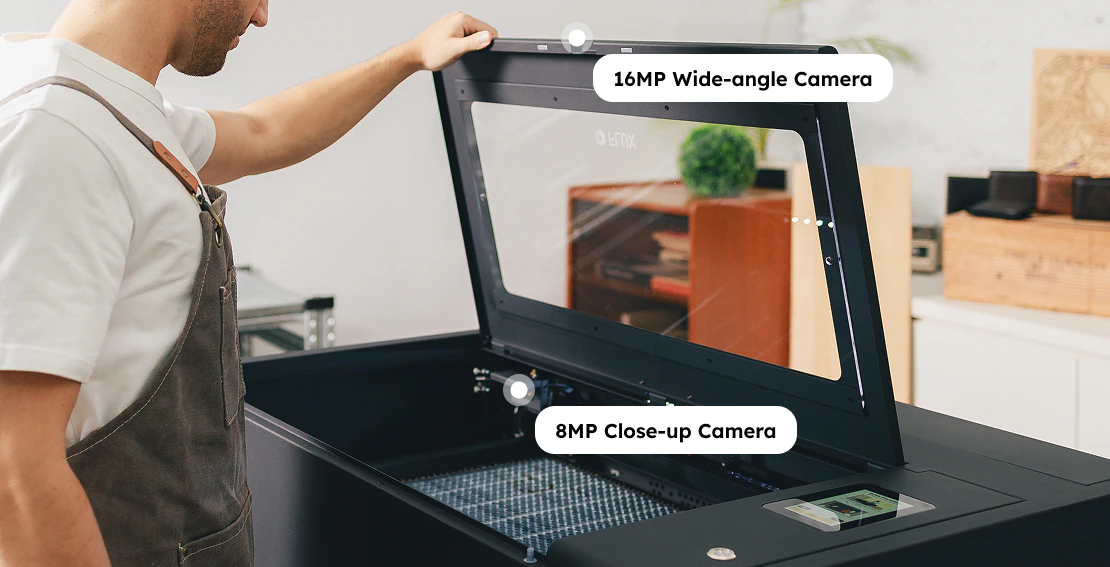
8MP Close-up16MP Wide-angle
Class 1
Cuts up to
32 mmcylinders, circles, & cones
Class 1
Finer, Faster, and Built to Last.
20000 hours
for thicker and larger material
600 × 200 mmfrom Illustrator to Beam Studio
8MP Close-up16MP Wide-angle
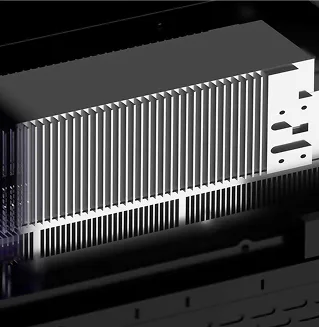
RF (Radio Frequency) changes how a laser performs. With a finer beam, greater stability, and longer service life, the RF metal laser tube is built for cleaner engraving, sharper detail, and more consistent results over time. From intricate designs to scaled production, it delivers the precision and reliability professionals depend on.
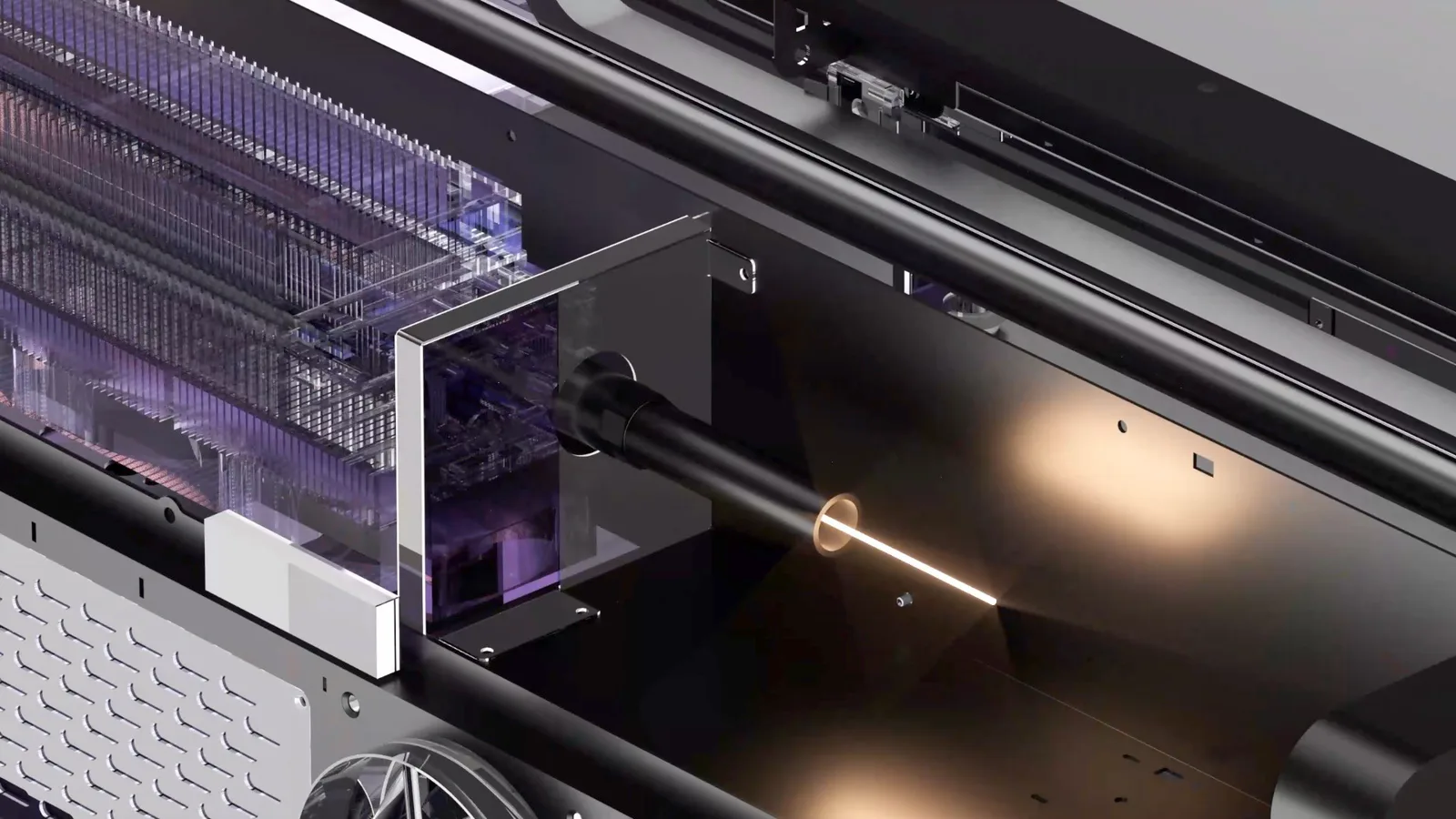
max 20,000 hours lifespan
max 10,000 hours lifespan
max 2000mm/s speed
max 900mm/s speed
2000 DPIultra-high resolution
1000 DPIstandard resolution
0.07 mm ultra-fine laserbeam spots
0.3 mm standardlaser beam spots
Turn custom orders into consistent production. When orders grow, speed and consistency matter. HEXA RF helps you produce cleaner work, faster, and with fewer mistakes.
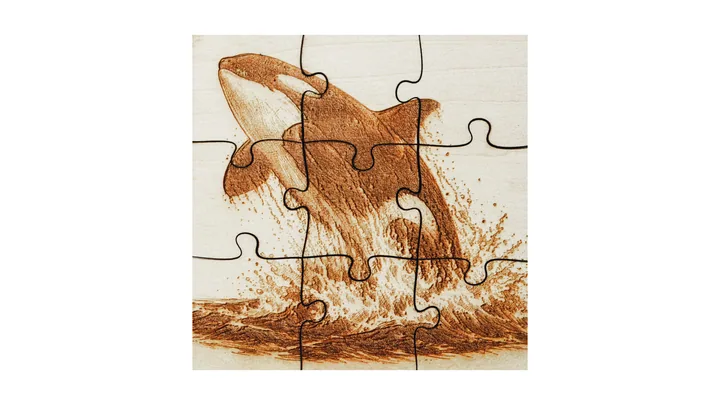
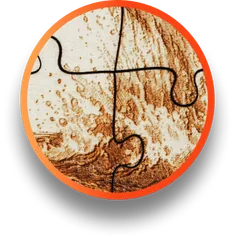
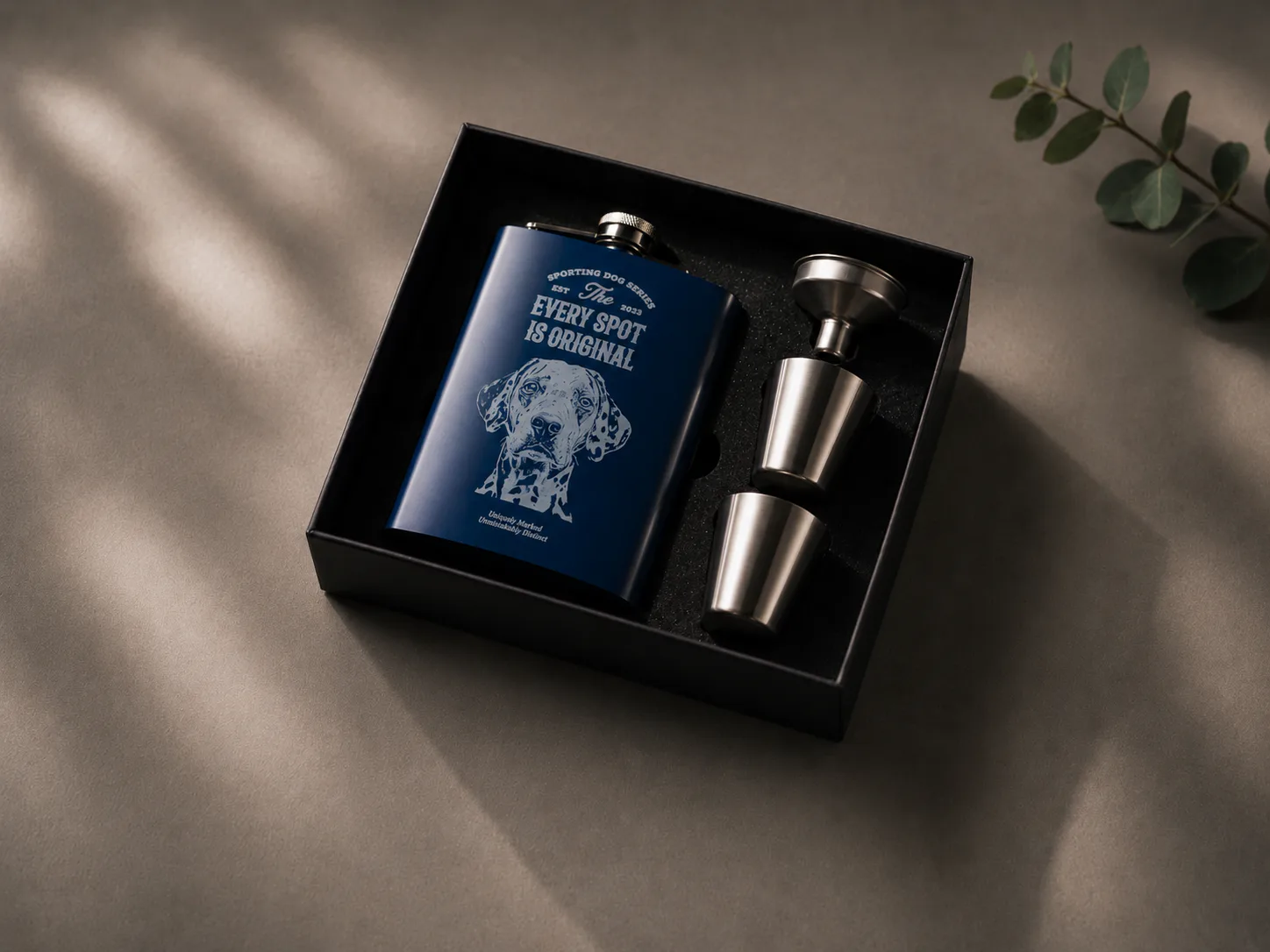
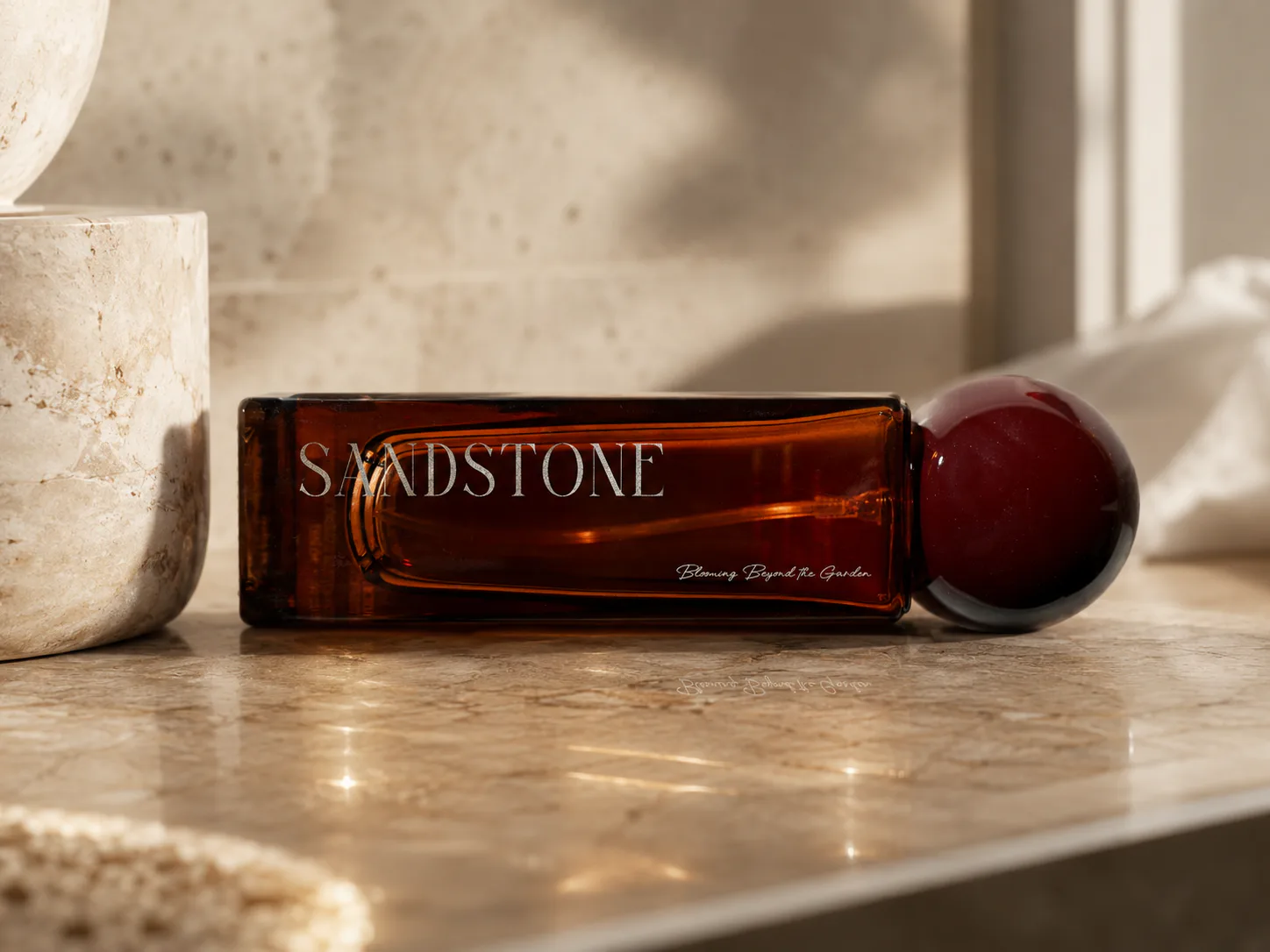
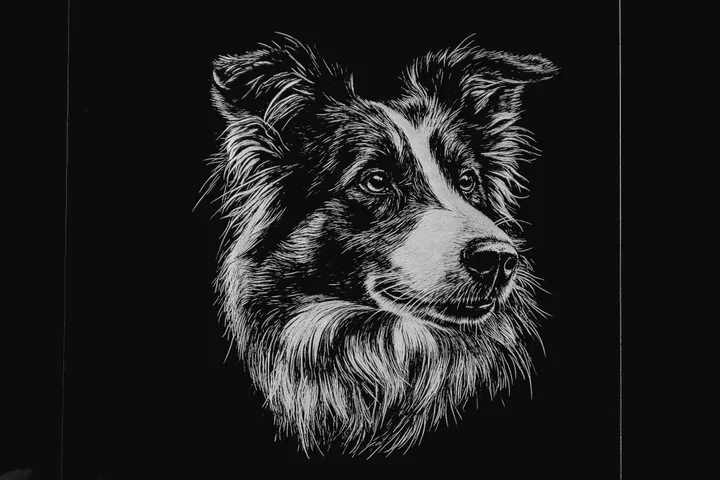
Featuring a 0.07mm ultra-fine beam and up to 2,000 DPI resolution, HEXA RF delivers sharper, more precise engraving and cleaner edges compared to traditional CO2 glass tubes.






Model how product pricing, costs, monthly sales, and HEXA RF power configurations can shape your return.
With engraving speeds of up to 2,000 mm/s, HEXA RF is built for high-throughput production. Powered by a metal RF laser tube, it helps you move through batches faster while maintaining precise, consistent results.
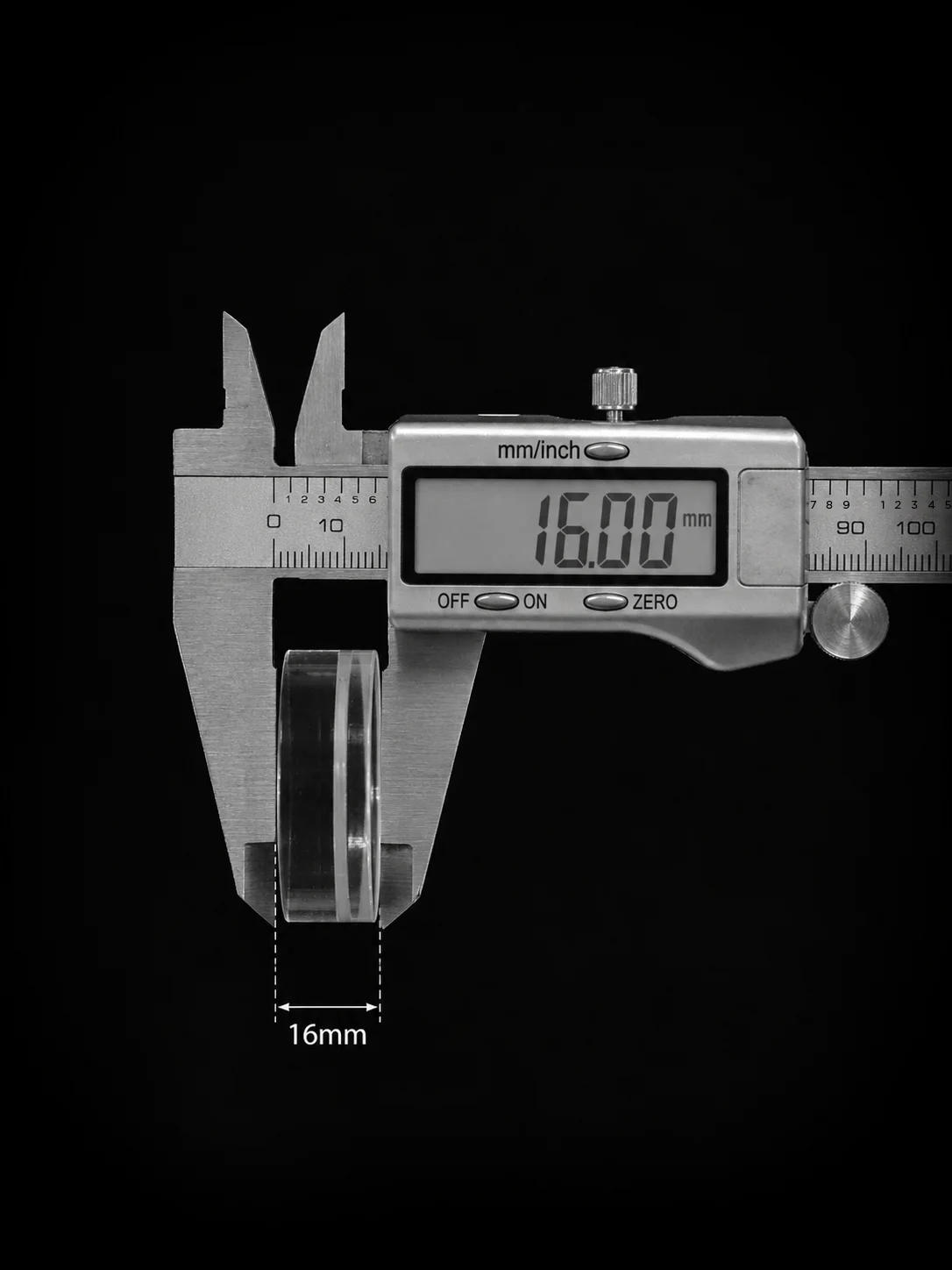
16 mm acrylic
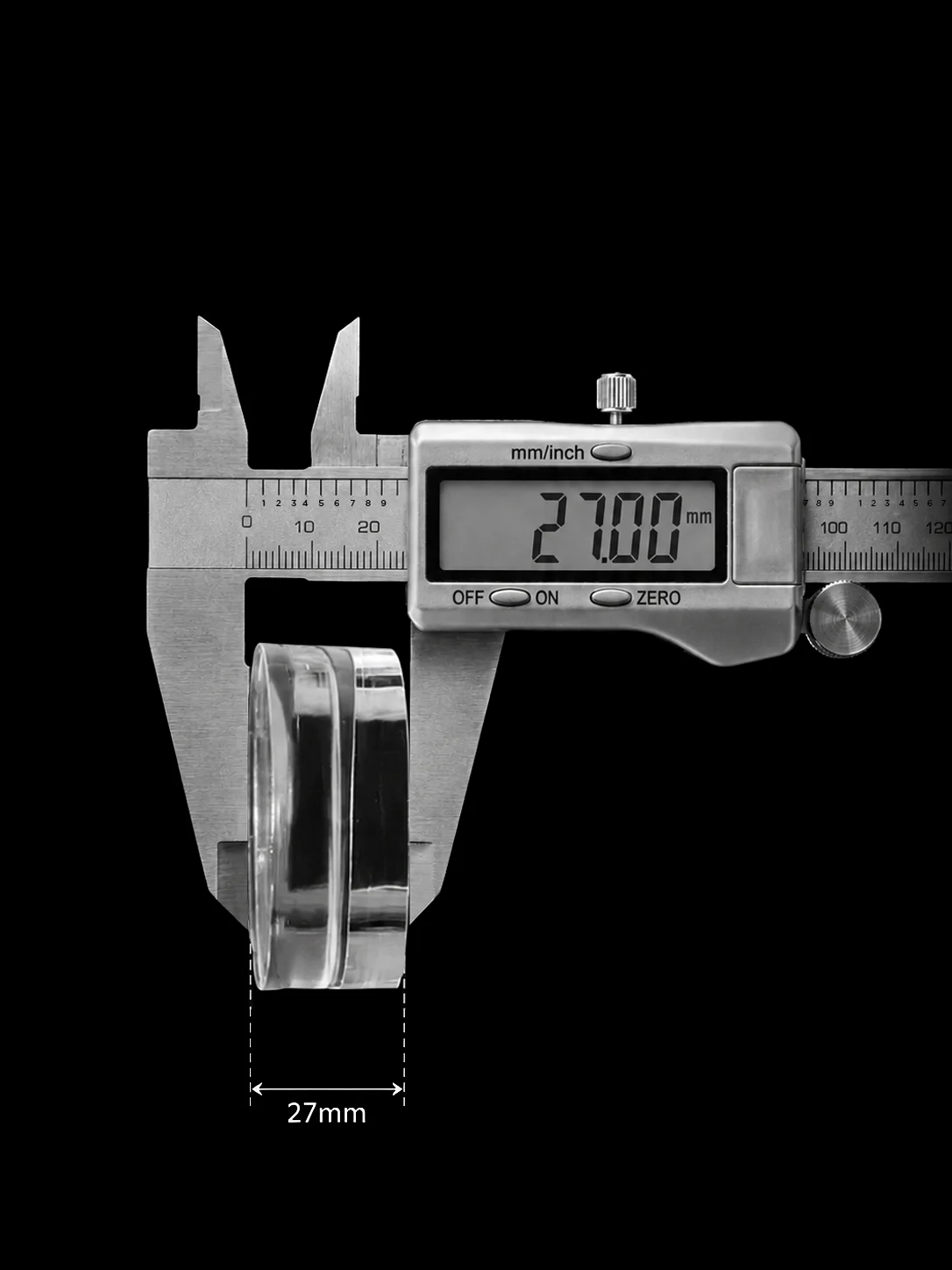
27 mm acrylic
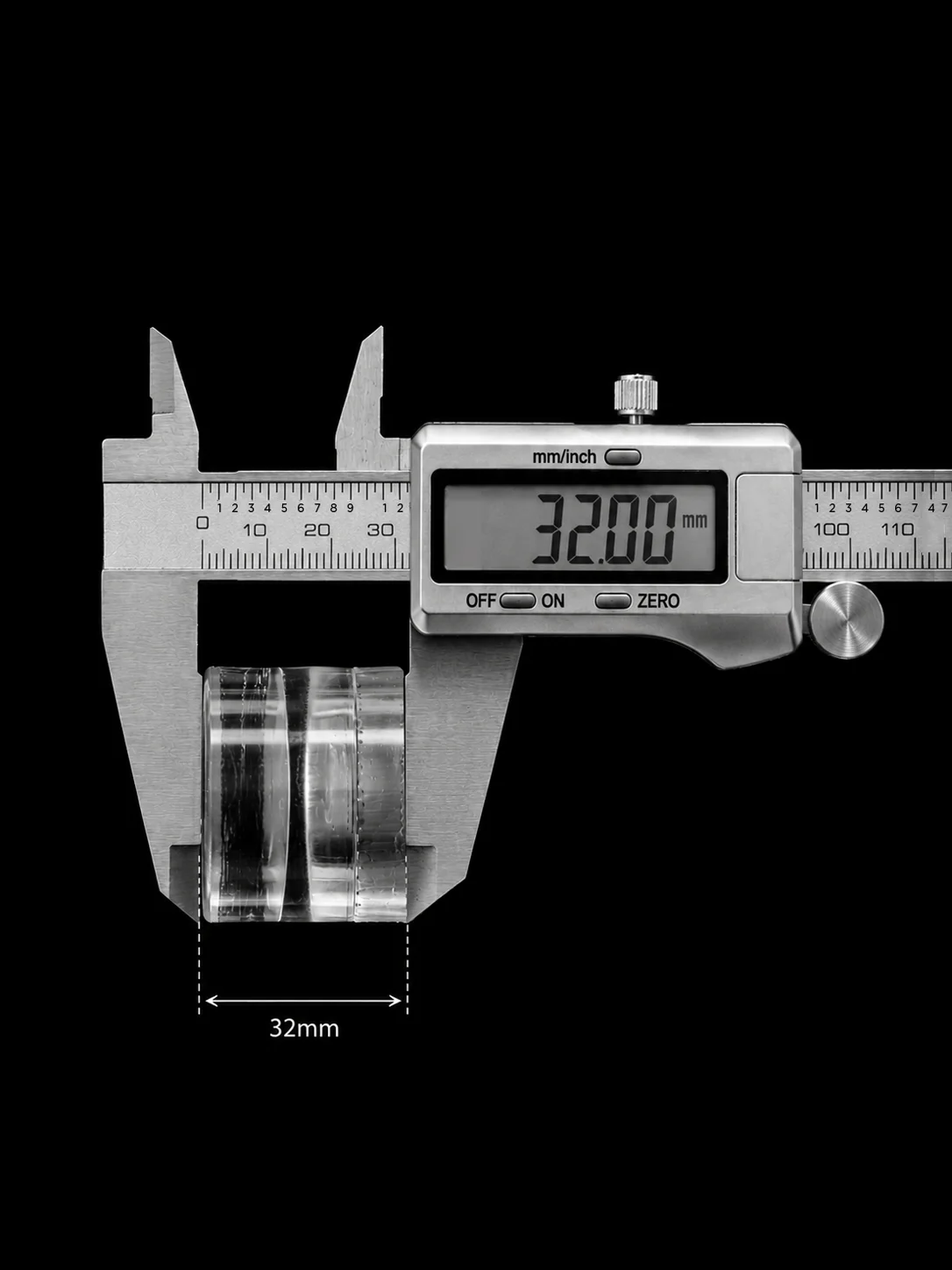
32 mm acrylic
| RF Metal Tube | 30W | 60W | 80W |
|---|---|---|---|
| Equivalent CO2 Glass Tubeest. | 52W | 90W | 120W |
*This table is for reference only; actual results may vary based on materials and focal optics.
Powered by a 0.07 mm beam spot, HEXA RF delivers finer cuts and narrower kerf than traditional glass tube lasers.
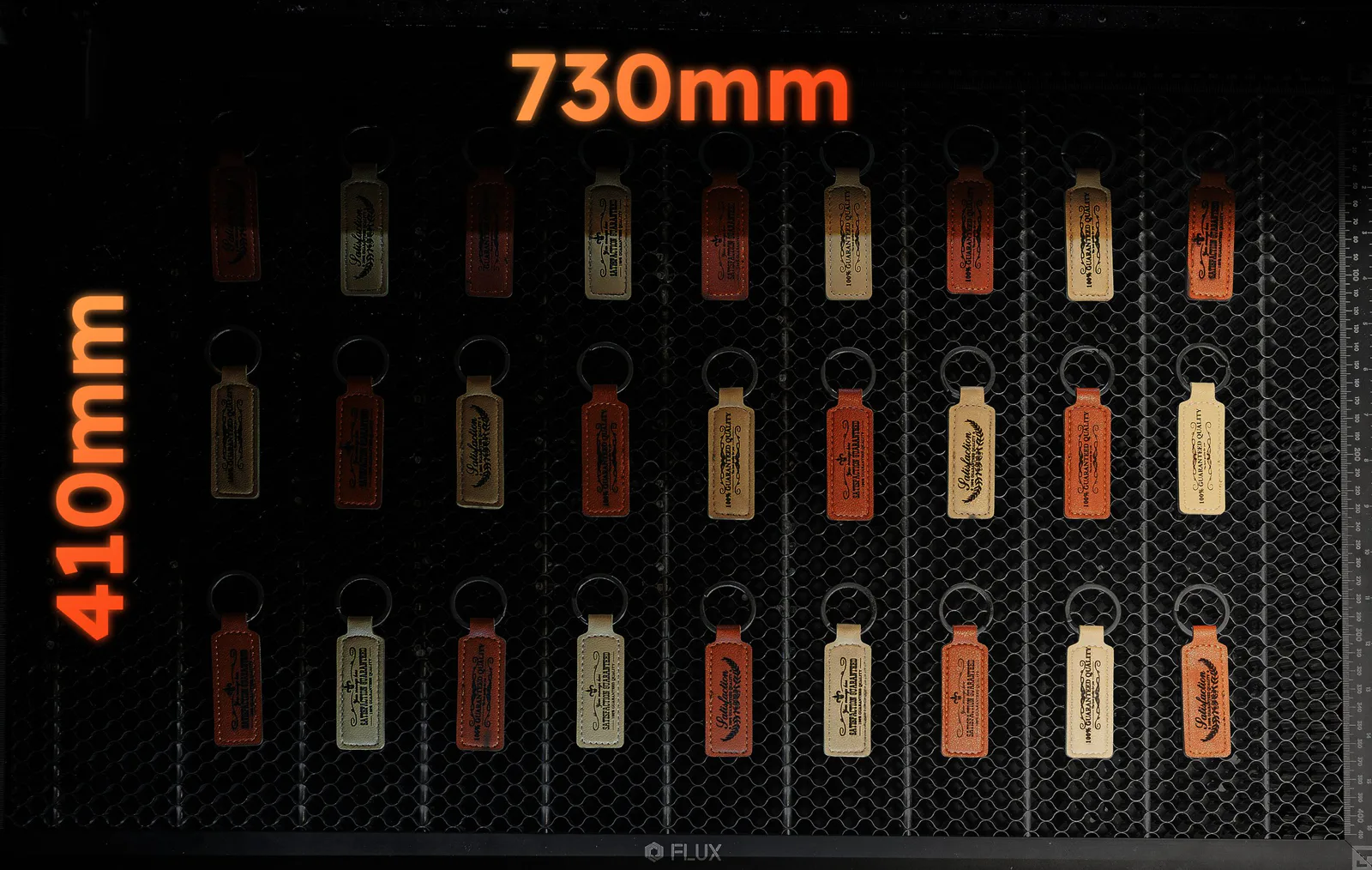
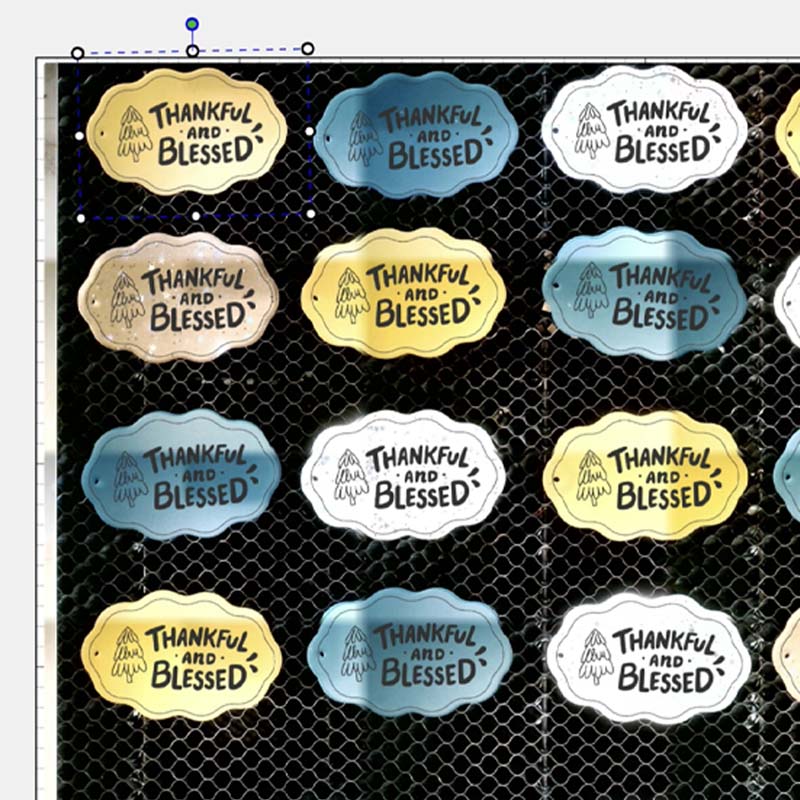
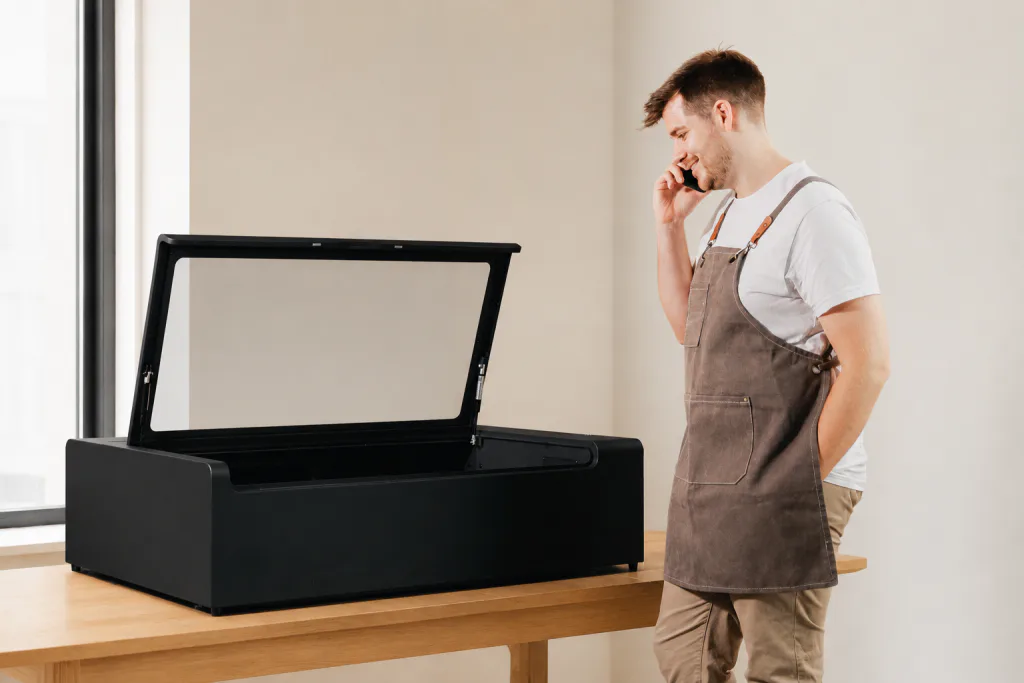
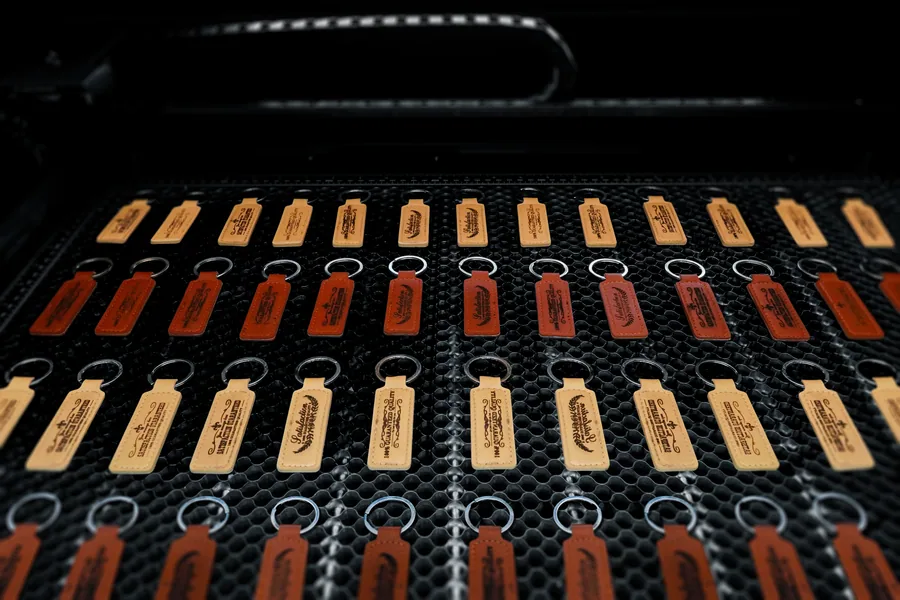
HEXA RF offers an expansive 730 × 410 mm working area, letting you customize over 50 standard business cards at once or tackle a full-size wooden panel in a single run.
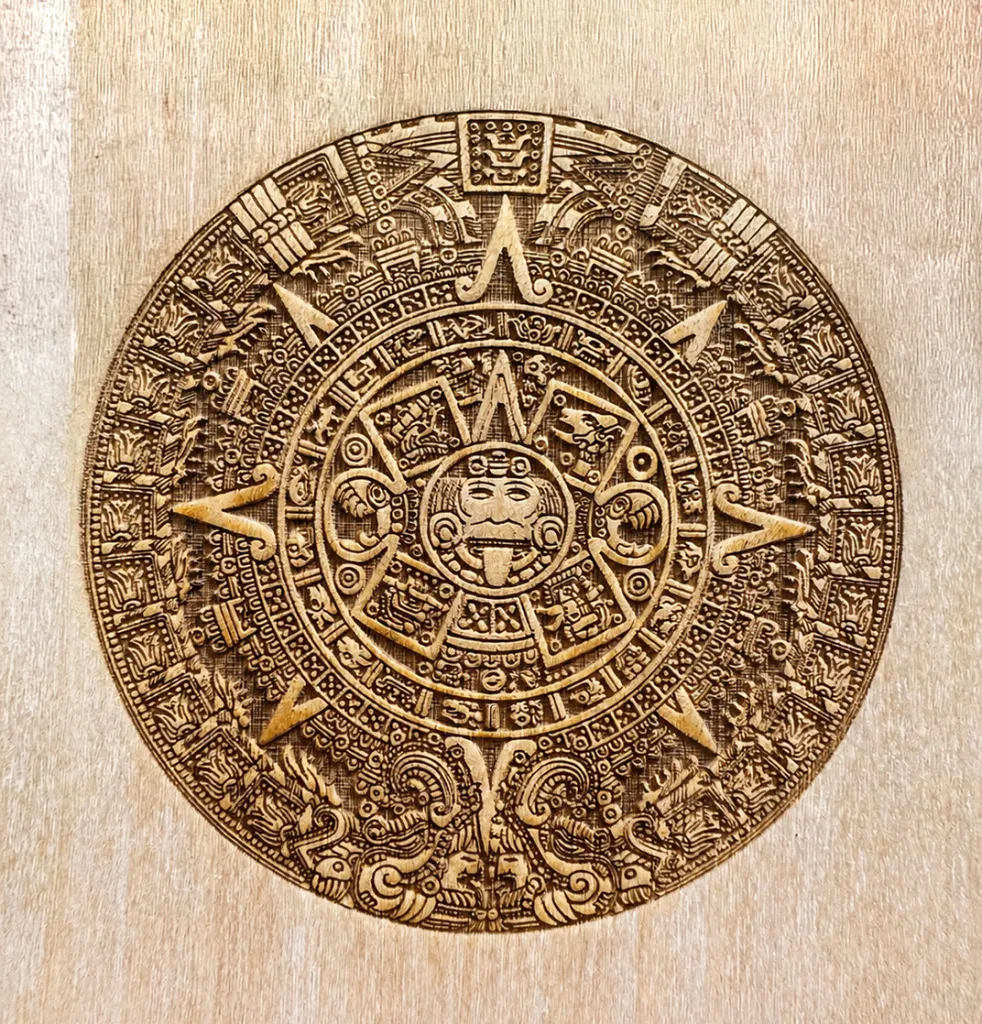
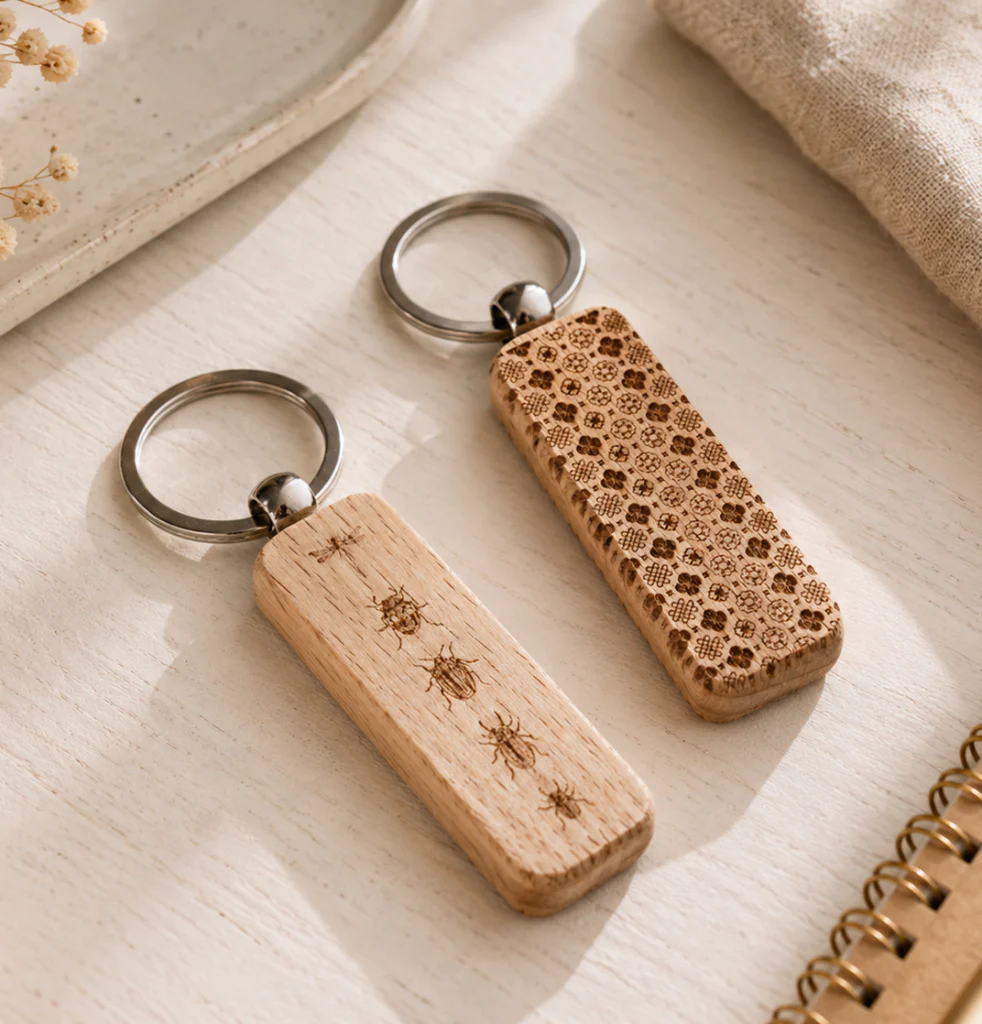
Extra spaces, holds thicker materials with ease.
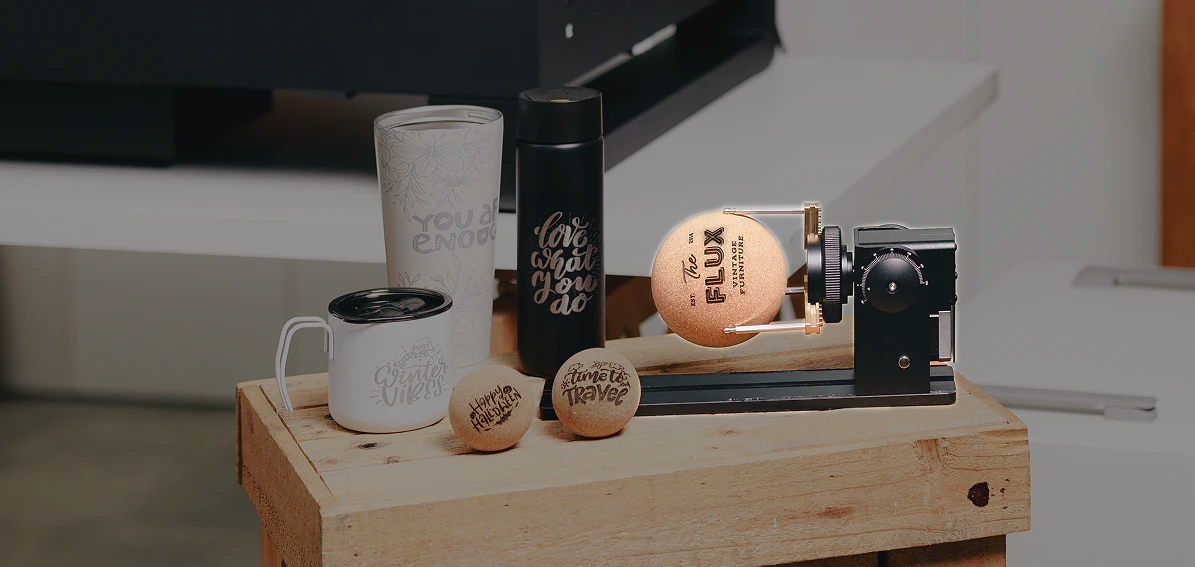
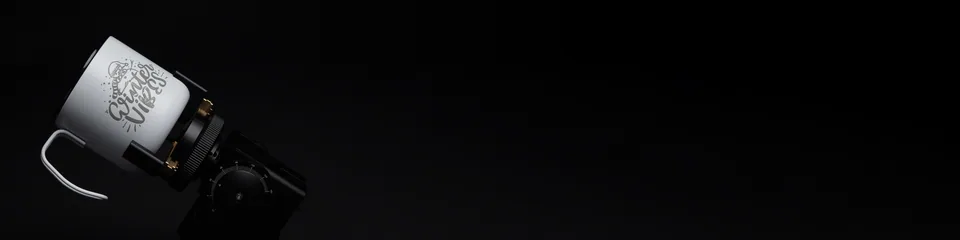
Effortless engraving on cylinders, from glass cups to wine bottles.
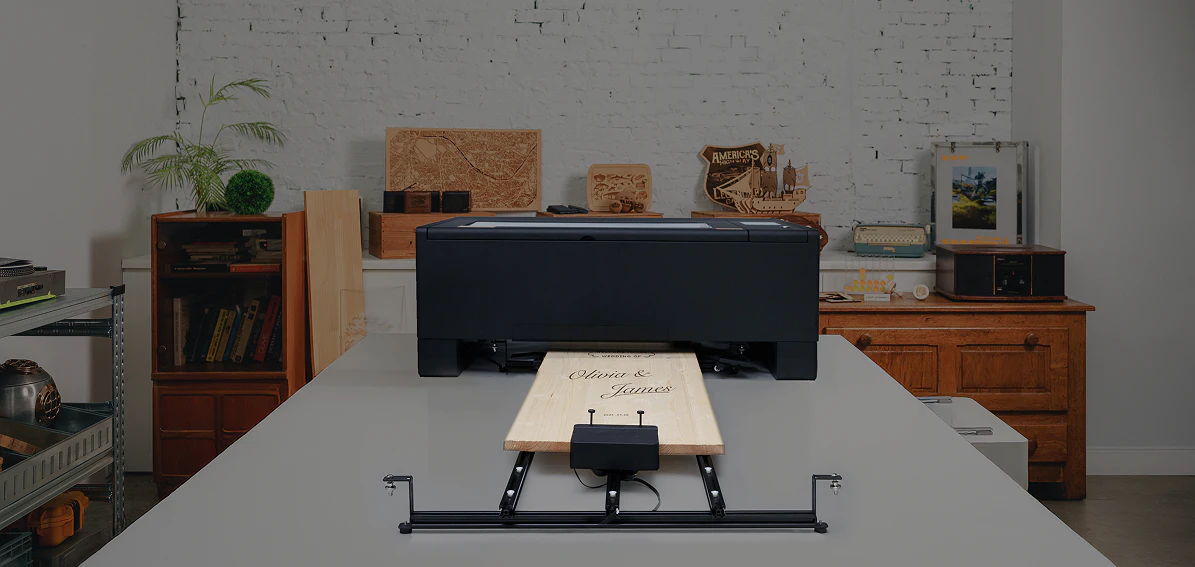
Process materials beyond the standard work area
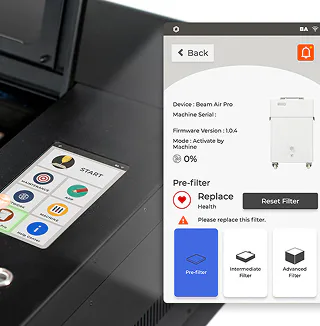
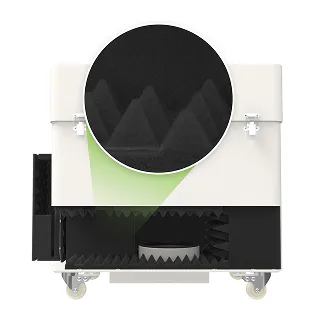

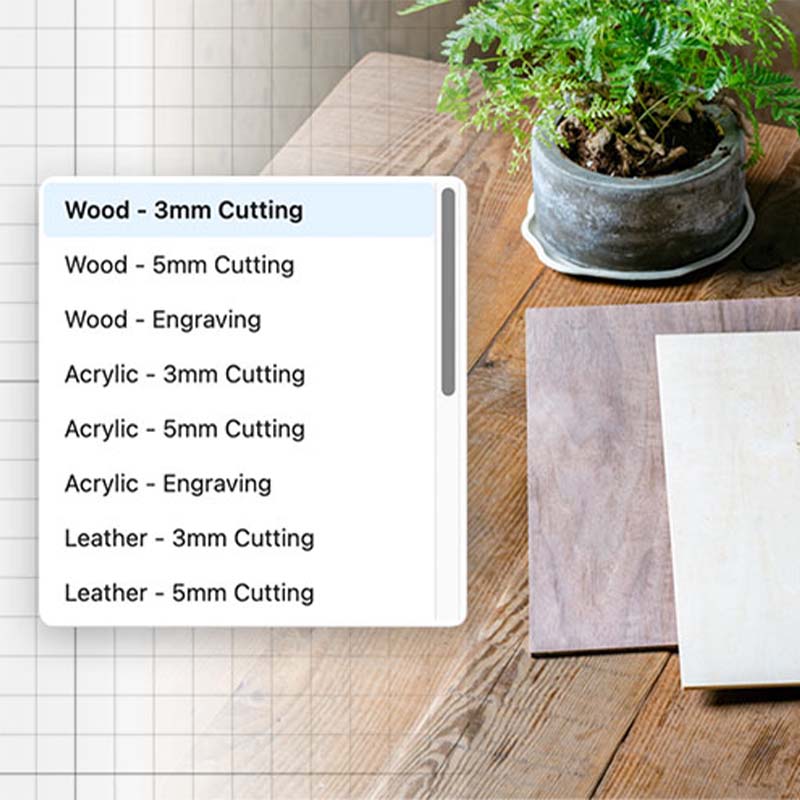
Beam Studio, FLUX’s intuitive laser software, comes with built-in material settings and a simple, easy-to-navigate interface. With features like gradients, sharpening, and advanced editing tools, even first-time creators can achieve professional results with ease.
SVG / JPG / PNG / PDF / DXF / AI / WEBP
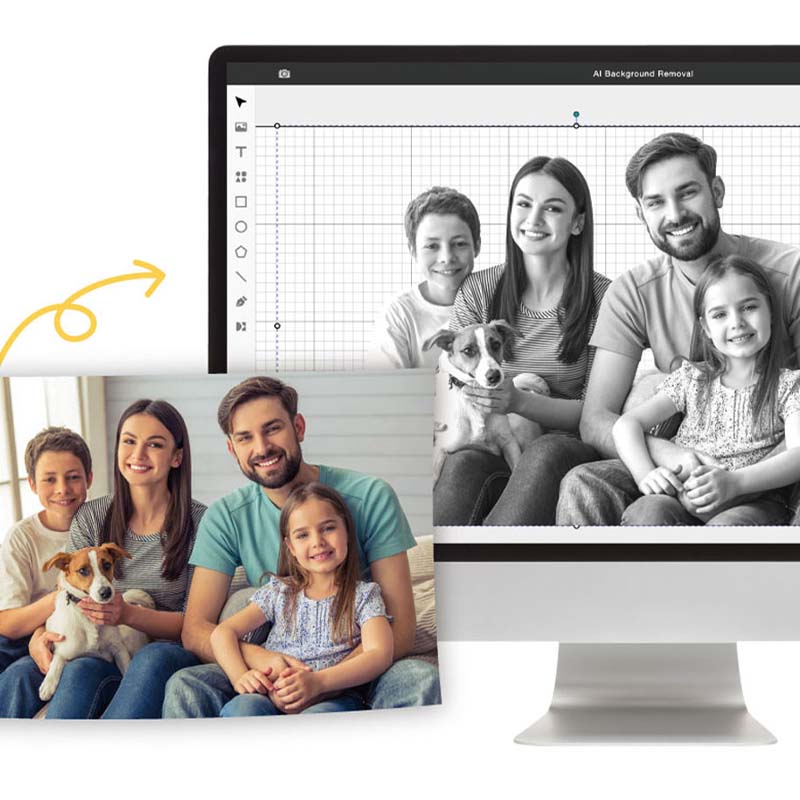
Built-in AI removes complex backgrounds in one click, giving you clean, high-resolution cutouts directly in the software.
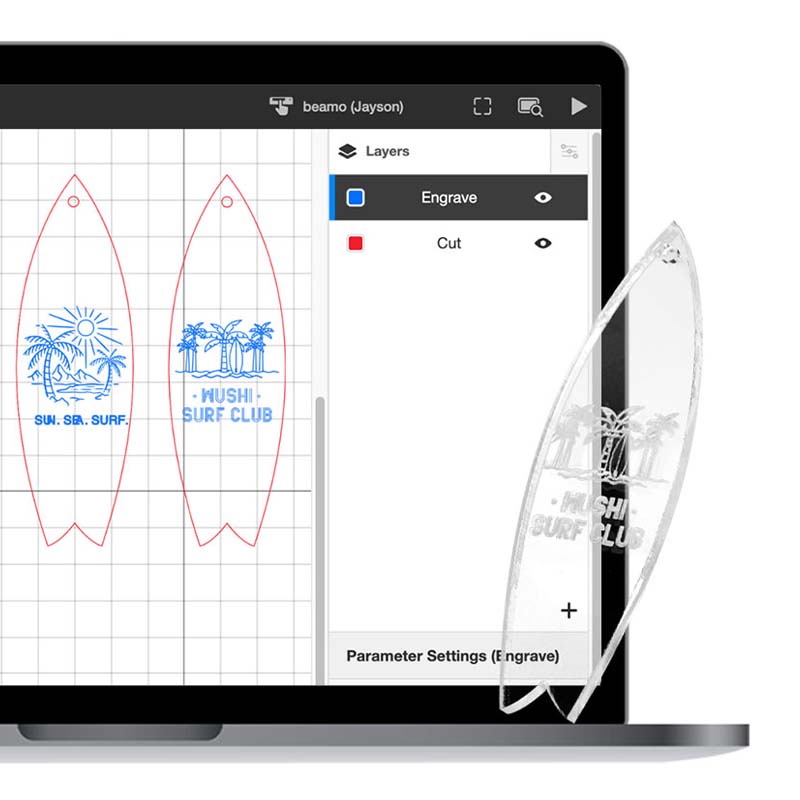
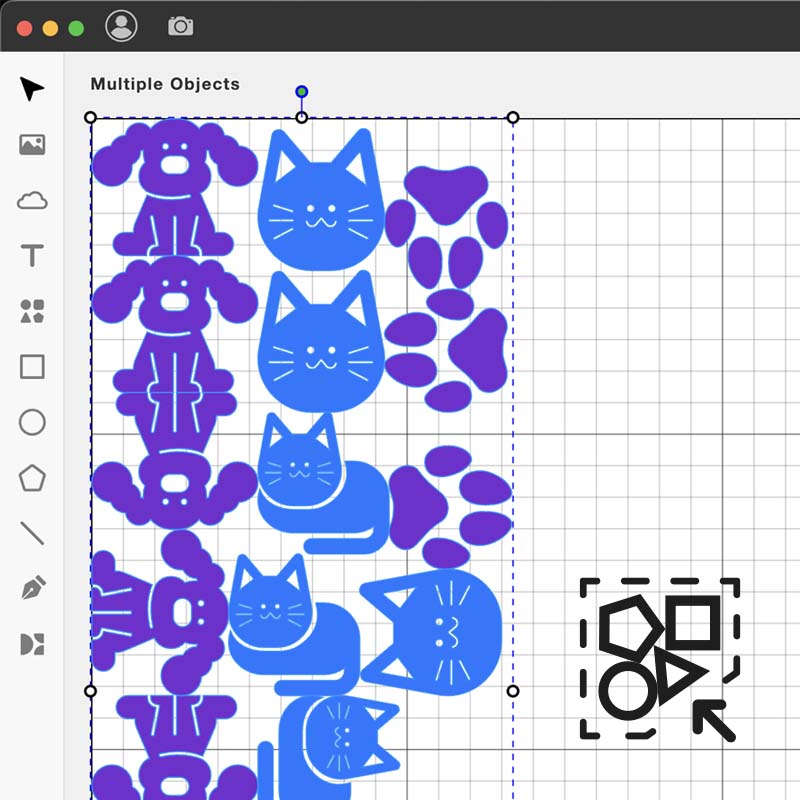
Set different parameters for each layer, then engrave and cut them in a single job.
Choose from 7,000,000+ free vector assets in the software, making it easy for beginners to get started.
Prefer LightBurn? Connect HEXA RF to a familiar professional workflow while keeping Beam Studio ready for camera-guided jobs.

HEXA RF is certified by CE, FCC, and FDA, meeting global safety and quality standards. Additionally, it complies with the IEC60825-1 standard and is SGS-certified, providing users with the highest level of safety assurance.

| Laser Power | 30W RF CO2 / 60W RF CO2 / 80W RF CO2 |
|---|---|
| Laser Wavelength | 10600 nm |
| Size (L × W × H) | 1110 × 811 × 317 mm |
| Weight | 72 kg (30W) / 74 kg (60W) / 77 kg (80W) |
| Package Size | 1300 × 980 × 460 mm |
| Package Weight | 78 kg (30W) / 79 kg (60W) / 84 kg (80W) |
| Laser Resolution | 2000 DPI |
| Laser Spot | 0.07 mm |
| Max Engraving Speed | 2000 mm/s |
| Max Acceleration | 3G |
| Camera Resolution | HD 16MP (wide-angle) + HD 8MP (close-up) |
| Camera Preview Area | 730 × 410 mm |
| Laser Alignment | Camera Preview / Red Light Preview |
| Auto Focus | Built-in |
| Safety Certification | Class 1 (IEC 60825-1) |
| Bed Size | 755 × 455 mm |
|---|---|
| Work Area | 730 × 410 mm |
| Work Area Depth | 60 mm with honeycomb / 125 mm without honeycomb / 215 mm with Extension Pocket Add-on |
| Control Software | Beam Studio / LightBurn (built-in) |
|---|---|
| Operating System | Windows / macOS / Linux / ChromeOS; iOS / iPadOS / Android via Beam Studio Web |
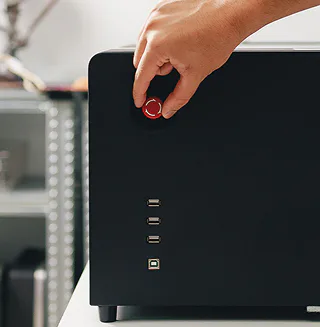
| I/O Port | USB-A × 3 / USB-B × 1 |
| Connectivity | Wi-Fi / USB / Ethernet (by USB Adaptor) / Direct Network Cable (by USB Adaptor) |
| Control Device | Computer / Mobile / Tablet |
| Size (L × W × H) | 810 × 270 × 165 mm |
|---|---|
| Weight | 7 kg |
| Work Area | 600 × 200 mm |
| Work Area Depth | 215 mm |
*Requires Extension Pocket Add-on
| Product Size (L × W × H) | 300 × 103 × 125 mm |
|---|---|
| Product Weight | 1.65 kg |
| Package Size | 377 × 192 × 132 mm |
| Package Weight | 2.4 kg |
| Tilt Angle | -30° to 180° |
| Clamping Weight | 1.5 kg |
| Engraving Diameter for Ring | 11 – 145 mm |
| Engraving Diameter for Cylinder Object | 1 – 145 mm |
| Engraving Diameter for Sphere Object | 25 – 130 mm |
| Maximum Engraving Length | 500 mm |
*Requires Extension Pocket Add-on · ¹ with Extension Pocket Add-on & Auto Feeder Extension Kit
| Max Material Width | 500 mm / 525 mm passthrough slot |
|---|---|
| Max Material Thickness | 14 mm passthrough slot / 50 mm with Add-on ¹ |
| Max Process Area Width | 500 mm passthrough slot / 520 mm with Add-on ¹ |
| Max Process Area Length (Depth) | 1610 mm |
| Max Process Area Length Under Machine (Depth) | 1035 mm with Extension Pocket Add-on / 2185 mm with Add-on ¹ |
| Max Clamp Thickness | 20 mm |
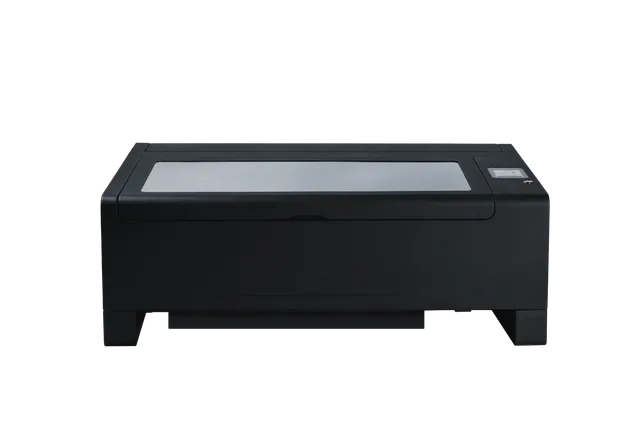
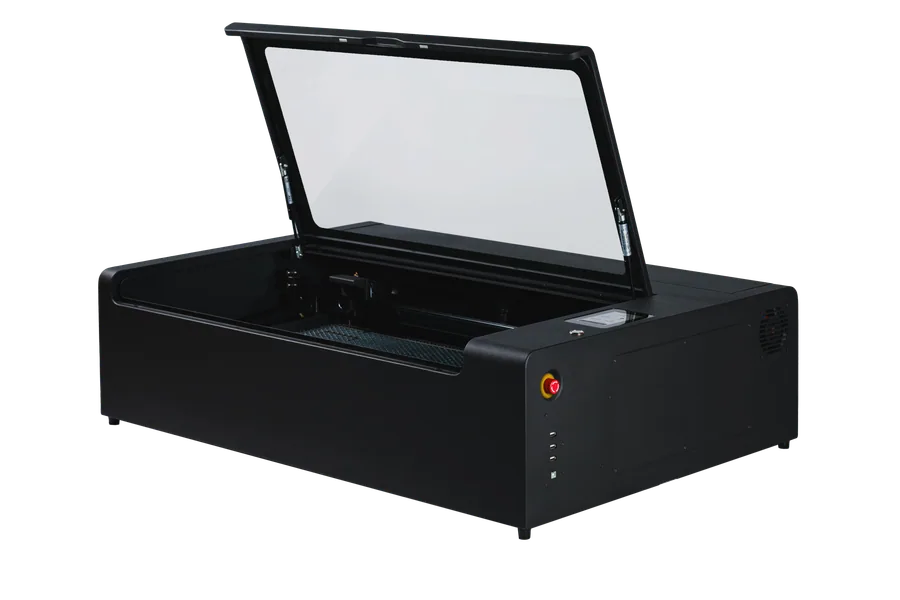
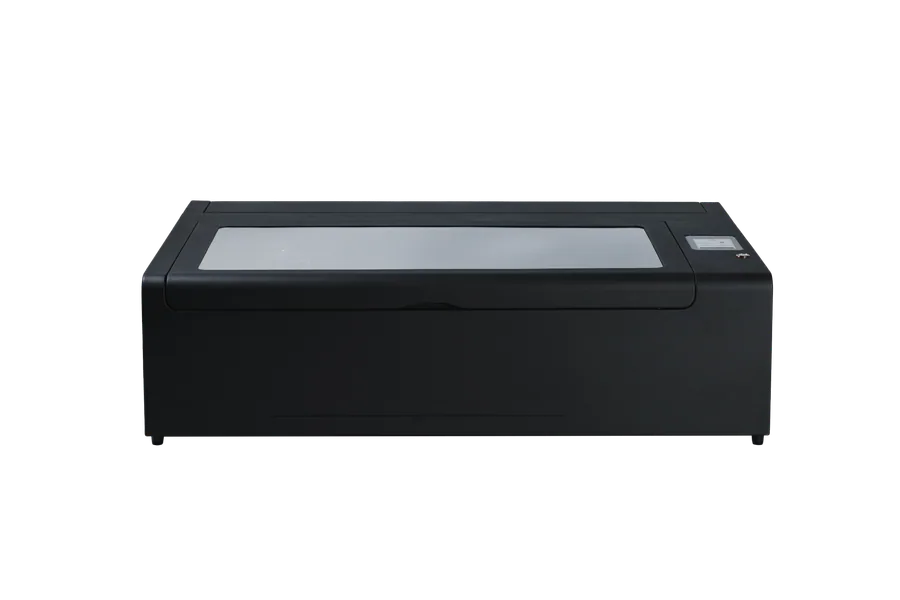
HEXA RF is FLUX’s flagship, high-end laser cutter featuring an upgraded RF (Radio Frequency) metal laser tube. It precisely cuts and engraves common materials such as wood, acrylic and leather. With premium hardware and software optimization, it offers an exceptionally detailed, reliable, and professional user experience.
The primary difference lies in the laser technology. The standard FLUX HEXA uses a traditional 60W CO2 glass laser tube (DC laser), whereas the HEXA RF series upgrades to high-efficiency RF metal laser tubes, available in 30W, 60W, and 80W configurations. While sharing the same large working area and structural design, the HEXA RF provides a significantly finer laser spot size, faster engraving speeds, longer tube operational life, and superior engraving consistency.
The FLUX HEXA RF laser cutter series offers three distinct power configurations: the 30W RF laser tube, the 60W RF laser tube, and the 80W RF laser tube. Users should choose their configuration based on material thickness targets and production volume needs.
RF metal laser tubes last for several years (approx. 20,000+ hours) and can be gas-refilled when depleted. CO2 glass laser tubes are consumables that generally last only 6 to 12 months (approx. 2,000 to 6,000 hours) and must be replaced entirely.
RF tubes produce an ultra-fine 0.07 mm laser spot, delivering exceptionally high resolution and crisp details for intricate engraving projects. Glass tubes have a larger, less concentrated laser spot size, which works well for standard cutting but lacks the fine precision required for complex, high-density engraving.
RF tubes respond instantly to electronic pulses due to a much higher modulation rate, enabling the FLUX HEXA RF to achieve ultra-fast engraving speeds of up to 2000 mm/s. Traditional glass tubes rely on a slower gas ionization reaction time, which strictly limits their processing speed and resolution.
RF tubes offer high power stability and maintain a highly consistent laser output during continuous jobs. Glass tubes rely heavily on water cooling and are prone to power fluctuations as the water temperature changes or as the glass tube ages.
Due to the superior beam quality, higher energy density, and instant pulse modulation of RF technology, RF metal tubes deliver significantly greater processing efficiency than traditional glass tubes with higher rated wattages, meaning a 30W RF tube provides cutting capabilities roughly equivalent to a 52W CO2 glass tube, a 60W RF tube performs closely to a 90W CO2 glass tube, and an 80W RF tube matches the practical output of a 120W CO2 glass tube.
Before using the laser cutter, it is recommended to have basic vector design knowledge and a fundamental understanding of laser operations. Users can learn the basics through FLUX’s official YouTube channel or social media platforms (Instagram, Facebook, and the FLUX Facebook Group). For detailed documentation, refer to the HEXA RF Help Center.
The FLUX HEXA RF machine body comes with a 2-year warranty coverage. The high-performance RF metal laser tube is backed by a 1-year limited warranty setup. For specific information, refer to the HEXA RF Warranty Terms & Disclaimer.
The FLUX HEXA RF provides a spacious professional workspace with a physical working area of 730 mm × 410 mm. It offers a standard bed depth of 125 mm with the honeycomb platform removed, or up to 215 mm when the optional Extension Pocket is installed, allowing you to process taller workpieces.
HEXA RF precisely cuts wood, acrylic and leather. The RF metal tube delivers exceptional high-resolution engraving details on a wide range of materials, including stone, anodized metal, glass, and rubber.
Users should select their wattage based on their primary material thickness requirements, where the 30W RF option can cleanly cut through up to 15 mm Japanese Cypress and 16 mm Acrylic, the 60W configuration upgrades cutting capabilities up to 24 mm Japanese Cypress and 27 mm Acrylic, and the 80W configuration provides maximum performance to cut through up to 30 mm Japanese Cypress and 32 mm Acrylic in a single pass.
Yes. By reducing the cutting speed in the software or performing multiple passes, users can achieve deeper cuts than standard single-pass specifications.
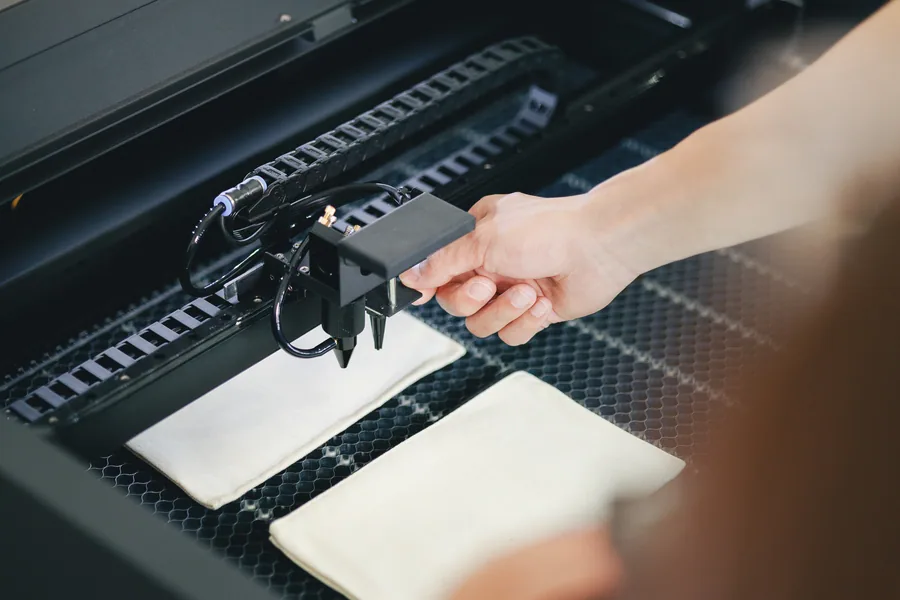
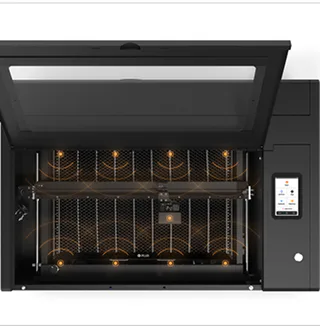
Yes, the FLUX HEXA RF features an advanced dual-camera system that provides a full preview perfectly matching the actual physical working area of the machine. The built-in wide-angle camera captures a complete layout snapshot of the whole bed for general positioning, which fully supports workflows in both Beam Studio and LightBurn software. The close-up camera is attached directly to the laser head to deliver macro previews for precision accuracy, operating exclusively within Beam Studio software.
Users can perform precise alignment based on their specific project workflow by choosing from three available methods, which include the dual-camera preview system for direct on-screen layout, red light preview to track the design boundaries on the material, or initiating processing directly from the current position of the laser head.
The HEXA RF features a built-in auto focus system that users can operate by first moving the laser head directly above the specific material they intend to process, and then pressing and holding the physical "AF" button located on the bottom left of the machine's touchscreen panel for 2–3 seconds to complete the calibration.
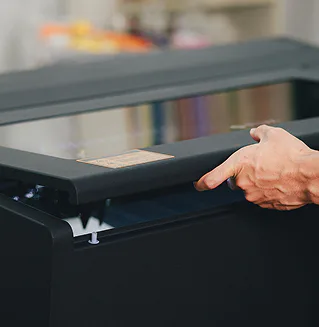
HEXA RF is CE, FCC, and FDA certified, complies with IEC60825-1 standards, and is SGS certified. Safety hardware includes a fully enclosed design, a lid-open safety stop mechanism that halts operation when the cover is lifted, and a physical emergency stop button on the right side of the machine.
No, HEXA RF utilizes a far-infrared wavelength CO2 laser designed for non-metal materials, meaning it cannot cut through metal sheets. However, due to the high modulation rate and fine spot of the RF laser, it delivers outstanding results when engraving on anodized or coated metals. It cuts wood, acrylic, and leather perfectly.
Yes, HEXA RF features a built-in air pump and a powerful exhaust fan. The air assist prevents materials from burning or leaving scorch marks, while the exhaust fan removes cutting fumes from the machine chassis.
Yes, the FLUX HEXA RF laser cutter package includes a professional honeycomb platform as a standard accessory to support materials and reduce rear laser reflections during processing.
The maximum material thickness varies by configuration, allowing for up to 60 mm with the honeycomb platform installed, increasing to 125 mm when the honeycomb platform is removed, and extending up to 215 mm if the honeycomb platform is removed and the optional Extension Pocket Add-on is attached.
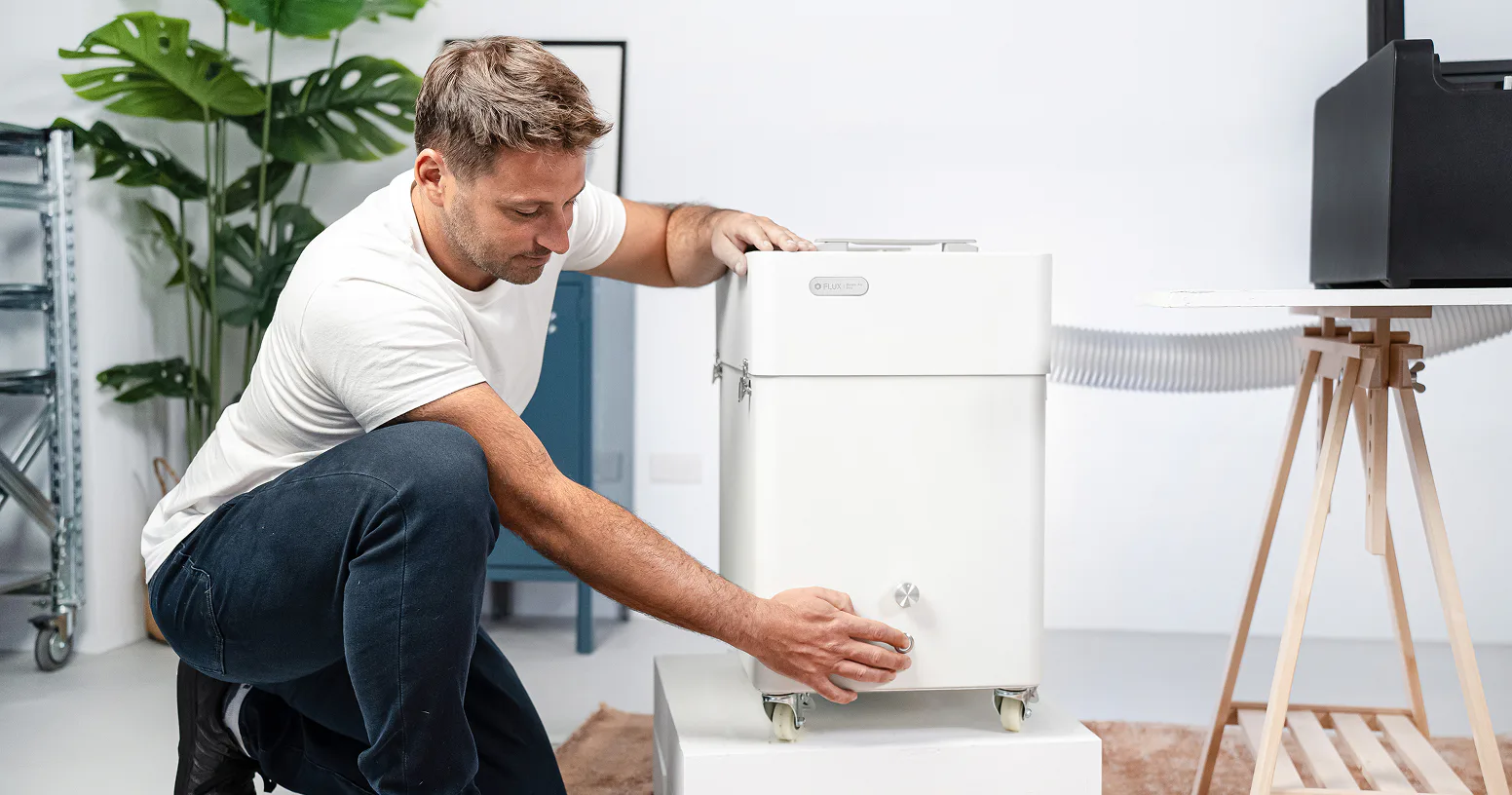
It is recommended to install the machine in a well-ventilated area with a window. Because laser cutting generates combustion fumes and dust, users must use the included vent hose to direct fumes outside. For optimal indoor air quality, pair the machine with a professional FLUX Beam Air Pro filter.
Compared to traditional CO2 glass tube lasers, the maintenance for the RF metal tube system is significantly simpler and more user-friendly. Because the HEXA RF utilizes a self-contained, stable RF metal tube architecture, it eliminates the need for water cooling tank management or regular water refills. Routine maintenance is limited only to cleaning the optical mirrors and focus lens regularly based on usage to ensure beam clarity, and periodically applying lubricant to the linear rails to maintain smooth mechanical movement.
The main consumables for daily laser operations are the optical mirrors and focus lenses, which may require replacement over time depending on your cleaning habits and specific workload intensity. Unlike traditional CO2 glass tubes, the high-performance RF metal laser tube itself is built as a highly durable core hardware component rather than a short-term consumable; it lasts for several years under normal operational parameters and can be sent to the FLUX technical support team for professional gas refilling if power drops after long-term extended use.
Users can expand their hardware capabilities with specialized functional add-ons, which include the Chuck Rotary for securing and engraving cylindrical or irregular objects, the Extension Pocket to bypass standard height restrictions for exceptionally tall objects, and the Auto Feeder system to enable continuous material loading for automated, large-scale batch manufacturing.
Yes, by installing the optional Chuck Rotary add-on, the machine can securely grip and precisely rotate irregular or cylindrical objects during the laser process, allowing for seamless 360-degree engraving on bottles, tumblers, and glassware. Please note that operating the Chuck Rotary requires the simultaneous installation of the Extension Pocket add-on to provide the necessary vertical clearance and hardware depth for the rotary assembly and your workpieces.
Yes, by utilizing the optional Auto Feeder add-on, the machine allows users to cut and engrave materials that exceed the physical length limitations of the working bed. This system enables continuous segment processing for exceptionally long boards or rolled materials like leather and fabrics, smoothly advancing the workpiece through the machine for extended workflows.
Yes, Beam Studio is completely free. Users can download and try it out or use the web version without purchasing a machine. Features can be explored on the official Beam Studio page.
Yes, the FLUX HEXA RF supports LightBurn software, allowing professional users to utilize LightBurn's advanced laser control features, layers, and processing settings directly with the machine hardware.
Beam Studio supports SVG, JPG, PNG, PDF, DXF, AI, and WEBP formats.
Beam Studio is compatible with Adobe Illustrator, Adobe Photoshop, Affinity Designer, Autodesk AutoCAD, SketchUp, and most other vector or raster design software.
The high-resolution touchscreen panel embedded in the machine’s casing allows users to directly check the machine’s connection status, adjust hardware parameters, and monitor live job progress.
The HEXA RF can connect to a network via either Wi-Fi or a wired Ethernet cable.
Beam Studio is available for Windows 10+, macOS 13+, Ubuntu 22+, and ChromeOS.
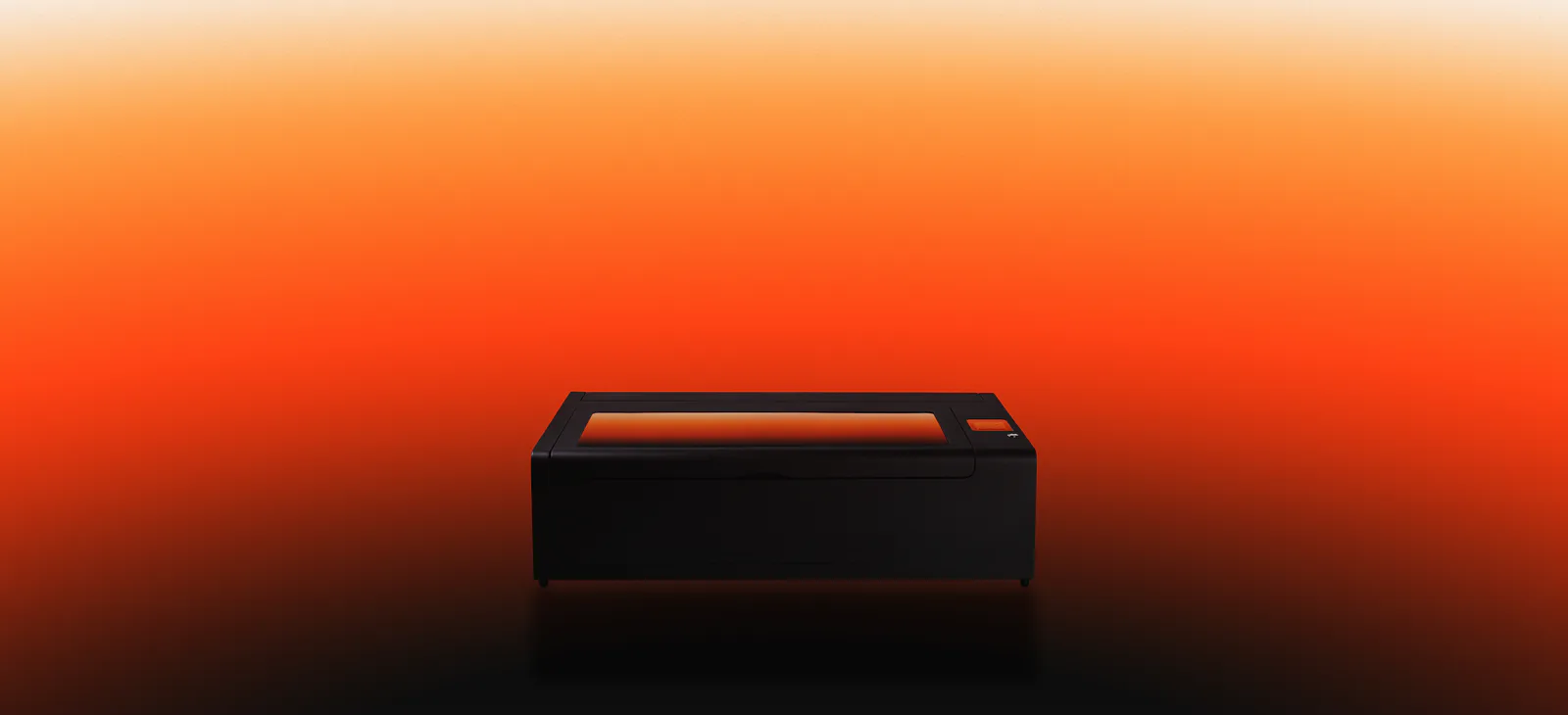
Finer engraving, faster fulfillment, and repeatable production quality, HEXA RF is the upgrade that changes what your laser can deliver.


 730 × 410 mm