From Concept to Engraving—Made Simple with AI
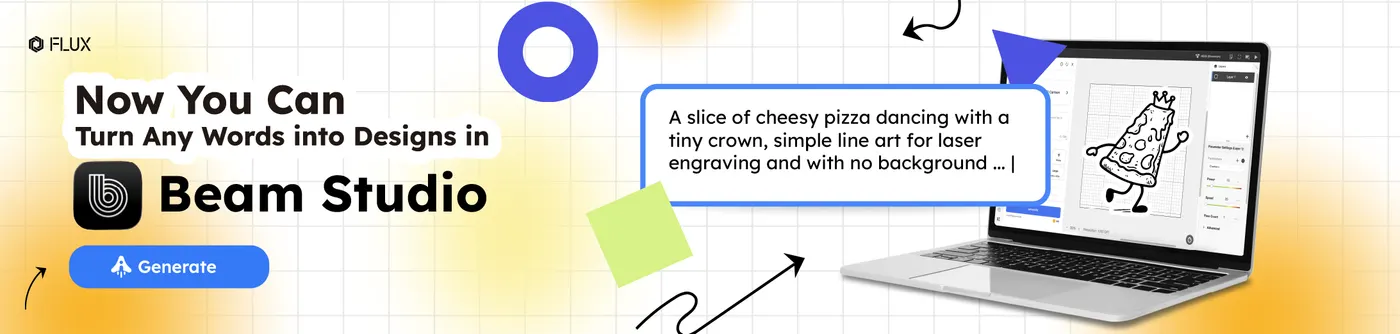
In the past, creative freedom in laser engraving was often limited, either by a lack of usable design assets or by the steep learning curve of professional design software. With the introduction of generative AI in Beam Studio, those barriers are gone.
Beam Studio now works as your AI-powered creative partner. Turn a simple text prompt into a laser-ready logo, refine an existing image into a clean engraving file, or generate new design variations based on what you already have. From the first idea to a finished, engravable design, everything happens faster and right at your fingertips.
Get Early Access—Download the Latest Version
Be among the first to try generative AI built for laser engraving. The latest AI features in Beam Studio are now available in version 2.6.1 (Beta).
Updating is fast and easy. Follow the steps below to unlock your AI-powered design tools and start creating laser-ready files in minutes.
A Seamless AI Design Workspace
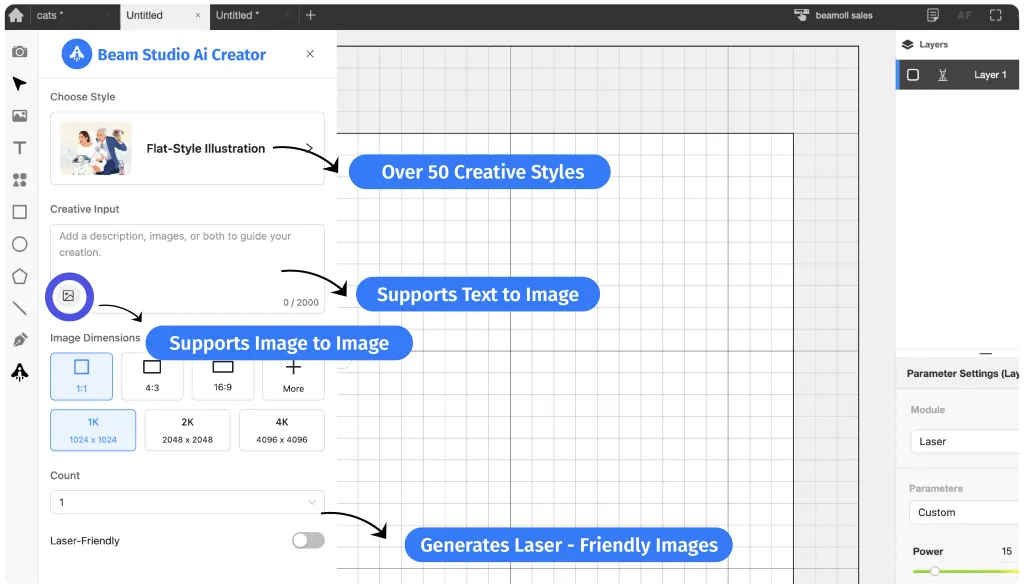
Beam Studio AI is built to give your ideas room to fully take shape. With over 50 carefully tuned style presets, you can easily define the look of your designs, from detailed sketch-style illustrations to clean, modern geometric layouts.
You’re no longer limited to short prompts. With support for descriptions up to 2,000 characters, you can describe every detail of your concept with clarity and precision. Final outputs are generated in up to 4K resolution, ensuring your designs stay sharp and accurate, whether you’re engraving fine details or preparing files for vibrant, full-color printing.
FLUX Team Picks: AI Styles We Love
Whether you’re a designer with a clear visual direction or a creator still exploring ideas, the 50+ built-in AI styles in Beam Studio are designed to support every stage of the creative process.
From Pure Line Art, optimized for clean laser engraving, to Vibrant Cartoon and Detailed Illustration styles ideal for full-color printing, and more than 20 logo-focused design styles, each option is built to help translate your ideas into polished, production-ready designs.
To help you get started faster, the FLUX team has handpicked three of our favorite AI styles—a solid starting point for turning inspiration into results with confidence.
Visual Line Arts
For materials like leather, wood, and metal, laser engraving is a go-to technique for custom product makers. To support these applications, Beam Studio AI includes multiple line-based illustration styles designed specifically for engraving.
These styles turn text prompts and images into clean, high-resolution line art, making it easy to create engraving-ready files that translate clearly and accurately onto a wide range of materials.
Logo Design
Beam Studio AI is designed with branding needs in mind. With over 20 logo-focused design styles, it supports a wide range of aesthetics, from minimalist line-based marks and vintage-inspired emblems to bold, modern geometric forms.
Simply enter your brand name, keywords, or a brief description of your concept, and the AI quickly generates multiple logo draft options, giving you a fast, flexible starting point for engraving, cutting, or printing.
From Prompt to Laser Engraving Without Switching Tools
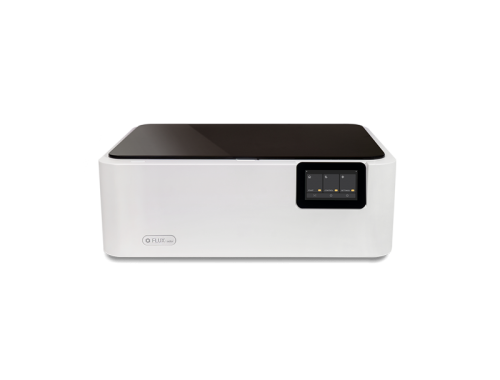
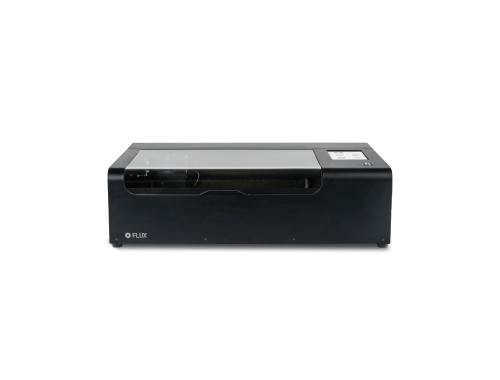
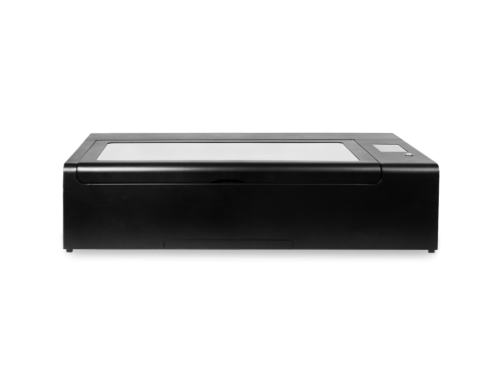
So how does Beam Studio AI Creator fit into a complete, end-to-end laser engraving workflow? Let’s walk through a real example using a Beambox Ⅱ 55W CO2 Laser Cutter.
To add more character to the design, we included small creative details in the prompt, surrounding the cats with playful fruit elements. After selecting a line-art style optimized for laser engraving, we entered the prompt, enabled the laser-friendly setting, and let Beam Studio AI do the rest.
And just like that! The engraving-ready design was generated and ready to bring to life.
Simple, Transparent AI Credit Pricing
Beam Studio AI runs on the FLUX AI Credit system. Each AI image generation uses 0.06 credits. Credits can be purchased through the FLUX Member Center, with pricing set at 1 USD = 1 AI Credit.
That means you can generate up to 16 AI designs for just $1, making it an easy and affordable way to explore new creative ideas without a large upfront cost.