Rotary Extension Tutorial

Table of Contents

How to engrave glass : Quick Guide to HEXA Rotary Extension

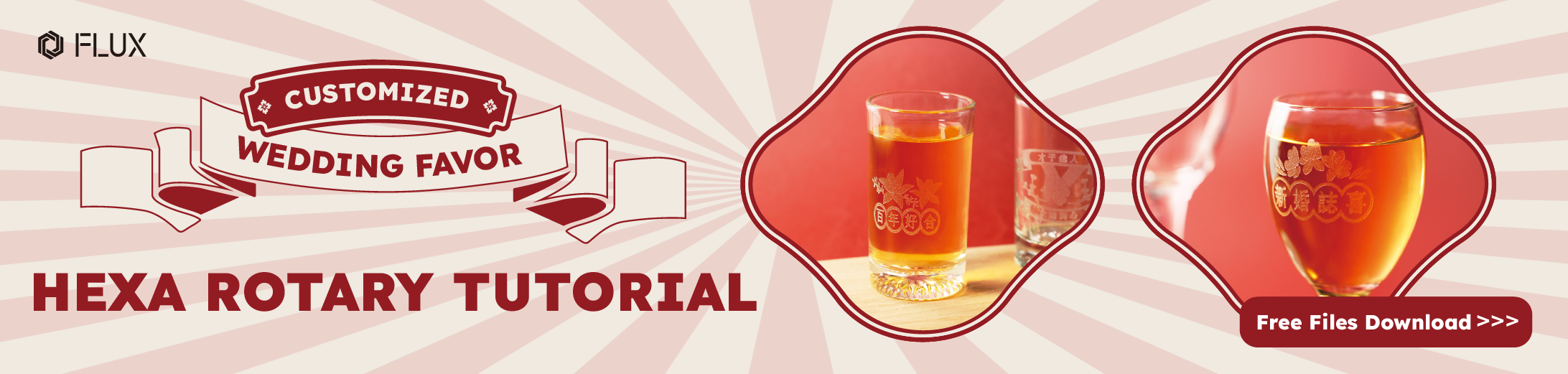
When you hear the wonderful news that your family, friends, or close companions are tying the knot, it’s a beautiful gesture to prepare a small, creative gift that not only signifies marital bliss but also brings good fortune to the newlyweds. While the market offers a plethora of options for wedding favors, nothing matches the personal touch and creativity of a handmade gift. Wondering how to DIY a gift that’s both practical and filled with heartfelt wishes? We’ve got some fantastic ideas for you!
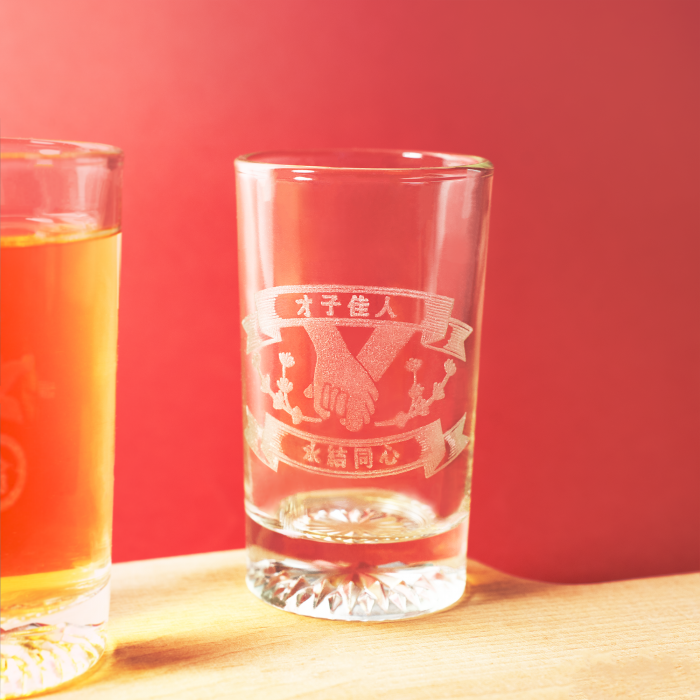
We’ve created unique design files featuring wedding blessings, perfect for cylindrical and conical items, guiding FLUX users in crafting exceptional gifts with the rotary extension. Ready to craft your own wedding favors with the 60W HEXA? We’ll guide you from setup to execution, helping you create memorable, personalized presents. Let’s start this creative journey.

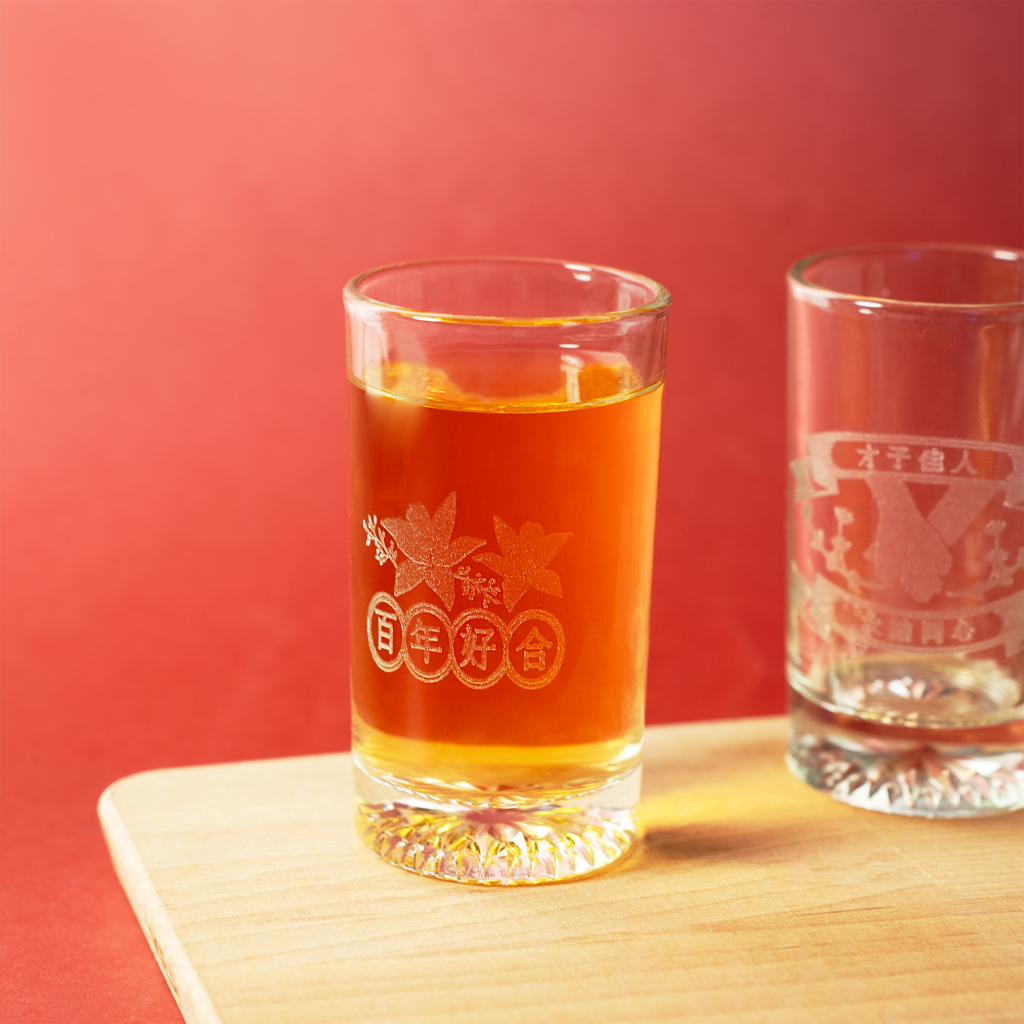
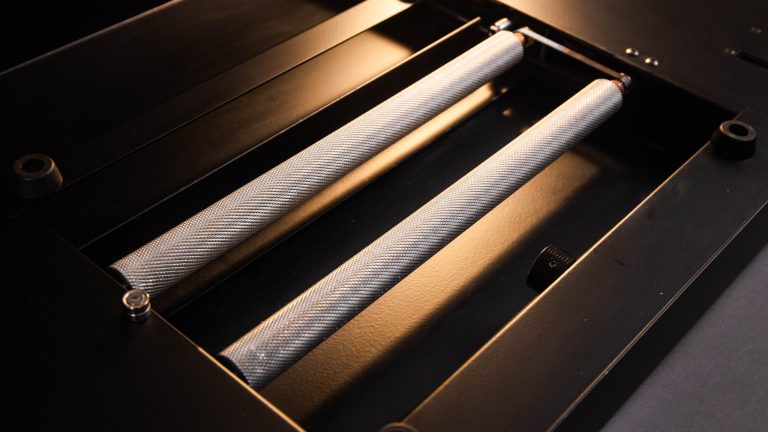
To enhance the creative experience for makers, we’ve developed rotary extensions for our desktop CO2 models, allowing engraving on both conical and cylindrical materials. This opens up new possibilities for custom product creators to diversify their designs. The setup of the rotary extension is simple, complemented by the user-friendly Beam Studio software. Our FLUX CO2 desktop laser cutters come with model-specific rotary extensions, perfect for engraving on cup-shaped objects. Discover these tools in FLUX Official Online Shop.


Glass Engraving

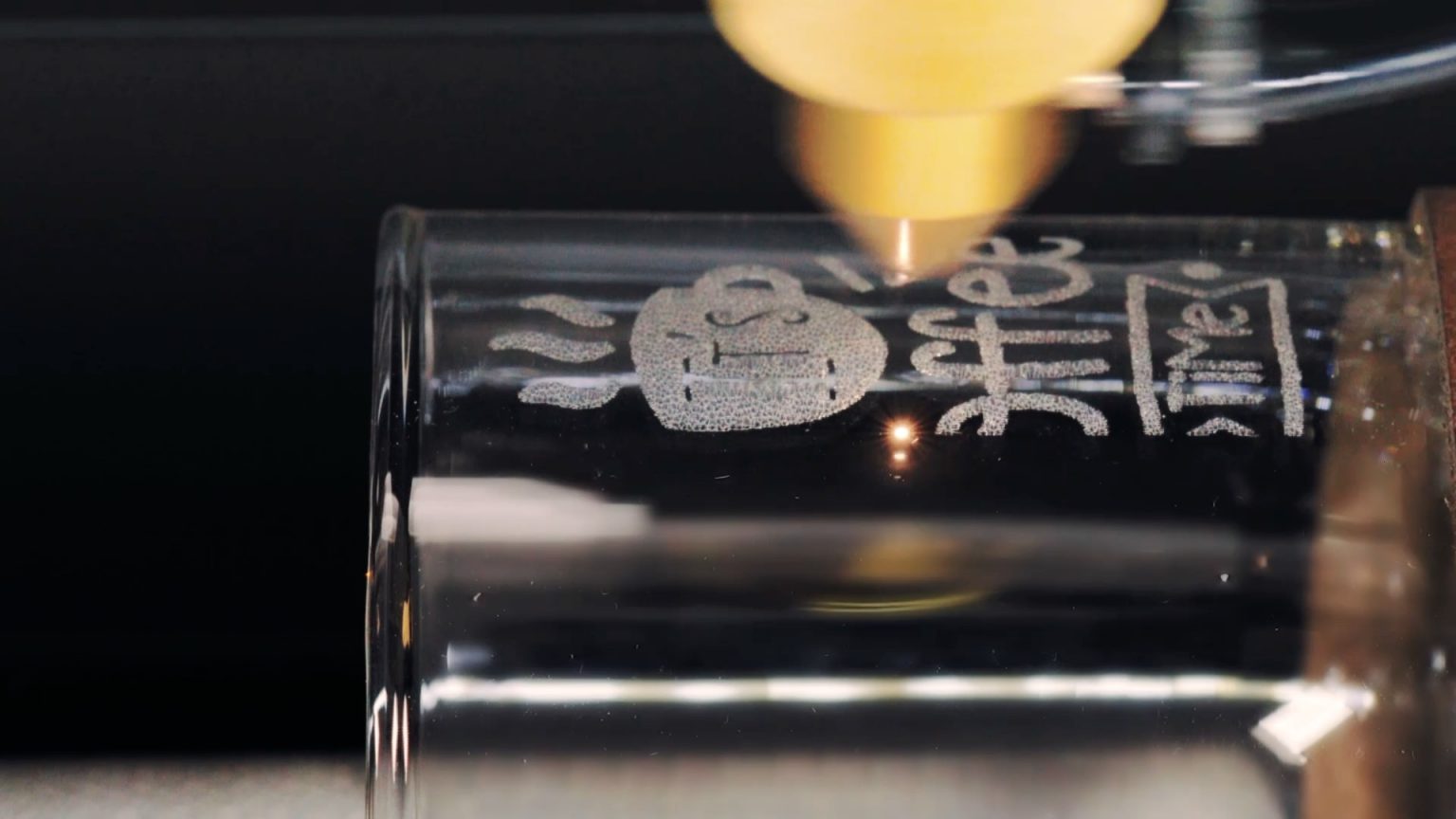
To demonstrate the operation of the HEXA rotary extension, we will use a cylindrical glass as an example. We will provide detailed instructions on how to use the rotary extension, making it easy for you to follow along and learn. Join us in this simple step-by-step tutorial to master the use of the rotary extension.

Step 1 Rotary Installation

Setting up the HEXA rotary extension is an easy process. Just follow these steps for a quick installation:

  1. Start by powering off the machine.
  2. Remove the honeycomb table inside the machine.
  3. Place the seats on the bracket.
  4. Set the rotary extension on the seat.
  5. Plug the cable into the socket at the back of the machine

For more detailed instructions, you can check out the demonstrations at the FLUX Help Center.

Step 2 Beam Studio Setting

Next, let’s proceed to the software setup: Click on ‘Edit’ > Select ‘Document Settings’ > Activate the ‘Rotary Extension’ button under the expansion modules. Once you’ve completed these steps, if a blue alignment line appears in the Beam Studio interface, it indicates a successful installation.

Step 3 Camera Preview & Parameter Setting

Place the material you wish to engrave onto the rotary extension and secure it using the knob. Then, in Beam Studio, select the camera icon at the top left for a ‘Camera Preview’. The HEXA’s camera lens captures the exact position of the engraving material, making it easy to position your design accurately on the glass. Beam Studio offers a range of suggested parameters for different materials. After positioning your design, go to ‘Parameter Adjustment’ in the toolbar on the right and choose ‘Glass – Engraving’ to finalize your settings.

Step 4 Start Engraving

The HEXA rotary extension boasts a maximum engraving diameter of 7.5 cm and can handle objects up to 60 cm in length. Whether you’re looking to engrave cups or cylindrical materials, the HEXA rotary extension simplifies the process. Its versatility extends beyond beer glass offering delicate and detailed engraving on items like wine glasses, ideal for unique wedding gifts. Trust the rotary extension to produce gifts that are both high in value and rich in sentiment.

Impressed by the engraving possibilities with the rotary extension? HEXA doesn’t stop at glass – it’s capable of engraving on more than 100 different materials, offering a vast canvas for your exploration. And it’s not just 60W HEXA; FLUX’s entire line of desktop CO2 laser cutters, including beamo and Beambox (Pro), also feature their own rotary extension, significantly expanding your creative potential in laser engraving.

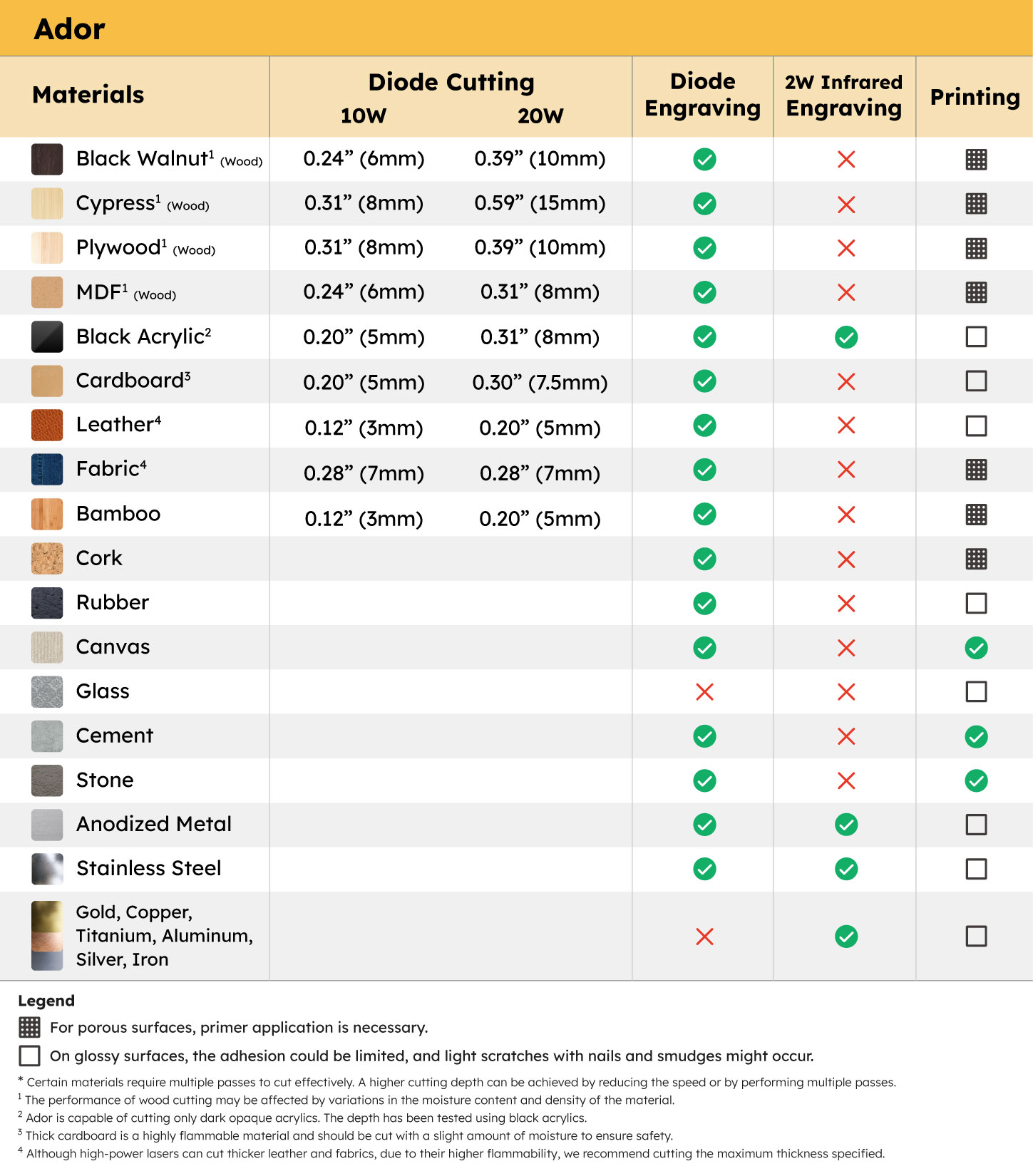
Ador

The World’s First Color
Printing Laser Cutter

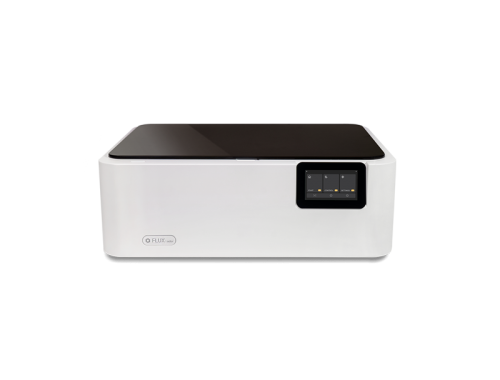
beamo

The World’s Smallest
CO2 Laser Cutter/Engraver

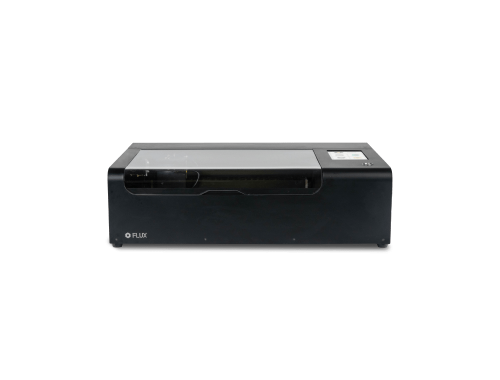
Beambox

The Smart Desktop
Laser Cutter & Engraver

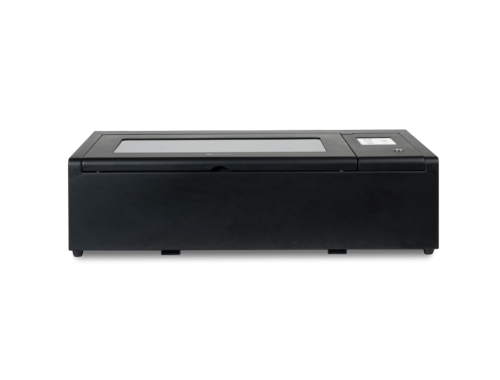
HEXA

Beyond
Your Profession

Metal in Action
That Takes beamo II to limits.

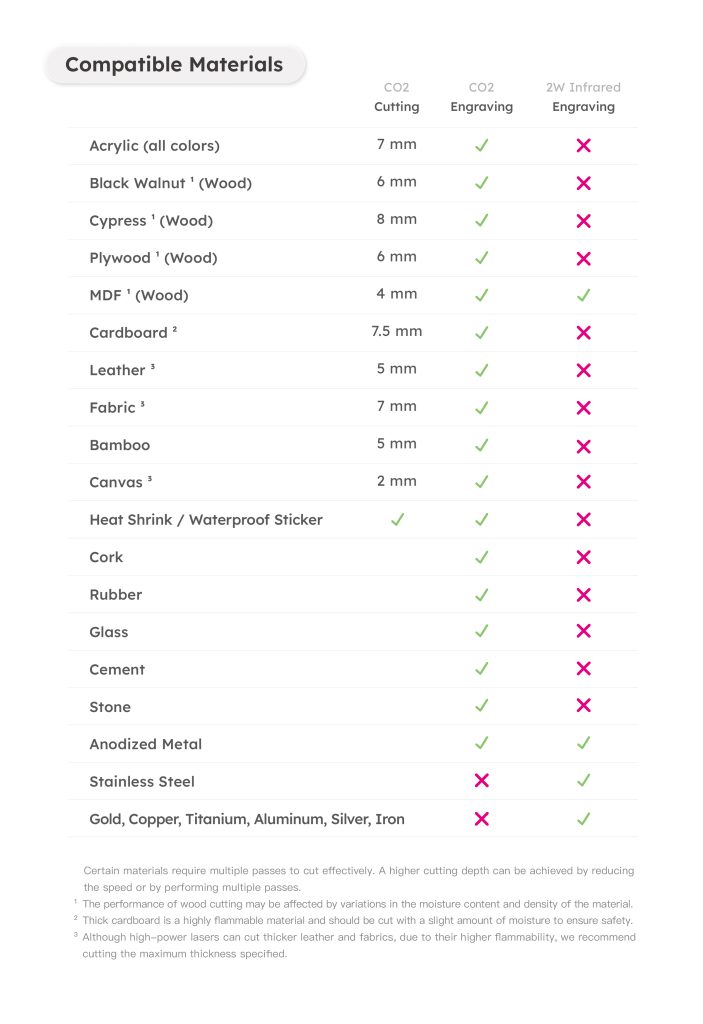
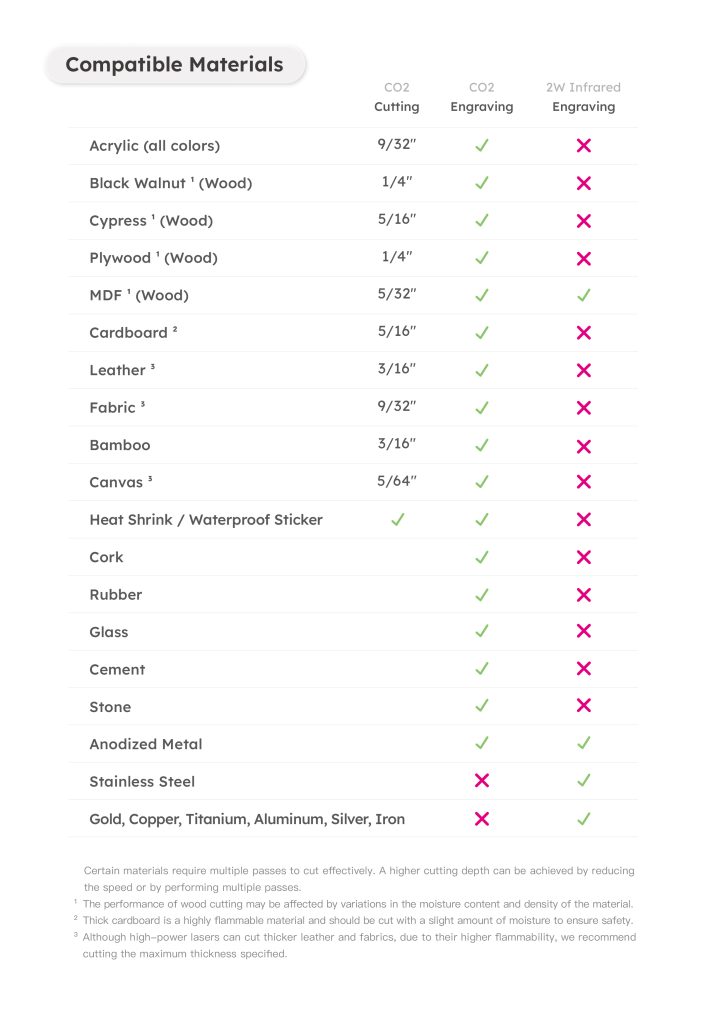
With the 2W Infrared Laser Add-on, beamo II can engrave not only acrylic, wood, glass, and leather, but also gold, silver, copper, iron, aluminum, and more.

Pet Tag

Custom Tag

Metal Tableware

Custom Keychain

Unlock All Metal in beamo II

Whether it’s custom metal jewelry, one-of-a-kind medals, or personalized tags and tools, the 2W Infrared Laser Add-on engraves smoothly on any metal like object.

Laser in Color,
That Makes beamo II More Fun.

beamo II brings full-color printing to your laser projects without removing the laser module. CMYK colors are applied in a single pass, delivering vibrant hues and fine, intricate details. From subtle gradients to bold patterns, every creation comes to life with stunning clarity.

Custom Stickers

Laptop Models

Custom Decorations

Custom Standees

Go Full Color

beamo II delivers full-color laser projects in a single pass without removing the laser module. CMYK colors appear together with vibrant hues and intricate details. Every gradient, every pattern, every design comes to life seamlessly, from your first idea to the finished creation.

Expand More with CO2 Laser

beamo II is the first CO2 laser cutter with full-color printing, applying CMYK in a single pass. Colors are pure, layers are clear, and details are crisp. From subtle gradients to bold patterns, every design comes to life with vivid precision.

600 DPI. Color That Impresses.

beamo II prints with up to 600 DPI precision. Colors are rich, gradients smooth, lines sharp, shadows layered. Every detail is captured exactly as you imagined. From professional portfolios to one-of-a-kind gifts, every creation shines with stunning clarity.

30W CO2 Laser,
That Does it All.

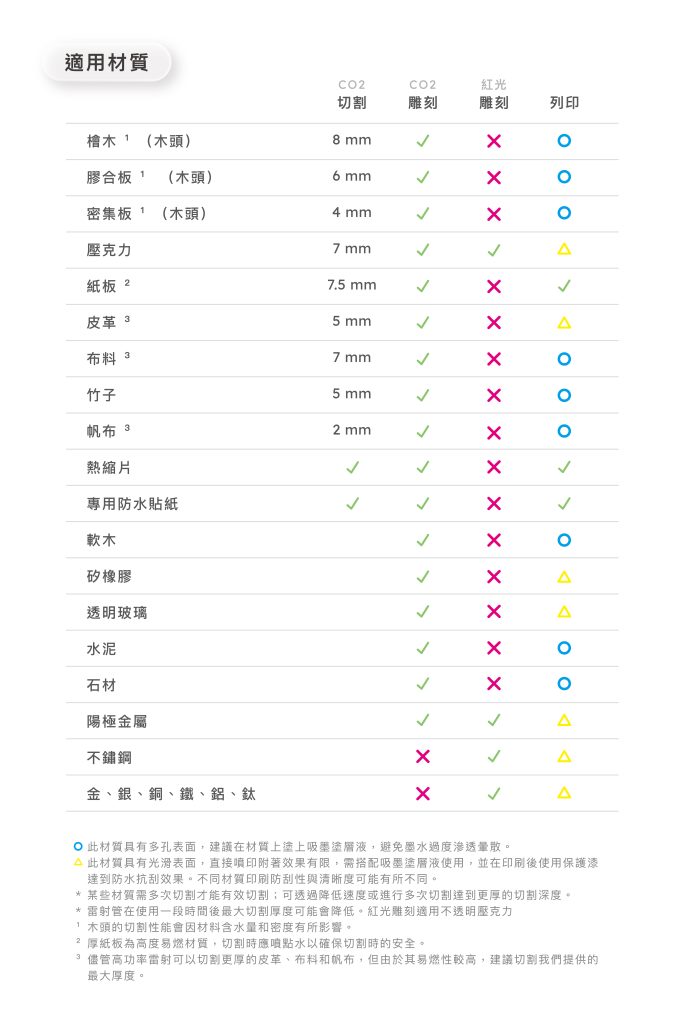
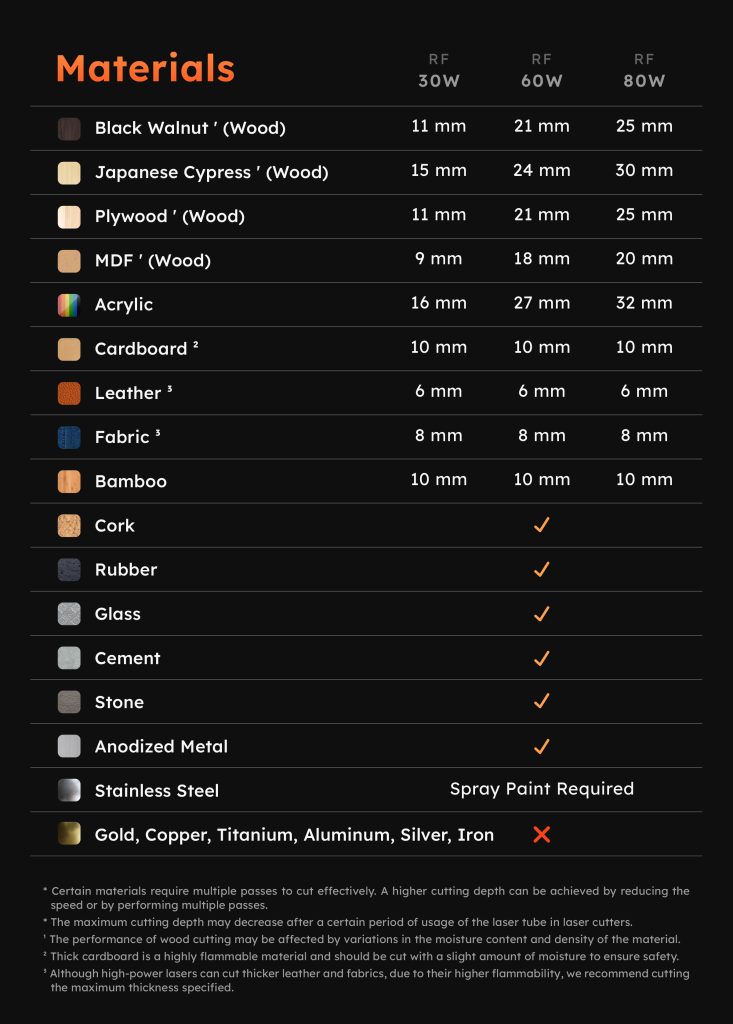
beamo II comes with a 30W CO2 laser, precise, powerful, and ready to bring your ideas to life. From wood, leather, cardboard, and fabric, to transparent or vibrant acrylic, it cuts cleanly and engraves delicately. No limits. No delays. With Beamo II, every idea becomes reality.

Birthday Stand

Custom Pet Bowl

Puzzle Game

Custom Tumbler

Engrave & Cut Effortlessly

From delicate crafts to unique gifts, from classroom experiments to professional designs, beamo II handles every project with ease. Every cut and engraving transforms inspiration into reality.

Look Closer, See the Detail.

Even the finest textures and most intricate designs come through with stunning clarity. With up to 1000 DPI precision, beamo II brings delicate charms, one-of-a-kind gifts, and demanding professional projects to life—flawless, even under close inspection.

Add a Pop of Color!

beamo II is the world’s first CO2 laser cutter with CMYK printing. With CMYK printing in a single pass, colors are pure, layered, and more vibrant than ever. From subtle gradients and bold patterns to intricate design details, beamo II brings every creation to life

There’s More Room for Your Ideas.

Want to tackle thicker materials or explore more advanced creations?
 With beamo II’s Extension Base Add-on, the engraving height increases from 1.2 inch to 6.1 inch, making it easy to work with thick objects. Pair it with the Automatic Feeder and Chuck Rotary, and you unlock even more creative possibilities.

No More Limits on Length.

Handle materials longer than the machine itself with ease using the Auto Feeder Add-on. From long wooden boards and extended acrylic sheets to other elongated designs, everything can be engraved, cut, and printed smoothly. Length is no longer a limitation.
*Requires the Extension Base Add-on.

Circle Back to Your Creativity

With beamo II’s Chuck Rotary Add-on, you can extend your ideas to a variety of objects. From glass cups and wine bottles to baseballs, everything can become a one-of-a-kind creation.

*Requires the Extension Base Add-on.

Keep Your Space Clean

Creativity needs room to breathe, and so do you. With Beam Air, smoke and odors from laser engraving are efficiently captured, keeping your workspace fresh and clean. Whether at home, in a studio, or a shop, Beam Air protects your environment so you can focus on every creation with confidence.

一次看懂兩代的不同