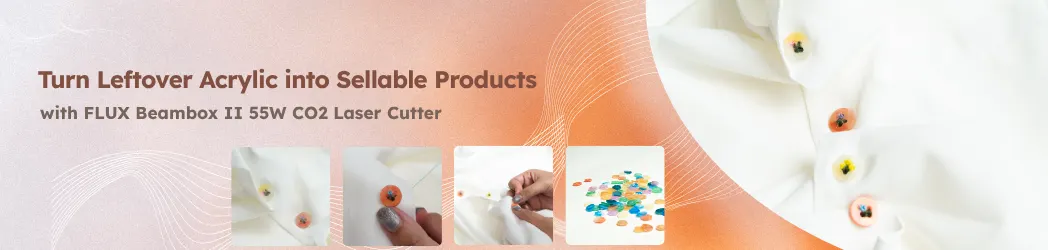
Stop! Don't Throw That Out: Turning Acrylic Scraps into Treasure
Every laser crafter knows the struggle: that ever-growing pile of acrylic scraps. They’re in that awkward “in-between” stage—too small for a major project, but just large enough that it feels like a crime to throw them away. Before you know it, these “too-good-to-toss” pieces have taken over a corner of your studio, leaving you stuck between wanting a clean workspace and hating the waste.
But before you go on a decluttering spree, wait! From a sustainable crafting perspective, those scraps aren’t trash, they’re untapped potential. It’s time to flip the script and turn your forgotten remnants into high-end, market-ready products. Let’s dive in and explore how you can transform your scrap bin into a gold mine!
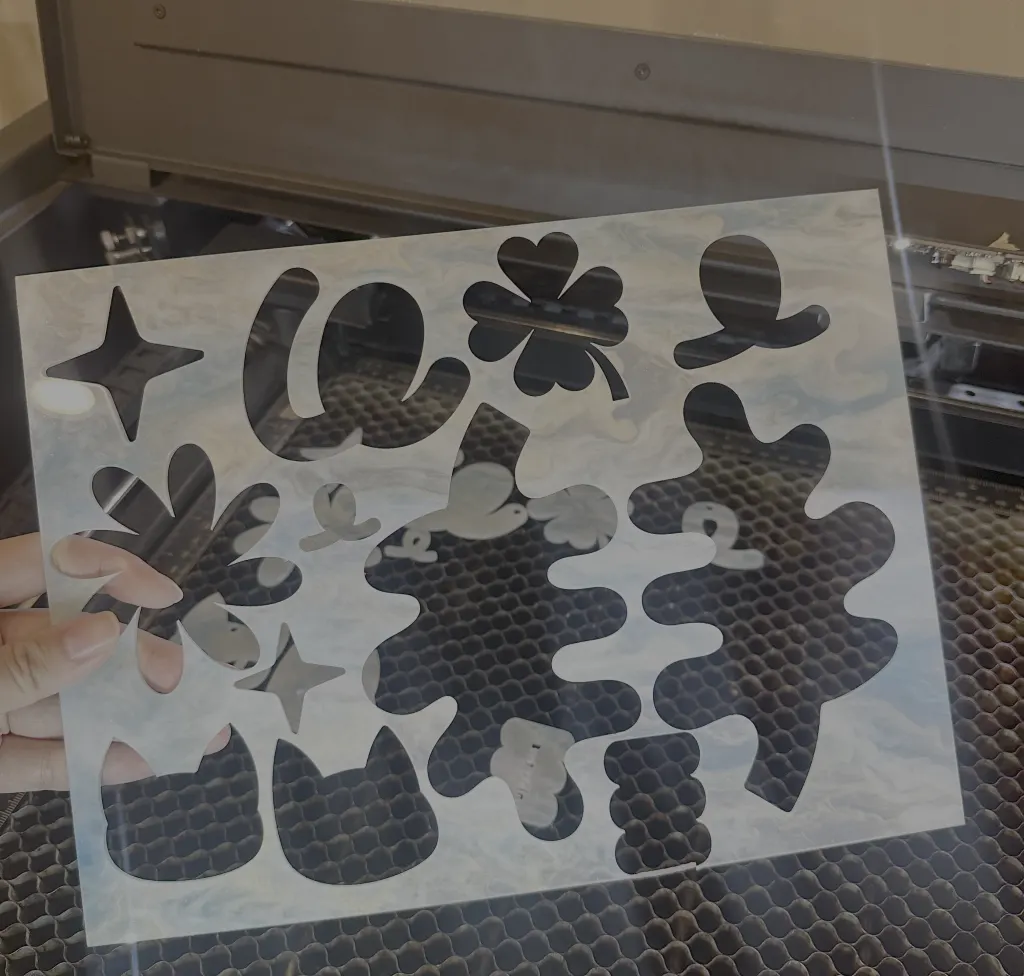
Pro-Strategies for Designing with Scraps
1. Let the Material Lead
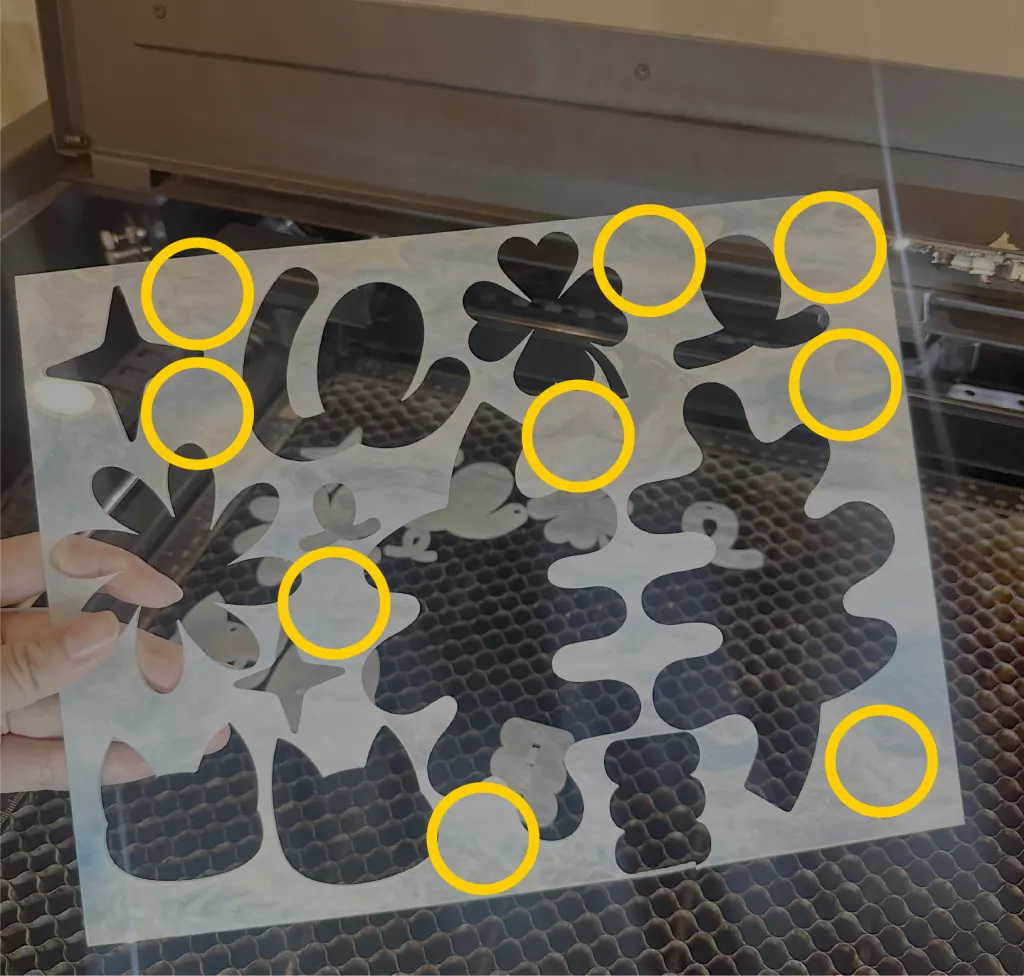
2. Focus on "Small but High-Finish"
3. Elevate with Details
Style is what separates a “leftover” from a “product.” Use engraving, cutouts, or mixed media (like metal hardware or wood) to give small pieces a bold personality. When you add intentional design details, the material no longer looks like a scrap.
Precision Alignment: Stop Wasting Your Scraps
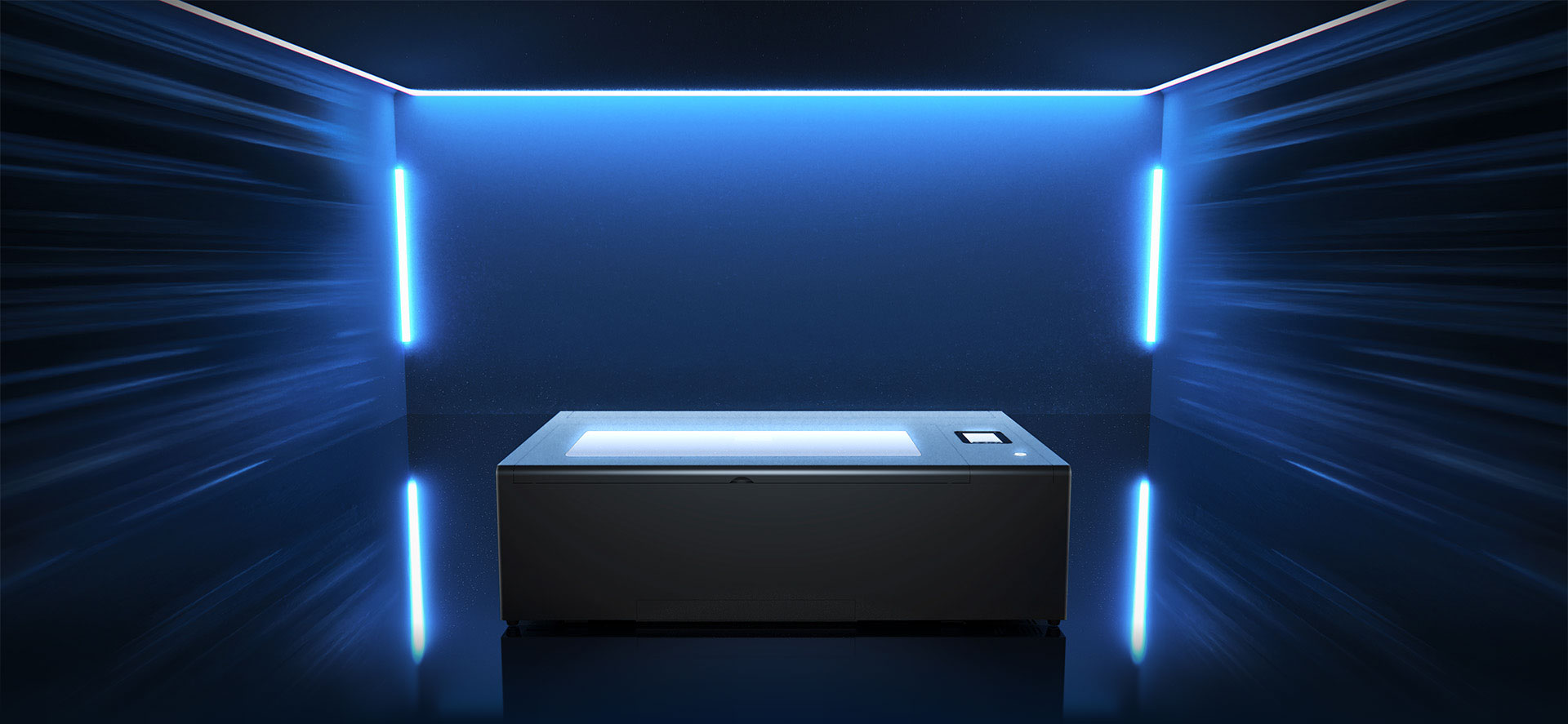
Misalignment is the biggest enemy of scrap projects. With the FLUX Beambox Ⅱ’s Camera Preview, you can perfectly position your designs on irregular fragments every time. No more “off-the-edge” mistakes, just high-value products made from remnants.
Drag-and-Drop: What You See Is What You Get
The built-in camera lets you visually place your artwork exactly where it needs to go. Plus, you can tap into Beam Studio’s library of 70,000+ free, commercial-use assets. Designing for scraps has never been easier.
High Speed, Smarter Layouts
With a 55W laser and speeds up to 900mm/s, the Beambox Ⅱ handles custom batches in record time. Just use the built-in presets and the Auto-Layout feature to optimize your sheet automatically. Maximize your material; minimize your effort.
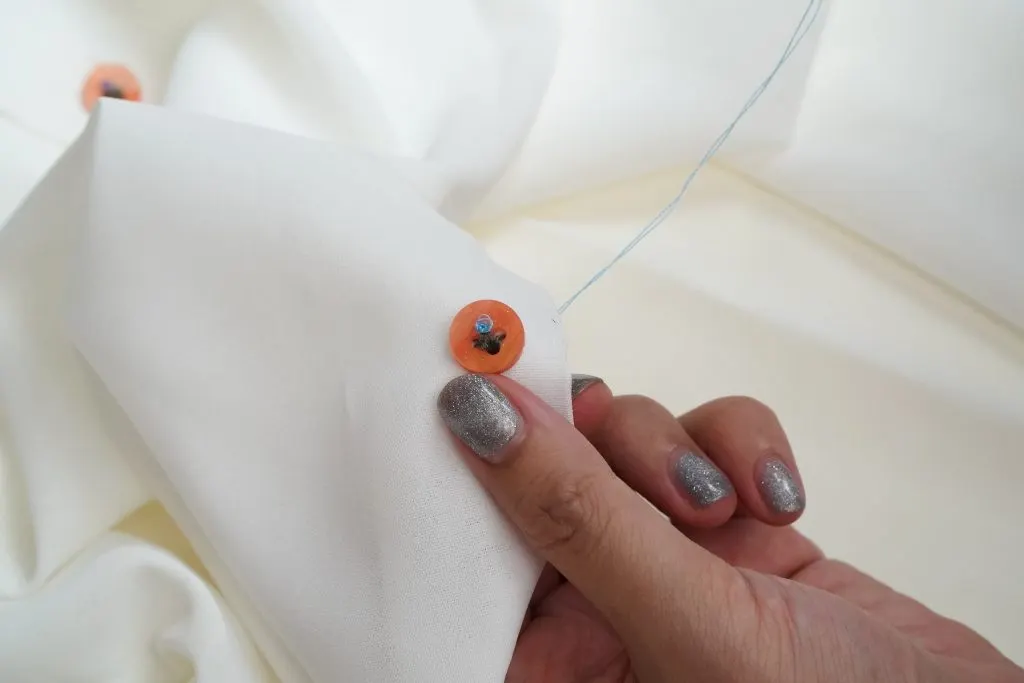
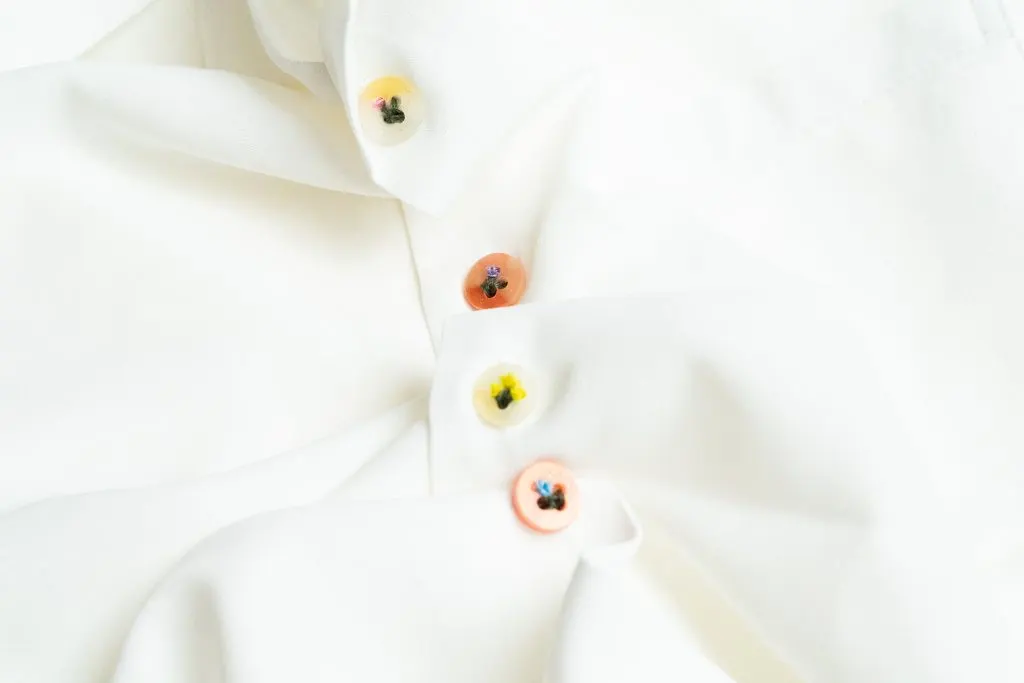
From Scraps to Style: DIY Acrylic Buttons
Charge more! Without changing your design
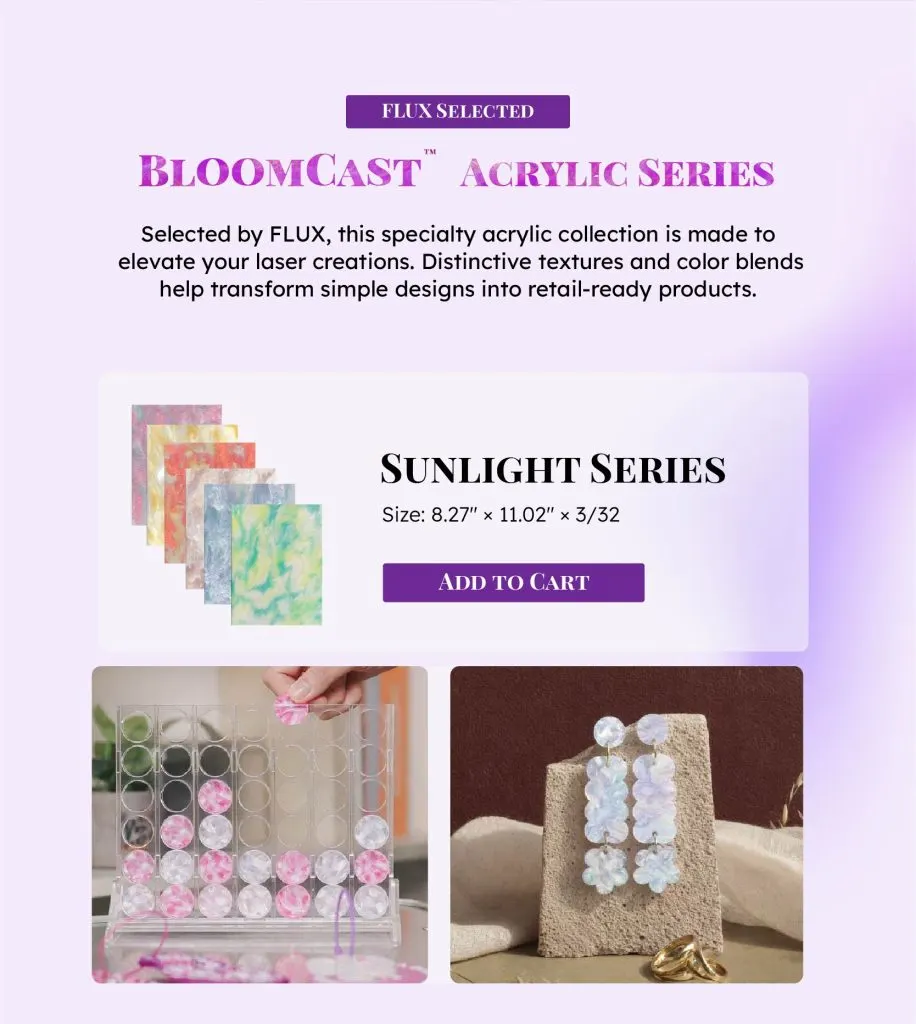
Standard colors are great, but BloomCast™ specialty acrylic is in a league of its own. It adds a natural texture and organic depth that customers can actually see and feel, details that transform a simple item into a premium, “must-have” product people are willing to pay more for. We know that sourcing unique materials can be a hassle, so we’ve packed our most in-demand shades into ready-to-launch bundles. This means you can skip the tedious sampling process, launch your new collections faster, and price your finished pieces higher with absolute confidence. Stop settling for basic; give your scrap projects a high-end upgrade that stands out in a crowded market.
Find the right FLUX for your work.
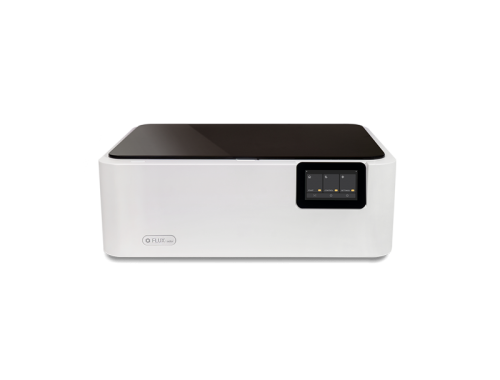
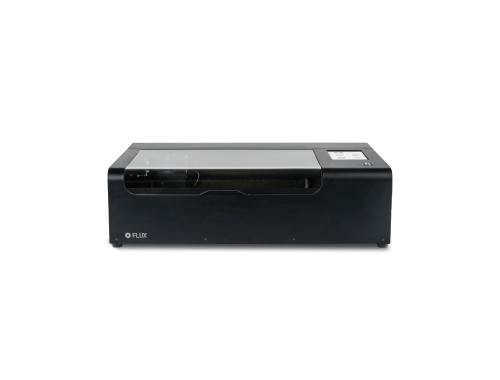
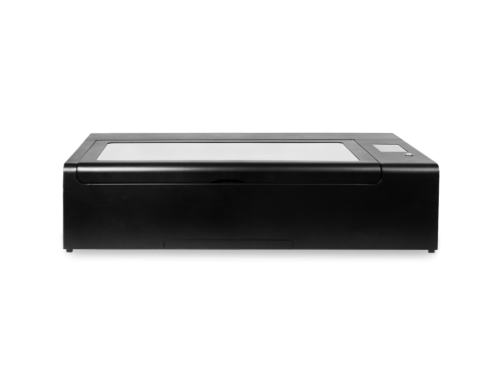
From compact creative studios to higher-volume production, explore the core laser lineup.